

Table Of Contents
- 1Introduction
- 2Why Manual Admissions Workflows Are Failing Higher Education
- 3What Admissions Workflow Automation Actually Looks Like
- 4Where Applicants Drop Off in the Enrollment Journey
- 5Key Workflows to Automate in Your Admissions and Enrollment Pipeline
- 6How to Implement Admissions Automation Without Disrupting Core Systems
- 710 Student Enrollment Management Software Tools to Consider
- 8How EDMO Helps Universities Automate Admissions and Enrollment Workflows
- 9Common Mistakes in Enrollment Automation
- 10Conclusion
Introduction
Every student who enrolls at a university goes through a series of interconnected processes, from submitting an initial inquiry and completing an application to providing academic documents, receiving an admission decision, and confirming enrollment. Behind each of these steps are multiple departments, systems, and administrative tasks that must work together to move students forward.
These coordinated processes are known as enrollment workflows. In higher education, enrollment workflows define how student information, applications, documents, communications, and approvals move between admissions teams, enrollment counselors, registrars, and other institutional departments throughout the enrollment journey.
However, managing these workflows becomes increasingly complex as universities handle thousands of applications across different programs and enrollment cycles. Disconnected CRM and Student Information Systems (SIS), manual document processing, repetitive data entry, and delayed communication can create bottlenecks that slow down admissions decisions and affect the student experience.
Enrollment workflow optimization helps universities identify these inefficiencies, automate repetitive tasks, and improve coordination across enrollment operations. By connecting institutional systems and introducing AI-powered automation, universities can streamline application processing, improve student engagement, and enable admissions teams to focus on activities that require human expertise.
In this guide, we’ll explore the key enrollment workflows in higher education, common challenges institutions face, and practical strategies for optimizing these processes through system integrations, automation, and AI.
Why Manual Admissions Workflows Are Failing Higher Education
An applicant submits their transcript on Monday. By Tuesday, the document has reached the university’s admissions inbox. On Wednesday, a staff member downloads it, identifies the student record, and forwards it for evaluation. By Friday, the transcript has been reviewed, but the application checklist still shows it as missing.
The following Monday, the student receives an automated reminder to submit the same transcript.
Nothing went particularly wrong at any individual step. The document arrived, the staff completed their work, and the reminder system followed its instructions. Yet the overall process failed because each activity happened independently.
This is the fundamental problem with manual admissions workflows: individual tasks may be completed successfully while the applicant’s overall progress remains stalled.
The Hidden Cost of Every Handoff
Consider what happens between receiving an application and making an admission decision.
A transcript may pass through an admissions coordinator, document processing specialist, academic evaluator, and enrollment counselor. Each person may use a different system, maintain a separate queue, or depend on an email notification to begin their work.
The actual review might take only a few minutes, but the application can spend much longer waiting between steps.
For universities, this creates an important distinction between processing time and waiting time. Improving how quickly staff complete individual tasks will have limited impact if applications continue sitting in queues between departments.
When Students Know Less Than the University Does
Imagine a student who has completed every application requirement but cannot get a clear answer about their admission status.
The admissions counselor sees an incomplete checklist. The document processing team has already verified the transcript. The registrar has the relevant academic information, but the update has not reached the admissions platform.
The university collectively has the information needed to answer the student’s question. The problem is that no single staff member or system has the complete picture.
This forces students to contact multiple departments, repeat information, and follow up on tasks they have already completed.
The Spreadsheet That Becomes an Admissions System
Many universities introduce spreadsheets as temporary solutions to operational gaps. A team might create a tracker for missing transcripts, another for pending evaluations, and a third for applicants requiring counselor follow-up.
Over time, these spreadsheets become essential to daily operations.
The challenge begins when staff must determine which record is current. An application might be marked complete in one tracker, pending in another, and awaiting review in the admissions platform.
Instead of supporting the enrollment process, staff spend time reconciling competing versions of the same information.
Why Adding More Staff Doesn’t Always Solve the Problem
When application backlogs increase, hiring additional admissions staff may seem like the obvious solution.
However, if every application still requires manual document classification, repeated data entry, and coordination across disconnected systems, additional staff may simply inherit the same inefficient process.
For example, doubling the number of application reviewers will not necessarily accelerate decisions if completed evaluations continue waiting for someone to update the CRM or notify the next department.
Universities cannot solve every enrollment bottleneck by increasing the number of people working within it. They must also examine how work moves between those people.
The Real Issue Is Workflow Design, Not Staff Productivity
Manual admissions processes are often treated as productivity challenges. Institutions focus on how many applications each employee processes or how quickly individual tasks are completed.
But a more useful question is: How much time does an application spend moving forward, compared with waiting for the next action?
That shift in perspective changes how universities approach enrollment workflow optimization.
Rather than simply accelerating individual tasks, institutions can redesign the process so that receiving a document updates the relevant student record, completing an evaluation triggers the next review stage, and changes in application status reach the appropriate teams automatically.
The goal is not to eliminate human involvement. It is to ensure that admissions professionals spend their time making decisions and supporting students instead of manually moving information from one step to another.
What Admissions Workflow Automation Actually Looks Like
Admissions workflow automation is not simply about sending automated emails or reducing data entry. It involves designing a connected process in which student activities, institutional data, and predefined rules determine what happens next.
Think of an application moving through an admissions pipeline. Each stage has specific requirements, such as receiving academic transcripts, calculating GPA, completing an application review, or confirming enrollment. Traditionally, staff must check whether these requirements have been met and manually initiate the next activity.
With workflow automation, the system can recognize when a requirement is satisfied, update the relevant records, and initiate the next step without waiting for someone to coordinate the handoff.
The Five Building Blocks of an Automated Admissions Workflow
Workflow Triggers: Identifying When Something Happens
Every automated workflow begins with a trigger. This could be a student submitting an inquiry, uploading a transcript, completing an application, or accepting an admission offer.
Triggers can also be time-based. For example, an institution may configure a follow-up when an application remains incomplete for a specified number of days.
The purpose is to ensure that important enrollment activities initiate the appropriate response without requiring staff to continuously monitor student records.
Data Processing: Turning Information into Actionable Records
Once a workflow is triggered, the system processes the relevant information.
For document-related workflows, this may involve identifying document types, extracting academic information, matching files to student records, or calculating GPAs.
EDMO’s Document Intelligence can support these activities through tools including the Email Doc Extractor, GPA Calculator, and Transfer Credit Evaluator.
The extracted information can then be made available for validation, application review, or subsequent workflow steps.
Business Rules: Determining What Happens Next
Not every application should follow the same path. Universities have different admission requirements based on program, applicant type, academic qualifications, and document status.
Workflow automation uses institution-defined rules to determine the appropriate next action.
For example, an undergraduate application with all required documents may advance to the review queue, while an international application requiring additional credential evaluation may be routed to a specialist.
These rules allow universities to standardize routine processes while accommodating program-specific requirements.
System Integrations: Keeping Institutional Platforms Connected
An automated process becomes less effective if information cannot move between the systems involved.
Universities may manage prospective student engagement in Salesforce, applications in Slate, and official student records in Ellucian Banner or another SIS.
EDMO’s System Intelligence helps connect supported institutional platforms, enabling relevant data and workflow updates to move between systems according to configured integration rules.
This allows an activity completed in one platform to inform the next action in another, reducing the need for manual reconciliation.
Human Review and Exception Handling: Maintaining Control
Automation does not mean every application should progress without human involvement.
Some cases require additional judgment, such as unusual academic credentials, uncertain transfer credit equivalencies, missing information, or applications that fall outside standard admission criteria.
A well-designed workflow identifies these exceptions and directs them to the appropriate staff member.
For example, an AI-generated transfer credit recommendation may require faculty approval before the institution records the final equivalency.
This approach allows universities to automate predictable administrative activities while retaining human oversight for academic and enrollment decisions.
How These Components Work Together
Consider an institution that wants to automate transcript processing.
The workflow begins when a transcript enters an approved submission channel. A document processing tool identifies the file, extracts academic information, and attempts to associate it with the correct applicant. Institution-defined validation rules determine whether the results can proceed or require manual review.
Once the appropriate checks are completed, the admissions platform receives the processing results. If all application requirements are satisfied, the applicant can move into the next review queue.
The important difference is that each step is connected to the next through a defined workflow, rather than relying on separate staff members to monitor and coordinate every activity.
For universities, effective admissions workflow automation therefore depends on three capabilities working together: reliable institutional data, clearly defined process rules, and technologies that can execute those rules across connected systems.
AI adds value by handling information-intensive activities such as document extraction, application analysis, and student communication. System integrations ensure that the results are available where they are needed, while human reviewers remain responsible for decisions requiring institutional judgment.
Where Applicants Drop Off in the Enrollment Journey
Not every student who expresses interest in a university completes the enrollment process. Some never begin an application, others abandon it midway, and even admitted students may decide not to enroll. While academic fit, affordability, and competing offers influence these decisions, delays and unnecessary friction within enrollment workflows can also contribute to student drop-off.
For universities, the challenge is identifying where students disengage, why they stop progressing, and whether the institution can address the underlying issue. An applicant who has not submitted a transcript may need clarification about document requirements, while an admitted student who has not confirmed enrollment may be waiting for financial aid information.
Understanding these differences helps enrollment teams develop targeted interventions instead of sending the same reminders to every prospective student.
Common Drop-Off Points Across the Enrollment Journey
| Enrollment stage | Why students may drop off | How universities can respond |
| Initial inquiry | Delayed responses, unclear program information, or difficulty contacting admissions | Provide timely responses through AI-powered chat, voice support, and counselor follow-ups |
| Application started | Lengthy forms, confusing instructions, or uncertainty about eligibility | Simplify application steps, provide clear instructions, and offer assistance when students encounter difficulties |
| Application incomplete | Missing transcripts, recommendation letters, or unclear document requirements | Track outstanding materials, automate relevant reminders, and provide document submission guidance |
| Application under review | Long processing times, limited status visibility, or uncertainty about next steps | Improve document processing workflows and communicate meaningful application status updates |
| Admission offer received | Competing offers, affordability concerns, or unanswered questions about financial aid | Coordinate personalized outreach and connect students with financial aid or enrollment counselors |
| Enrollment confirmation | Missed deadlines, complicated deposit procedures, or incomplete enrollment requirements | Send timely deadline reminders, clarify outstanding tasks, and offer direct assistance |
| Pre-enrollment onboarding | Confusion about orientation, registration, housing, or other transition requirements | Provide personalized onboarding checklists and coordinate support across departments |
Why Identifying the Drop-Off Stage Matters
A declining application completion rate and a low enrollment yield may appear to be similar enrollment challenges, but they require different responses.
If students abandon applications before submitting required documents, the institution should investigate application complexity, document submission instructions, and support availability. If students receive admission offers but do not enroll, factors such as affordability, competing institutions, and the quality of post-admission engagement may deserve closer attention.
Universities can identify these patterns by tracking conversion rates between enrollment stages, measuring how long applicants remain at each stage, and reviewing student inquiries or feedback.
Connected enrollment workflows make this analysis more actionable
When CRM, admissions, and student information systems exchange relevant data, enrollment teams can identify stalled applications and coordinate appropriate follow-ups.
For example, EDMO’s AI Lead Nurture can support engagement workflows for prospective students, while Advisor Copilot can help counselors prioritize follow-up activities. These tools can complement institutional reporting by helping teams act on information about student progress.
However, not every drop-off can or should be addressed through automation. Some students may choose another institution, postpone their education, or face circumstances beyond the university’s control.
The objective is to identify avoidable friction, provide timely assistance, and make it easier for interested students to complete the enrollment process.
Key Workflows to Automate in Your Admissions and Enrollment Pipeline
Admissions and enrollment teams manage hundreds of activities that depend on timely information, accurate records, and coordination between departments. While some require academic judgment or personalized counseling, many follow predictable steps that can be automated.
The most effective approach to enrollment workflow automation is to identify processes where technology can reduce administrative effort, accelerate application movement, and improve the student experience.
Student Inquiry Management and Lead Nurturing
The enrollment pipeline begins long before a student submits an application. Universities receive inquiries through websites, recruitment campaigns, phone calls, and events, often requiring admissions teams to respond, capture student details, and coordinate follow-ups.
AI-powered enrollment tools can help institutions manage this initial engagement by answering common questions, recording inquiry details, and personalizing communication based on student interests. For example, EDMO’s Student Copilot can support prospective student conversations, while AI Lead Nurture helps manage ongoing engagement and lead qualification.
Integrating these capabilities with the university’s CRM allows counselors to access relevant interaction history and prioritize students who need personalized assistance.
Application Completion and Document Collection
Incomplete applications are a common challenge in university admissions. Students may begin an application but delay submitting transcripts, recommendation letters, or other required materials.
Automated application workflows can monitor outstanding requirements and initiate reminders based on application status and institutional deadlines. Rather than sending generic follow-ups, universities can tailor communication to the specific documents or actions a student still needs to complete.
This helps admissions teams maintain application momentum without manually reviewing every incomplete record.
Transcript Processing and GPA Calculation
Academic document processing is one of the most resource-intensive activities in admissions operations, particularly for institutions handling large application volumes.
AI-powered document processing can extract academic information from transcripts, organize course and grade details, and calculate GPAs using institution-defined rules.
EDMO’s Email Doc Extractor and GPA Calculator support these activities by reducing manual document handling and preparing structured academic information for admissions review. Staff can then focus on exceptions, unusual grading systems, and records requiring additional verification.
Transfer Credit Evaluation
Transfer credit evaluation involves reviewing previous coursework and determining how it aligns with an institution’s academic requirements. Evaluators may need to examine course descriptions, credit hours, grading systems, and existing articulation agreements.
Automating the initial analysis can make this process more manageable. EDMO’s Transfer Credit Evaluator uses academic information and institutional rules to generate proposed course equivalencies, allowing advisors and faculty to concentrate on complex or uncertain cases.
This can help institutions improve the consistency of transfer credit reviews while maintaining academic oversight.
Application Review and Evaluation
Once an application is complete, admissions reviewers must assess academic qualifications and supporting materials against program-specific criteria.
AI-assisted application evaluation can organize information from personal statements, recommendation letters, resumes, and other documents into structured assessments.
For example, EDMO’s Application Evaluator supports rubric-based analysis, helping admissions teams review relevant applicant information more efficiently. Universities can also configure application routing based on program, reviewer availability, or evaluation requirements.
Human reviewers remain responsible for interpreting the findings and making admission decisions.
Enrollment Confirmation and Student Onboarding
The admissions process does not end when a student receives an offer. Institutions must coordinate enrollment confirmation, outstanding requirements, orientation, and the transition into official student records.
Automated enrollment workflows can help manage these activities through status-based communication, onboarding checklists, and data synchronization between admissions platforms and Student Information Systems (SIS).
EDMO’s System Intelligence supports integrations with platforms such as Salesforce Education Cloud, Slate, Ellucian Banner, PeopleSoft, and Workday Student, helping universities connect relevant enrollment information across existing systems.
This allows admissions, registrar, and onboarding teams to coordinate the transition from applicant to enrolled student with fewer manual handoffs.
Ultimately, universities should prioritize admissions workflow automation based on application volume, processing complexity, and the operational impact of delays. Starting with high-volume processes such as document handling, student engagement, and application review can help institutions build a more efficient enrollment pipeline without attempting to automate every activity at once.
How to Implement Admissions Automation Without Disrupting Core Systems
One of the biggest concerns universities have when introducing admissions automation is whether new technology will interfere with their existing CRM, Student Information System (SIS), or application management platform. These systems often support critical institutional operations, making large-scale replacements expensive, time-consuming, and operationally risky.
Fortunately, implementing admissions workflow automation does not require universities to replace their existing technology infrastructure. Institutions can introduce AI-powered capabilities and connect them with established platforms through secure integrations, allowing automation to support existing processes rather than disrupt them.
The key is to take a phased approach that prioritizes system compatibility, data accuracy, and operational continuity.
Start With a Clearly Defined Workflow
Rather than attempting to automate the entire admissions process at once, universities should begin with a specific activity that has measurable inefficiencies.
For example, an institution processing thousands of transcripts may start with automated document extraction and GPA calculation. Another university experiencing delays in student responses may prioritize AI-powered inquiry management.
A clearly defined workflow makes it easier to establish implementation requirements, evaluate performance, and identify potential issues before expanding automation to other areas.
Integrate With Existing CRM and SIS Platforms
Universities should evaluate whether an automation solution can work with their current institutional systems rather than requiring significant changes to established processes.
APIs and integration platforms can enable data exchange between admissions tools, CRM systems, and student information platforms while preserving existing institutional records and workflows.
For example, EDMO’s System Intelligence supports integrations with platforms such as Salesforce Education Cloud, Slate, Ellucian Banner, PeopleSoft, and Workday Student. These connections can help universities introduce AI-powered enrollment capabilities while continuing to use their existing systems.
Before implementation, IT teams should define which information needs to move between platforms, how frequently updates should occur, and which system remains the authoritative source for each data field.
Test Automation in a Controlled Environment
Before deploying a new admissions workflow, universities should validate its performance using a testing environment or a limited pilot.
Testing should cover common scenarios as well as exceptions, such as duplicate applicant records, missing documents, unusual transcript formats, and failed system updates.
For example, an automated GPA calculation workflow should be tested against institution-approved calculations to confirm that grading rules are applied correctly.
Universities should also verify that automation does not overwrite valid records, trigger incorrect communications, or advance applications before required reviews are complete.
Maintain Human Oversight for Critical Decisions
Admissions automation should support institutional decision-making without removing necessary academic or administrative controls.
Universities can configure approval requirements for activities involving admission eligibility, transfer credit equivalencies, academic exceptions, and other sensitive decisions.
For instance, an AI-powered application evaluation tool may prepare a structured assessment, but an authorized admissions officer should remain responsible for the final decision.
Clear escalation procedures ensure that uncertain cases are directed to qualified staff rather than being processed automatically.
Roll Out Automation Gradually and Monitor System Performance
Once a workflow has been tested, universities can introduce it to a limited group of users, programs, or application types before expanding institution-wide.
During the initial rollout, admissions and IT teams should monitor processing accuracy, system synchronization, workflow completion, and staff feedback.
Institutions should also establish procedures for handling integration failures, including error notifications, retry mechanisms, and manual processing options when necessary.
A gradual rollout allows universities to resolve issues without interrupting critical enrollment activities during peak application periods.
Train Enrollment Teams and Establish Clear Ownership
Even well-designed automation requires staff to understand how the new process works and when intervention is necessary.
Admissions counselors, application reviewers, registrar staff, and IT administrators should receive training relevant to their responsibilities.
For example, document processing teams should know how to review extraction errors, while enrollment counselors should understand how automated communication and application status updates appear in their CRM.
Assigning ownership for workflow configuration, exception handling, and performance monitoring helps institutions maintain consistency as automation expands.
Measure Results Before Expanding Automation
After implementation, universities should compare workflow performance against their established baseline.
Metrics such as document processing time, application turnaround time, manual intervention rates, data synchronization errors, and student response times can help determine whether automation is delivering measurable improvements.
Institutions can then use these findings to refine existing workflows and identify additional opportunities for automation.
The most sustainable approach to admissions automation is incremental modernization. By introducing targeted AI capabilities, integrating them with existing institutional platforms, and expanding only after successful testing, universities can improve enrollment operations while protecting the systems their teams already depend on.
10 Student Enrollment Management Software Tools to Consider
Universities should evaluate enrollment management software based on their operational requirements rather than the number of features available.
Institutions looking for comprehensive CRM and application management capabilities may consider platforms such as Slate, Salesforce Education Cloud, or Element451. Those prioritizing recruitment analytics may find Encoura relevant, while Mongoose focuses on student communication.
For universities that already have an established CRM or SIS, adding specialized automation may be more practical than replacing existing infrastructure. Solutions such as EDMO can help institutions introduce AI-powered document processing, student engagement, and workflow automation while connecting with their current enrollment technology.
The right approach is to identify the enrollment workflows creating the greatest administrative burden and select tools that address those needs while supporting long-term institutional integration.
Below are ten student enrollment management tools universities can consider to optimize their admissions and enrollment workflows.
EDMO
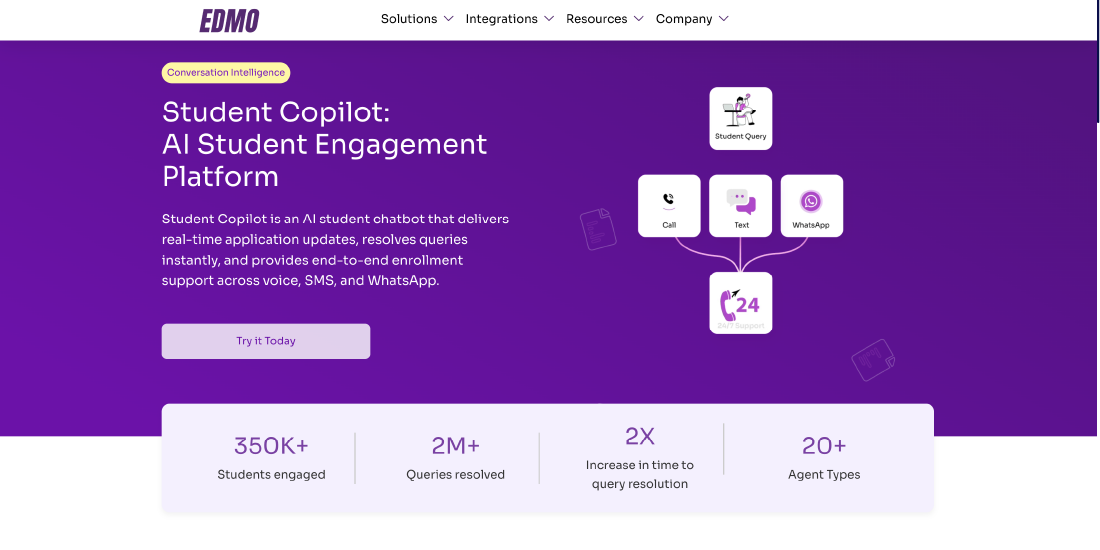
EDMO is an AI-powered enrollment platform designed to help colleges and universities automate admissions workflows, improve student engagement, and connect existing institutional systems. Its capabilities span document processing, student communication, advisor assistance, and system integrations, allowing universities to modernize enrollment operations without necessarily replacing their current CRM or Student Information System (SIS).
Through its Conversation Intelligence, Document Intelligence, Human Intelligence, and System Intelligence capabilities, EDMO supports activities ranging from initial student inquiries to application evaluation and enrollment processing.
Key Features:
- AI-powered Student Copilot for web and voice interactions
- Automated lead management, nurturing, and advisor assistance
- Transcript processing and GPA calculation
- AI-assisted transfer credit evaluation and application evaluation
- Identity verification and document extraction
- Integrations with Salesforce Education Cloud, Slate, Ellucian, PeopleSoft, and Workday Student
Pros:
- Supports automation across multiple enrollment workflows
- Can integrate with existing institutional systems
- Reduces repetitive document processing and administrative tasks
- Combines AI-powered student engagement with admissions operations
Cons:
- Implementation requirements depend on existing institutional systems and workflows
- Institutions may need to configure knowledge sources, evaluation rules, and approval processes
Slate by Technolutions
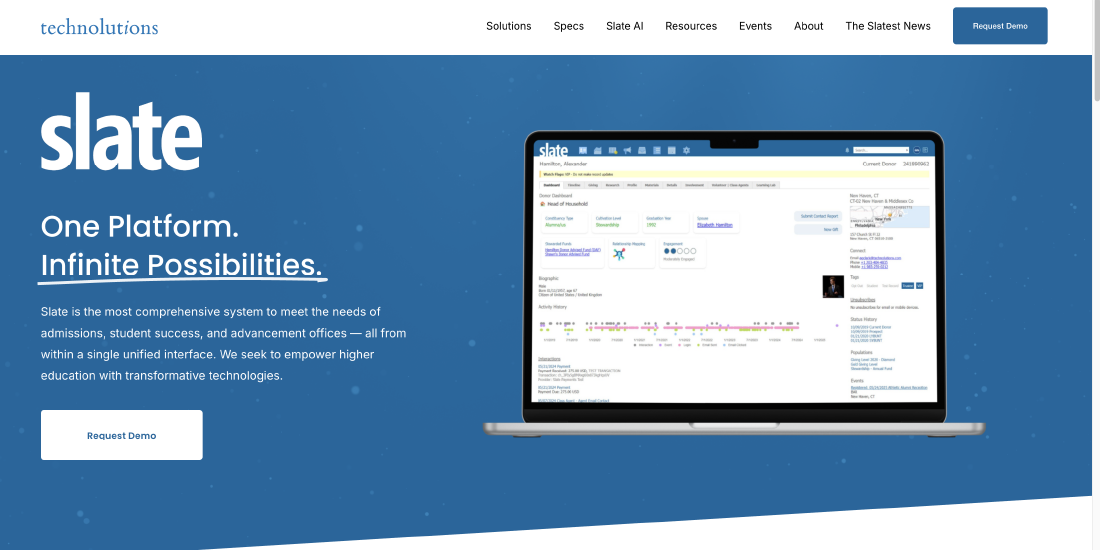
Slate is a higher education CRM and application management platform widely used for student recruitment, admissions, and enrollment operations. It provides configurable tools for managing prospective student records, processing applications, coordinating communication, and organizing admissions reviews.
The platform supports institutions with complex admissions processes and allows enrollment teams to customize workflows according to their requirements.
Key Features:
- Student recruitment and admissions CRM
- Online application management and review
- Email and communication campaigns
- Event registration and management
- Workflow automation and reporting
- Data integrations with institutional systems
Pros:
- Comprehensive admissions and recruitment functionality
- Highly configurable workflows
- Centralized applicant information and communication history
- Strong focus on higher education admissions
Cons:
- Extensive customization can require specialized administrator expertise
- Advanced configurations may involve significant setup and maintenance
Salesforce Education Cloud
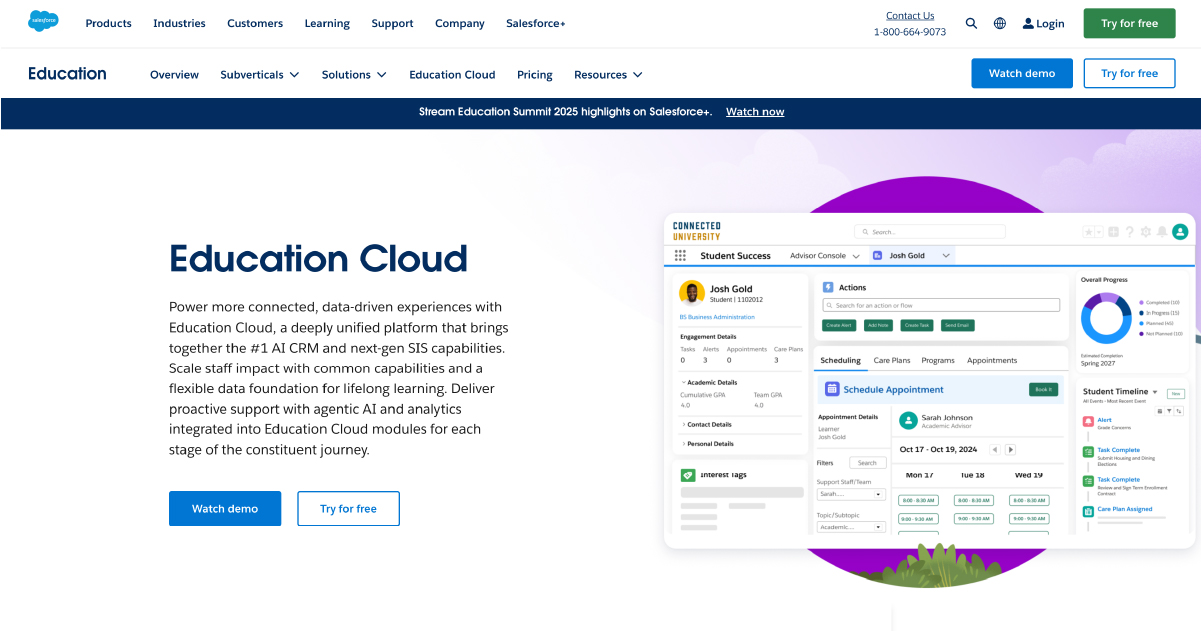
Salesforce Education Cloud provides CRM capabilities for managing student relationships across recruitment, admissions, enrollment, and other stages of the student lifecycle. It allows universities to organize prospective student information, coordinate engagement, and build automated processes using Salesforce’s broader technology ecosystem.
Its flexibility makes it relevant to institutions seeking a CRM platform that can support multiple departments.
Key Features:
- Student recruitment and enrollment CRM
- Applicant and student relationship management
- Workflow automation through Salesforce Flow
- AI and analytics capabilities
- Personalized communication and engagement
- Integration with third-party higher education applications
Pros:
- Highly customizable platform
- Extensive integration ecosystem
- Supports cross-departmental student engagement
- Scalable for complex institutional requirements
Cons:
- Implementation and customization may require technical expertise
- Licensing, integrations, and ongoing administration can increase total costs
Element451
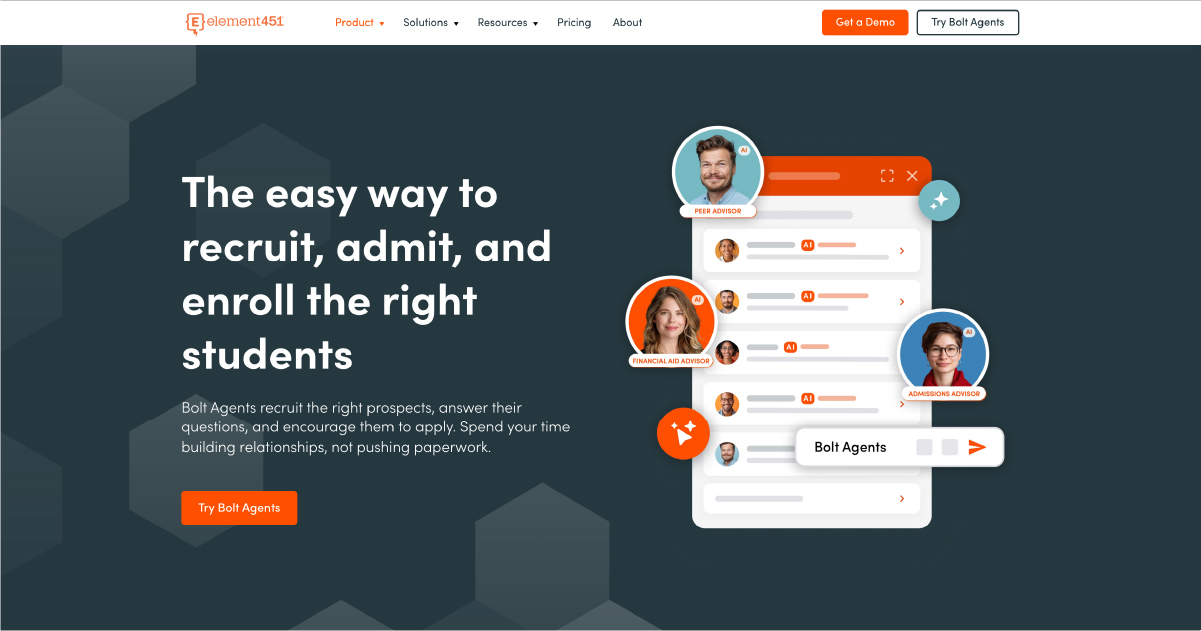
Element451 is an AI-powered CRM and student engagement platform built for higher education. It helps institutions manage recruitment campaigns, admissions communication, application processes, and student interactions through a connected platform.
Its AI capabilities support conversational engagement and workflow automation, making it relevant to universities seeking to modernize student recruitment and enrollment operations.
Key Features:
- AI-powered student engagement agents
- Recruitment and admissions CRM
- Application management
- Personalized email and SMS campaigns
- Enrollment workflow automation
- Analytics and reporting
Pros:
- Designed specifically for higher education
- Combines CRM capabilities with AI-powered engagement
- Supports automated student communication
- Provides tools for managing multiple enrollment activities
Cons:
- Institutions may need to adapt existing processes during implementation
- Integration and customization requirements vary by technology environment
Ellucian CRM Recruit
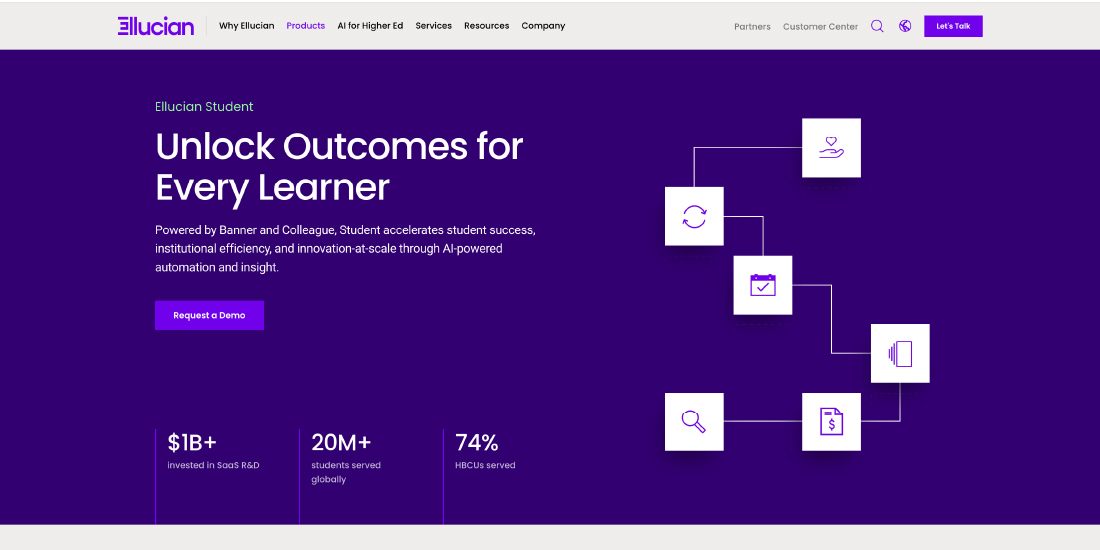
Ellucian CRM Recruit is a recruitment and admissions CRM designed for higher education institutions. It helps enrollment teams manage prospective student relationships, recruitment campaigns, and application activities while supporting coordination across admissions operations.
The solution is particularly relevant to universities evaluating recruitment technology within the Ellucian ecosystem.
Key Features:
- Prospective student and lead management
- Recruitment campaign management
- Admissions communication
- Application tracking
- Workflow configuration
- Reporting and recruitment analytics
Pros:
- Designed for higher education recruitment
- Supports structured admissions processes
- Relevant to institutions using Ellucian technologies
- Helps centralize prospective student engagement
Cons:
- Integration requirements depend on the institution’s technology environment
- Workflow customization and administration may require dedicated resources
TargetX
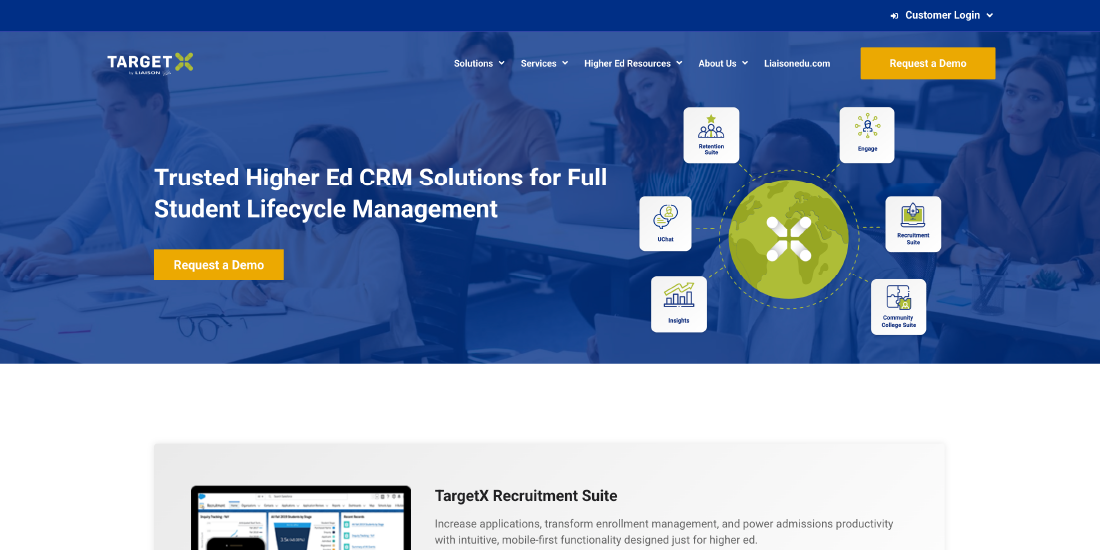
TargetX is a Salesforce-based CRM solution developed for higher education recruitment and admissions. It helps institutions manage prospective student relationships, coordinate recruitment campaigns, and track engagement throughout the admissions process.
Its Salesforce foundation makes it relevant to institutions that prefer CRM-based enrollment operations.
Key Features:
- Student recruitment CRM
- Lead and prospect management
- Personalized communication campaigns
- Admissions engagement tracking
- Recruitment event management
- Salesforce-based workflow capabilities
Pros:
- Built around higher education recruitment needs
- Uses the Salesforce ecosystem
- Supports personalized prospective student engagement
- Helps organize recruitment activities and communication
Cons:
- Institutions may require Salesforce administration expertise
- Product availability, packaging, and integration options should be confirmed with the provider
Liaison
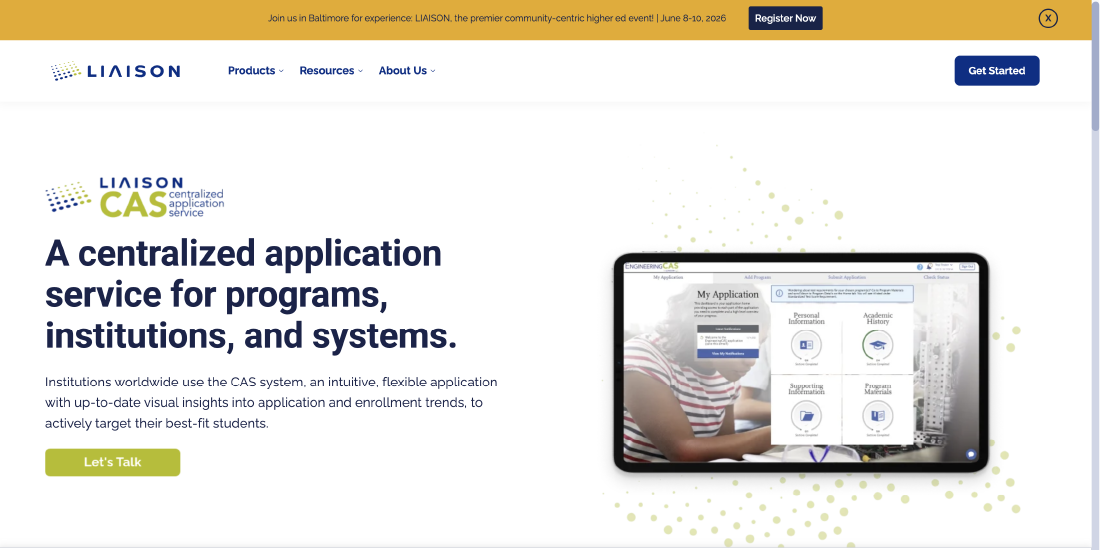
Liaison provides application management and admissions solutions for colleges, universities, and specialized academic programs. Its Centralized Application Services allow institutions to collect applicant information and supporting materials through structured application processes.
The platform also supports application review and admissions operations through tools such as WebAdMIT.
Key Features:
- Centralized Application Services (CAS)
- Online application collection and processing
- Document and supporting material management
- Application review through WebAdMIT
- Admissions reporting
- Program-specific application workflows
Pros:
- Well suited to centralized and specialized admissions
- Helps standardize application collection
- Supports structured application review
- Reduces the need for separate application processes across participating programs
Cons:
- May be less suitable for institutions seeking a comprehensive recruitment CRM
- Capabilities and processes can depend on the specific CAS program
Encoura
Encoura provides enrollment intelligence and recruitment solutions that help higher education institutions make data-informed decisions about prospective student engagement and enrollment planning.
Unlike platforms primarily focused on application processing, Encoura emphasizes recruitment insights, student search, market research, and enrollment strategy.
Key Features:
- Student recruitment intelligence
- Prospective student search and targeting
- Enrollment analytics
- Predictive modeling
- Market research and planning
- Recruitment campaign support
Pros:
- Strong focus on data-driven enrollment planning
- Supports recruitment audience identification
- Helps institutions evaluate market opportunities
- Useful for strategic enrollment management teams
Cons:
- Not a complete replacement for an admissions CRM or SIS
- Institutions may need additional platforms for application processing and workflow automation
Anthology Reach
Anthology Reach is a CRM solution designed to support student recruitment, engagement, and relationship management across higher education institutions. It helps universities coordinate communication, manage prospective student information, and support enrollment-related activities.
The platform can be relevant to institutions seeking to connect recruitment operations with broader student lifecycle engagement.
Key Features:
- Student recruitment and relationship management
- Prospective student communication
- Enrollment engagement workflows
- CRM-based student information management
- Reporting and analytics
- Integration capabilities
Pros:
- Designed for higher education engagement
- Supports multiple stages of the student lifecycle
- Helps coordinate recruitment communication
- Provides configurable CRM capabilities
Cons:
- Implementation complexity depends on institutional requirements
- Customization and integrations may require technical resources
Mongoose
Mongoose is a higher education communication and engagement platform focused on helping institutions connect with prospective and current students through personalized outreach.
Its solutions support student communication through channels such as text messaging and conversational engagement. Rather than serving as a complete admissions management system, Mongoose can complement existing enrollment CRM platforms by strengthening communication workflows.
Key Features:
- Student text messaging and outreach
- Personalized communication campaigns
- Conversational student engagement
- Communication scheduling
- Engagement tracking and reporting
- CRM integration capabilities
Pros:
- Focuses on student communication and engagement
- Can complement existing admissions systems
- Supports personalized outreach at scale
- Helps enrollment teams manage communication campaigns
Cons:
- Not a complete admissions CRM or SIS
- Institutions need separate tools for document processing and application evaluation
- Communication effectiveness depends on contact data quality and student consent
How EDMO Helps Universities Automate Admissions and Enrollment Workflows
Universities often rely on multiple platforms to manage student recruitment, application processing, document evaluation, and enrollment operations. While these systems serve important functions, connecting them and automating activities across the enrollment pipeline can be challenging.
EDMO is an AI-powered enrollment platform that helps universities automate admissions and enrollment workflows without replacing their existing CRM or Student Information System (SIS). By combining Conversation Intelligence, Document Intelligence, System Intelligence, and Human Intelligence, EDMO supports student engagement, application processing, and coordination across institutional systems.
Automating Student Inquiries and Lead Nurturing
EDMO’s Student Copilot helps universities respond to prospective student inquiries through AI-powered chat and phone interactions. These tools can provide information about admission requirements, application deadlines, and enrollment procedures using approved institutional knowledge.
Meanwhile, Advisor Copilot helps admissions counselors access student information, review conversation summaries, identify outstanding requirements, and prepare follow-up messages.
Together, these capabilities help enrollment teams manage prospective student engagement while reducing repetitive communication tasks.
Streamlining Document Processing and Application Evaluation
EDMO’s Document Intelligence suite helps universities process academic and application documents more efficiently.
Its Email Doc Extractor can identify and process attachments received through authorized inboxes, while the GPA Calculator extracts academic information and applies institution-defined GPA calculation rules.
The Transfer Credit Evaluator supports course equivalency analysis using academic records and institutional articulation requirements. The Application Evaluator helps admissions teams review supporting materials against configured evaluation rubrics.
These capabilities reduce manual document handling and prepare structured information for admissions staff, while allowing institutions to retain human review for complex or sensitive decisions.
Connecting CRM, SIS, and Admissions Platforms
Enrollment automation becomes more effective when relevant student information can move between institutional systems.
EDMO’s System Intelligence supports integrations with platforms such as Salesforce Education Cloud, Slate, Ellucian Banner, PeopleSoft, and Workday Student.
Depending on institutional requirements and integration configurations, universities can synchronize relevant applicant information, document processing results, and enrollment status updates across supported systems.
This allows institutions to introduce AI-powered automation while continuing to use their established technology infrastructure.
Supporting Admissions Teams With Human Oversight
Not every enrollment activity can be handled entirely through automation. Academic exceptions, complex student inquiries, and admissions decisions often require human judgment.
Universities can configure review and escalation processes so that staff remain involved when applications or student interactions require additional attention.
Building a More Connected Enrollment Process
By bringing together AI-powered student engagement, document processing, advisor assistance, and system integrations, EDMO helps universities reduce repetitive administrative work and improve coordination across admissions and enrollment operations.
Rather than requiring institutions to overhaul their existing systems, EDMO enables them to introduce automation into specific workflows and expand capabilities as their operational needs evolve.
For universities seeking to modernize enrollment management, this approach provides a practical way to improve efficiency while maintaining control over institutional processes and student data.
Common Mistakes in Enrollment Automation
Admissions automation can improve operational efficiency, but implementing technology without a clear understanding of institutional processes can create new challenges. Universities need to consider how automation affects student communication, application processing, data management, and staff responsibilities.
Here are some common mistakes institutions should avoid when implementing enrollment workflow automation.
Automating Inefficient Processes Without Improving Them
Automating an existing workflow does not necessarily make it more effective. If an admissions process involves unnecessary approvals, duplicate data entry, or unclear responsibilities, automation may simply accelerate those inefficiencies.
Before introducing automation, universities should examine how applications move between departments and identify steps that can be simplified or eliminated.
Overlooking Data Quality
Enrollment automation depends on accurate applicant information. Duplicate student records, outdated contact details, inconsistent application statuses, and missing academic information can affect automated communications and processing.
Institutions should establish data validation rules, standardize important fields, and resolve duplicate records before expanding automated admissions workflows.
Automating Every Student Interaction
Not every prospective student inquiry requires an automated response. Complex questions about financial aid, transfer credits, admission exceptions, or individual circumstances may need direct assistance from an admissions counselor.
Universities should define clear escalation rules so that AI-powered student engagement tools can transfer conversations to staff when necessary. This helps maintain a personalized enrollment experience while using automation for routine inquiries.
Ignoring Integration Limitations
Introducing enrollment software without evaluating its compatibility with existing CRM and SIS platforms can lead to disconnected information and additional administrative work.
For example, if an automated document processing tool updates its own dashboard but does not return the results to the admissions CRM, staff may still need to transfer information manually.
Universities should assess integration capabilities, data synchronization requirements, and system dependencies before selecting an automation solution.
Relying on Automation Without Adequate Human Review
AI-powered application evaluation, GPA calculation, and transfer credit assessment can support admissions teams, but institutions still need appropriate oversight.
Automated results may require verification when documents contain unusual formats, academic records are incomplete, or institutional policies involve exceptions.
Establishing review thresholds and approval procedures helps universities maintain accuracy and accountability in admissions decisions.
Measuring Activity Instead of Enrollment Outcomes
The number of automated emails sent or documents processed does not necessarily indicate whether enrollment automation is improving institutional performance.
Universities should also monitor application completion rates, processing turnaround times, inquiry-to-application conversion, enrollment yield, and student satisfaction.
Connecting operational metrics with enrollment outcomes helps institutions determine which automated workflows deliver meaningful improvements.
Neglecting Staff Training and Workflow Ownership
Admissions automation changes how enrollment teams interact with technology and manage daily responsibilities. Without adequate training, staff may struggle to interpret automated results, resolve exceptions, or identify system errors.
Institutions should establish clear ownership for workflow monitoring, configuration changes, and issue resolution. Regular staff feedback can also help identify opportunities to improve automated processes.
Overlooking Student Data Privacy and Security
Admissions workflows involve sensitive student information, including academic transcripts, identification documents, and personal contact details.
Universities should evaluate how automation platforms collect, process, store, and transfer this information. Access controls, audit trails, secure integrations, and compliance with applicable privacy requirements, including FERPA, should be considered during implementation.
Successful enrollment automation requires more than introducing AI tools. Universities achieve better results when they combine reliable data, well-designed workflows, system integration, staff oversight, and continuous performance monitoring.
Conclusion
Optimizing enrollment workflows is about making the admissions journey more efficient for both students and university staff. From initial inquiries to application reviews and enrollment confirmation, every stage depends on accurate information, timely communication, and coordination between departments.
By introducing admissions workflow automation, universities can reduce manual processing, eliminate unnecessary delays, and give enrollment teams more time to support prospective students. However, successful implementation requires the right combination of technology, system integration, and human oversight.
Platforms like EDMO help institutions automate student engagement, document processing, and admissions operations while working with existing CRM and SIS platforms. With a gradual approach to automation, universities can build a more connected enrollment process that supports institutional efficiency and improves the student experience.
Frequently Asked Questions
Ques 1. What's the biggest time-saver in enrollment automation?
Ques 2. How does automation reduce student melt?
Ques 3. Will automation make admissions feel impersonal?
Ques 4. Where do most enrollment delays actually happen?
Ques 5. Can automation make admissions decisions?
Written By




No comments yet. Be the first to comment!
Leave a Comment