Knowledge Source tool for Salesforce

Knowledge Source for Salesforce

Analyze URLs, websites, and lengthy documents instantly to provide quick insights and save manual effort for admissions teams.

See How It Works

Skip manual searches and access accurate insights within seconds.

01

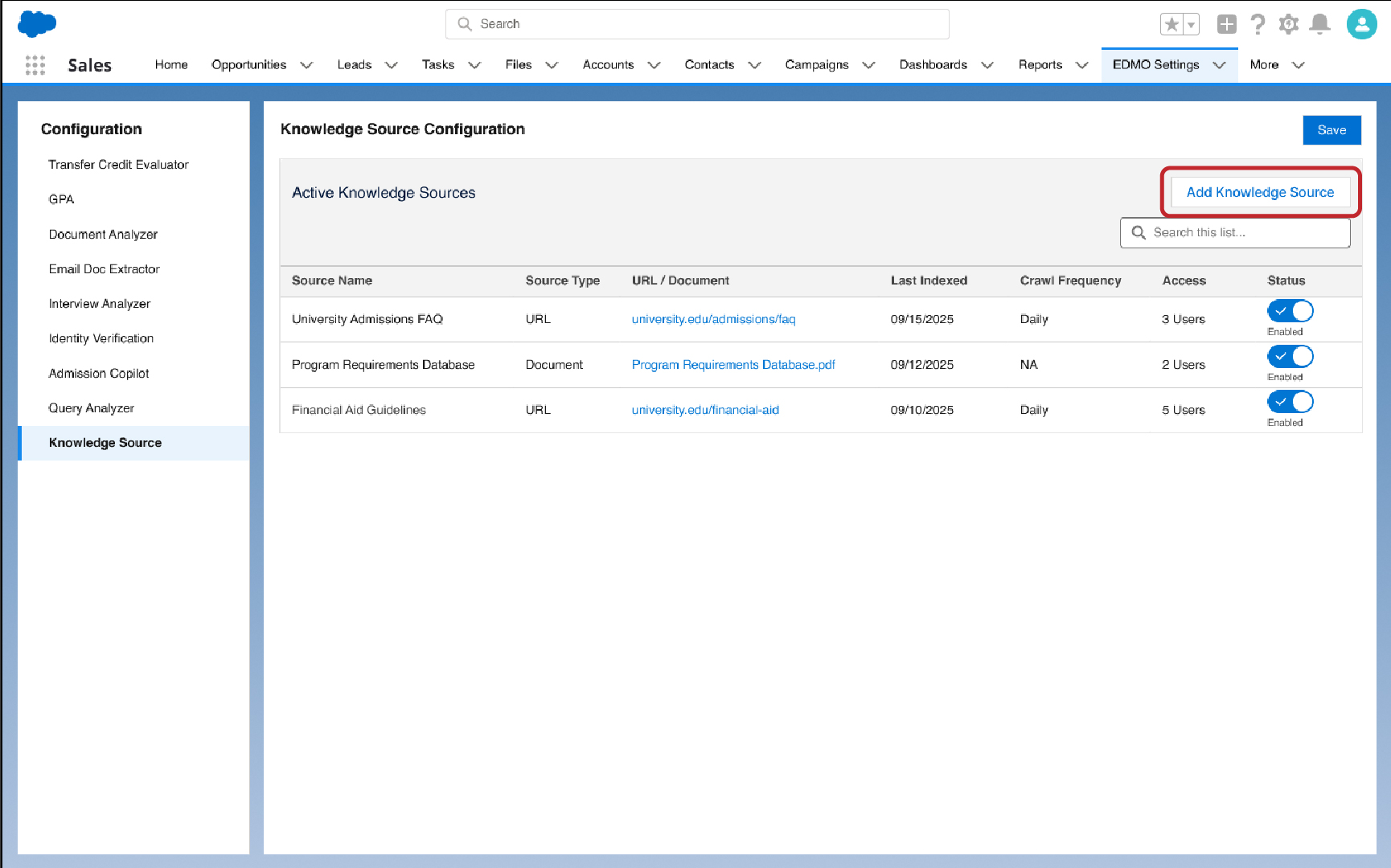
Add Knowledge Source

Click on the Knowledge Source icon to start the process.
Upload or Enter Source
Analyze Resource
02

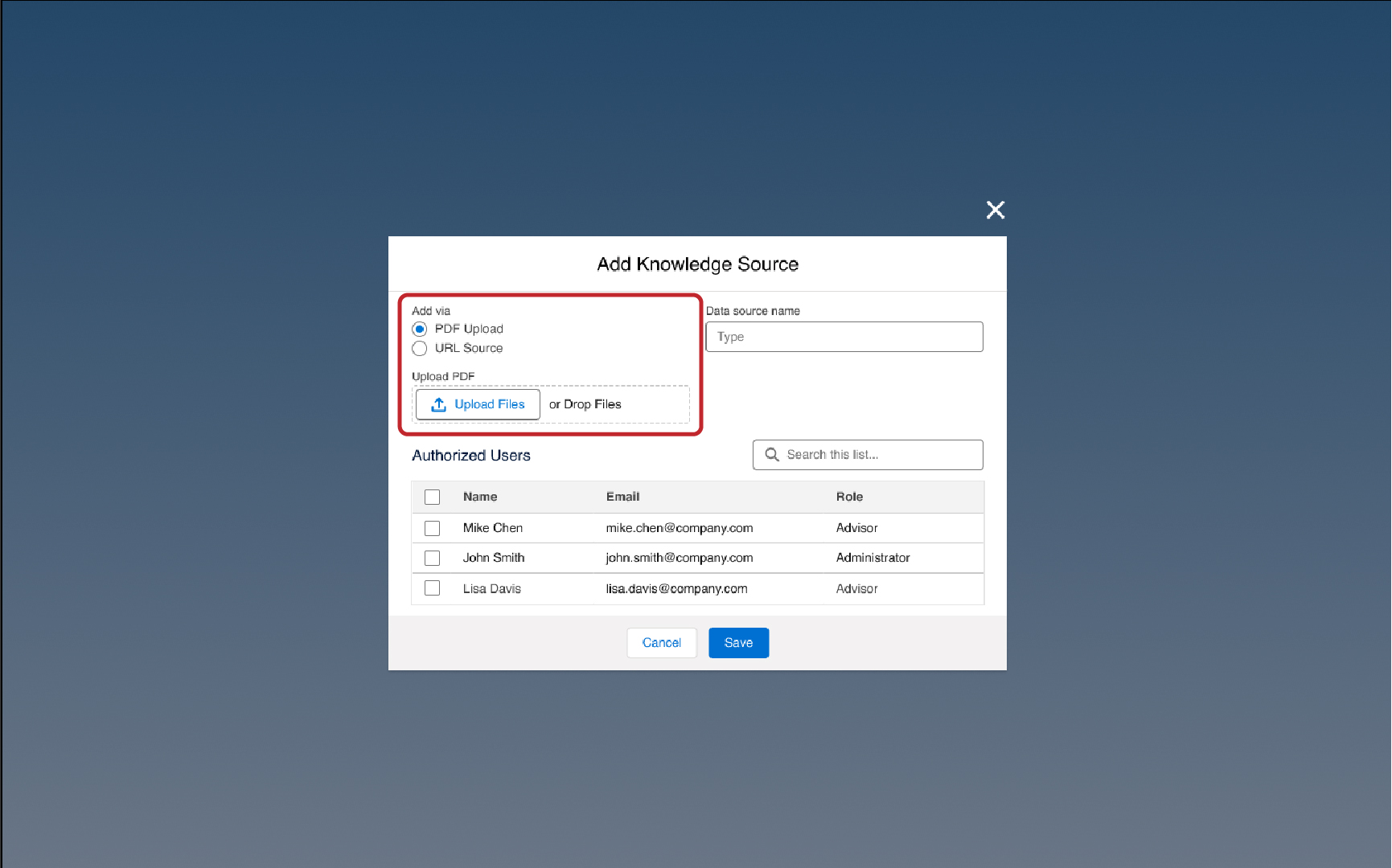
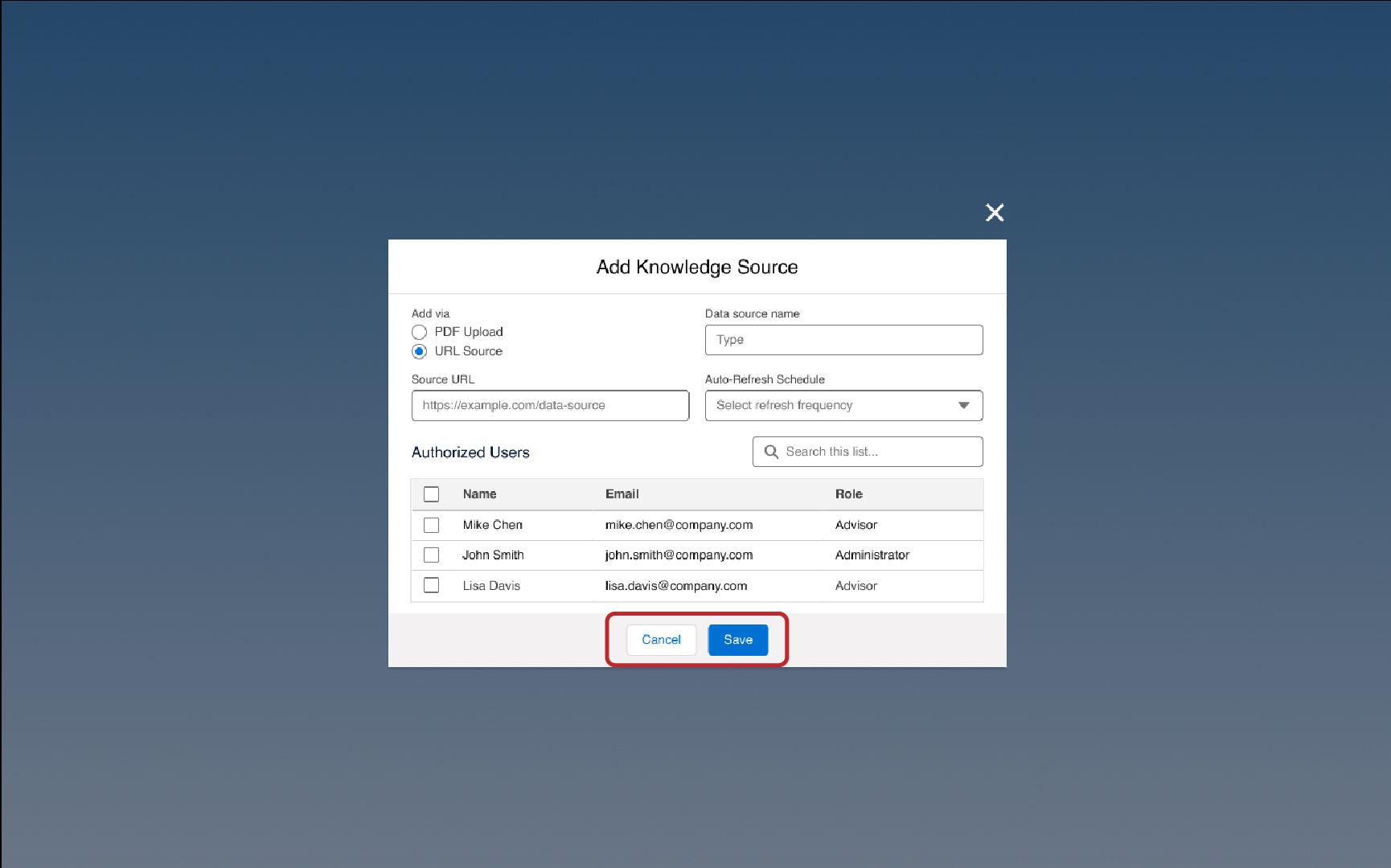
Upload the Source Link

Add a URL, website link, or document to begin the analysis.

03

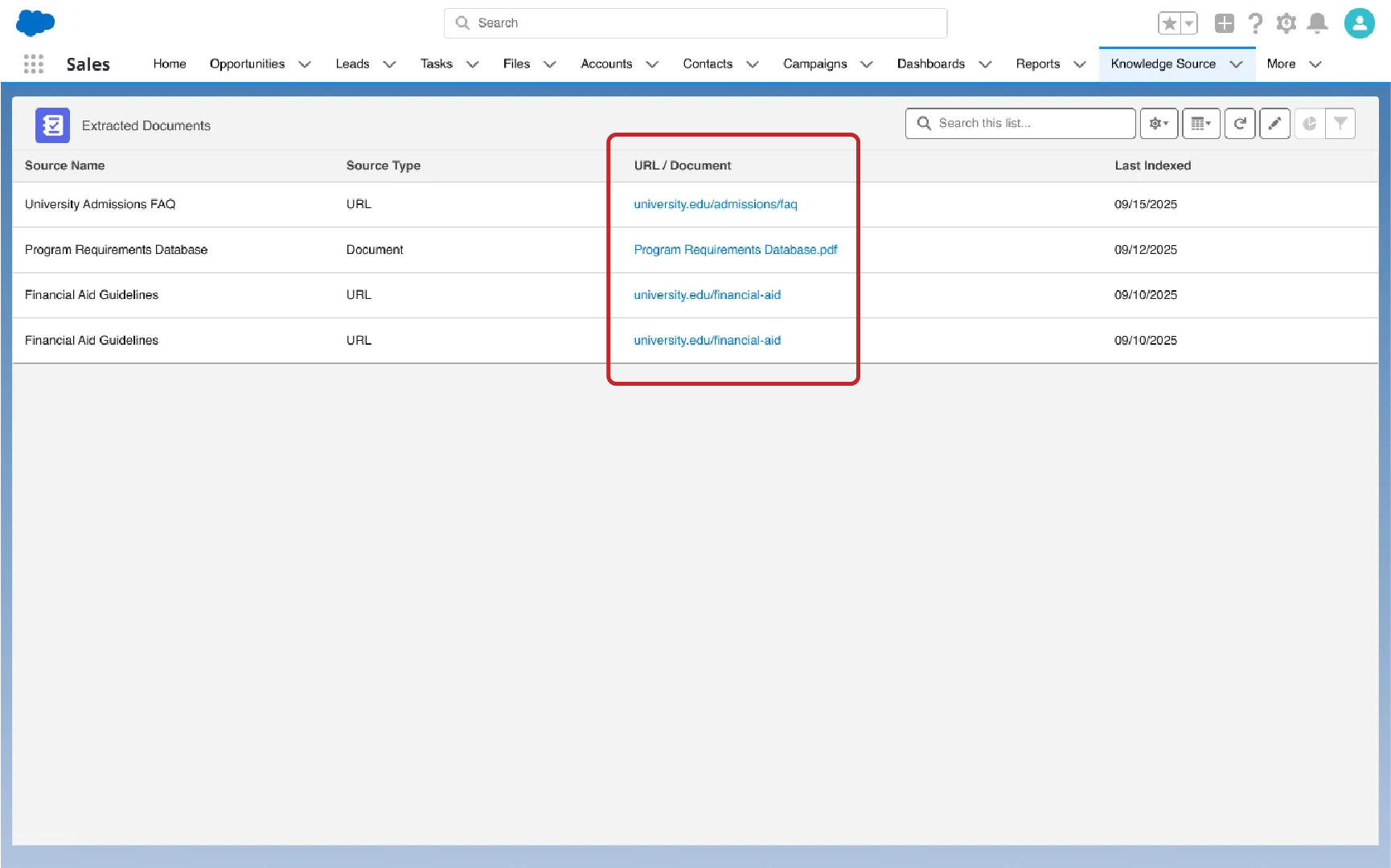
Analyze the Source

EDMO scans and interprets the content to extract key insights and relevant information.
Ask Questions Instantly
View & Share Insights
04

View & Share Insights

Access summarized insights or share findings with your admissions team for quick decision-making.

Explore More Tools

Connect your favorite tools with CRMs seamlessly.

Interview Analyzer

AI-powered tool for conducting and evaluating personalized interviews.

View Integration

ID Verification

Sends verification emails and authenticates candidates’ photo ID documents.

View Integration

Email Doc Extractor

Automatically captures admissions documents from emails and delivers key insights to enrollment teams.

View Integration

GPA Calculator

Converts grades and calculates GPA using global grading scales.

View Integration

Application Evaluator

Analyzes SOPs, LORs, & Resumes and provide instant insights.

View Integration

Transfer Credit Evaluator

Evaluate student transcripts to identify eligible transfer credits instantly.

View Integration

Admissions Copilot

Automate round-the-clock student support, prioritize leads, and personalize outreach to maximize enrollment outcomes.

View Integration

Admissions Agent

An AI-powered tool designed to streamline, track, and optimize every admissions task, ensuring speed & accuracy at every step.

View Integration

Turn Scattered Student Data into Unified Insights

Keep student documents organized, analyze key data points, & produce insights on demand

Centralized Document Repository

For Salesforce

Intelligent Document Parsing

For Salesforce

Instant Insight Generation

For Salesforce

Unified Document Management System

Store and access all student documents in one unified Salesforce workspace.
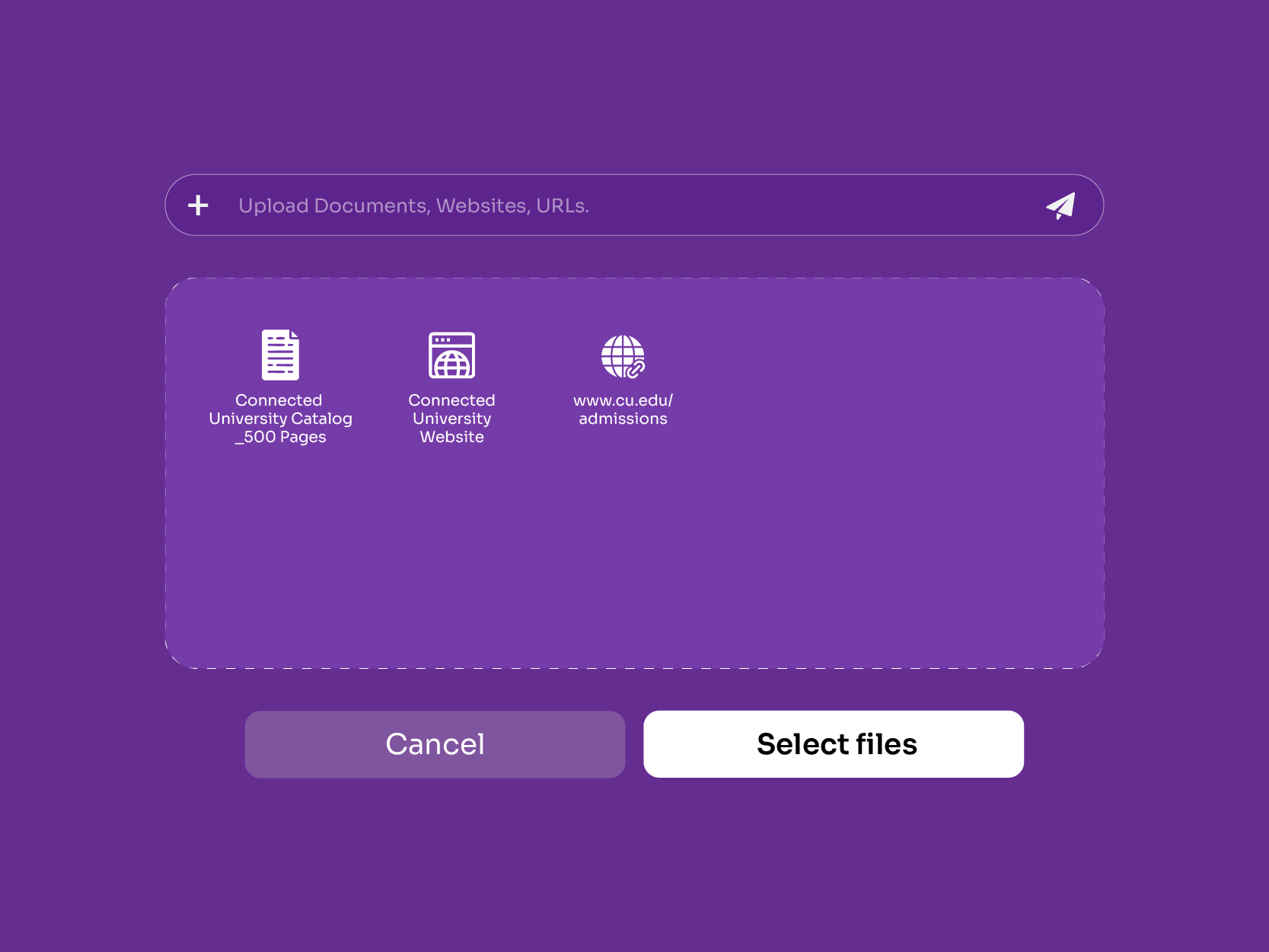
  • Unified Storage: Keep all student documents, SOPs, LORs, and transcripts in one easily accessible place.
  • Instant Retrieval: Find any file within seconds using powerful search, filters, and tags.
  • No Data Silos: Eliminate scattered folders and emails with a single, connected source of truth.
Intelligent Transcript Parsing

Advanced Document Gathering System

Extract key student data directly from any uploaded file
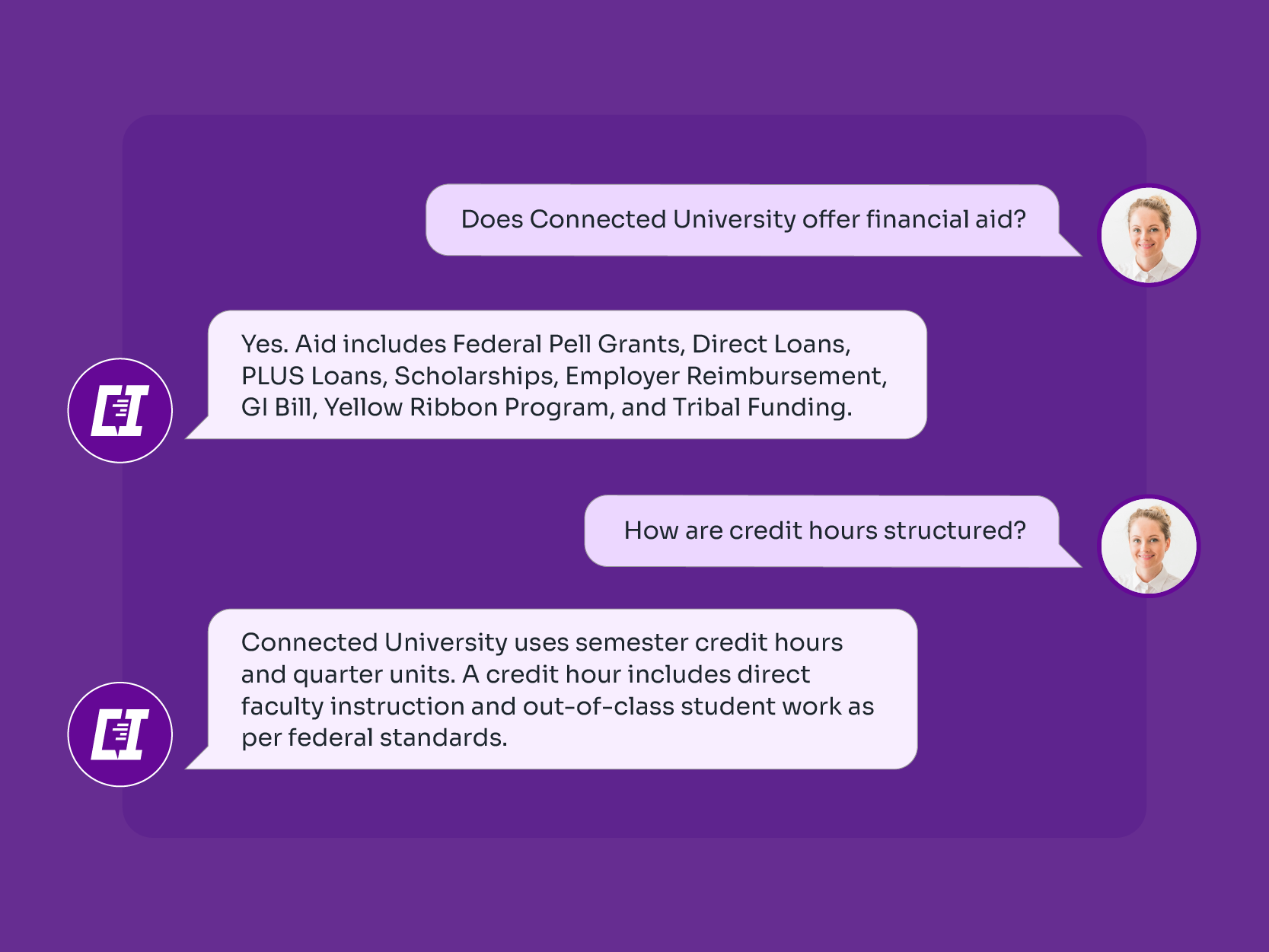
  • Auto-Extract Key Data: Instantly pull names, grades, IDs, and critical details from any uploaded document.
  • Context-Aware Reading: Understands document types, SOPs, LORs, transcripts, resumes, and extracts relevant fields accordingly.
  • High-Accuracy Parsing: Reduces manual errors by consistently identifying and capturing the appropriate information.
Multi-Format Parsing

Real-Time Analytical Insights

Convert document data into actionable insights for faster decision-making
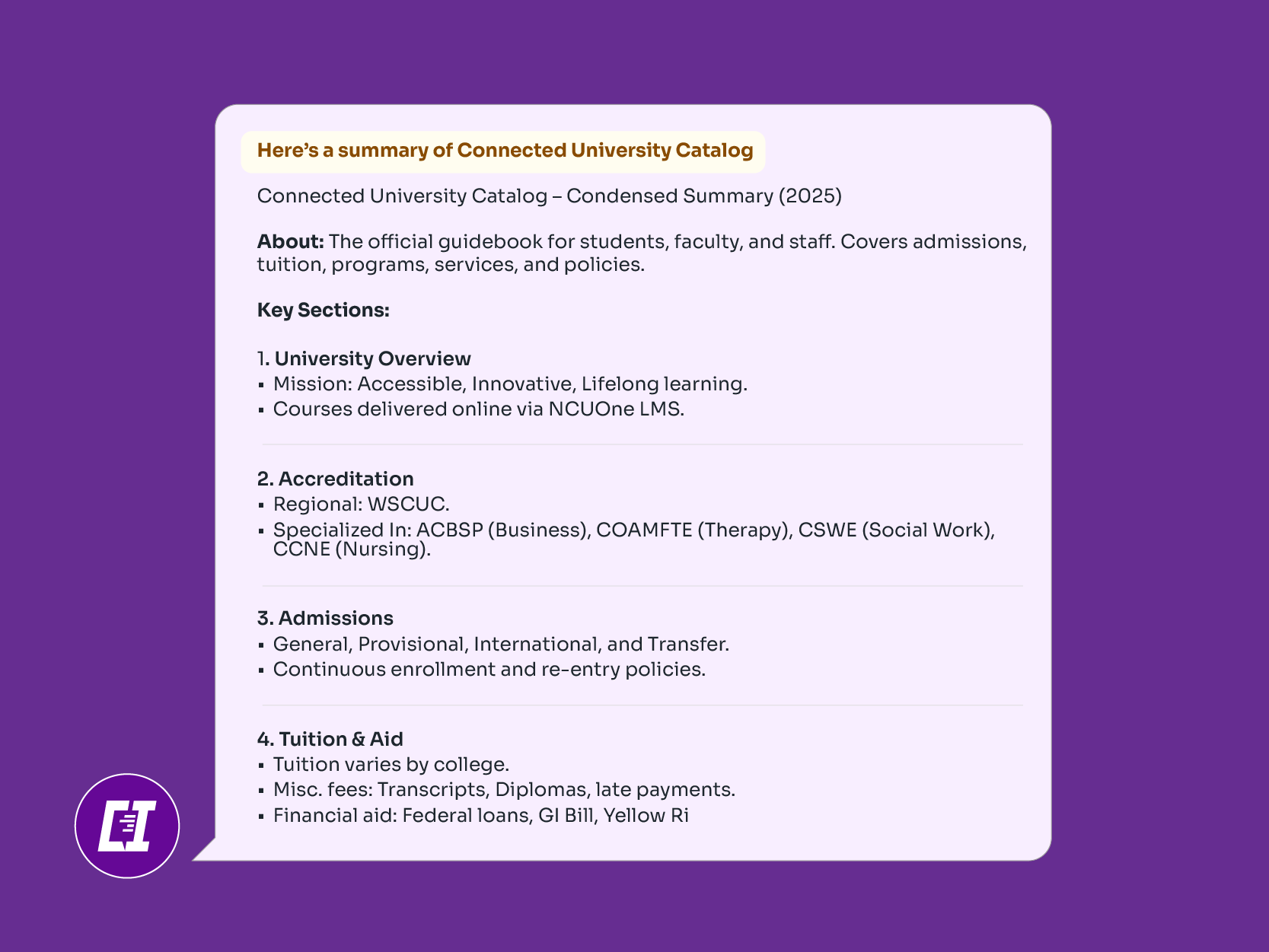
  • Real-Time Summaries: Delivers quick, digestible overviews of each document without manual review
  • Decision-Ready Highlights: Surfaces key insights—requirements met, missing details, potential risks—instantly
  • Contextual Intelligence: Understands document context to generate precise, relevant takeaways for advisors
Grade Normalization

Frequently Asked Questions

What is the Knowledge Source Tool for Salesforce?
The Knowledge Source Tool for Salesforce is an AI-powered solution that helps admissions teams instantly find information from websites, URLs, and large documents. It saves hours of manual research by delivering accurate, contextual answers in seconds.
How does the Knowledge Source Tool analyze URLs, websites, or large documents?
It uses advanced AI to read and interpret text from web pages, PDFs, and other files. The tool extracts key details, summarizes content, and presents relevant answers directly in Salesforce for quick decision-making.
Can admissions teams use this tool to find quick answers from complex data?
Yes. Admissions teams can ask natural-language questions, and the tool instantly pulls precise answers from lengthy documents, policies, or web sources, helping them respond faster to student queries or process applications efficiently.
How does the tool integrate with Salesforce workflow?
The tool integrates seamlessly with Salesforce workflows by linking extracted insights directly to relevant records. It can automatically trigger actions like updating fields, creating tasks, or notifying teams, ensuring that every piece of information is instantly usable within the existing Salesforce process.
Does the Knowledge Source Tool use AI or NLP for content understanding?
Yes. It leverages Artificial Intelligence and Natural Language Processing (NLP) to comprehend content contextually, identify key information, and provide human-like, relevant responses to complex queries.
Can users upload PDFs or documents directly for instant analysis?
Absolutely. Users can upload PDFs, brochures, or transcripts directly into Salesforce. The tool scans and summarizes the document instantly, providing answers without requiring manual reading of the full text.
How secure is the data processed by the Knowledge Source Tool in Salesforce?
The tool is built on Salesforce’s secure cloud infrastructure. All data is encrypted, processed within a compliant environment, and never shared externally, ensuring complete privacy and institutional data protection.
What are the benefits of using the Knowledge Source Tool for Salesforce admissions teams?
It saves research time, improves response accuracy, and enhances efficiency. Admissions teams can access reliable insights instantly, reduce manual effort, and deliver faster, more informed decisions to students.

Talk to Connected University's Student Copilot