System Intelligence For PeopleSoft Integration

System Intelligence for PeopleSoft Integration

Connect System Intelligence with PeopleSoft to automate complex admissions tasks and deliver a faster, more seamless enrollment experience

Salesforce Feature
WGU
NU
CSU
UMGC
CUNY
WGU
NU
CSU
UMGC
CUNY
 

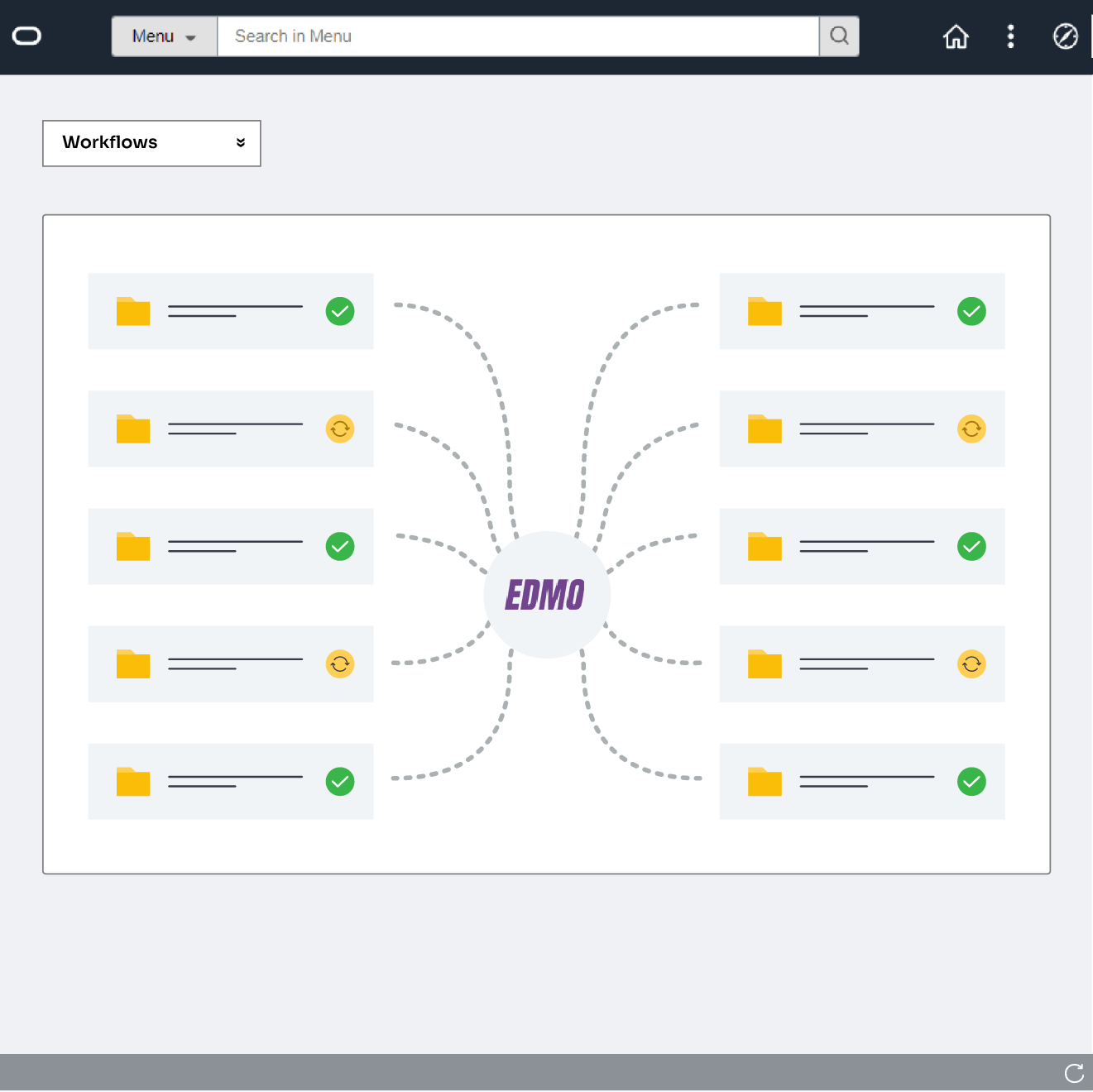
PeopleSoft Automation, Enhanced by System Intelligence

Unlock faster workflows, cleaner data, and intelligent automation across every stage of the student lifecycle

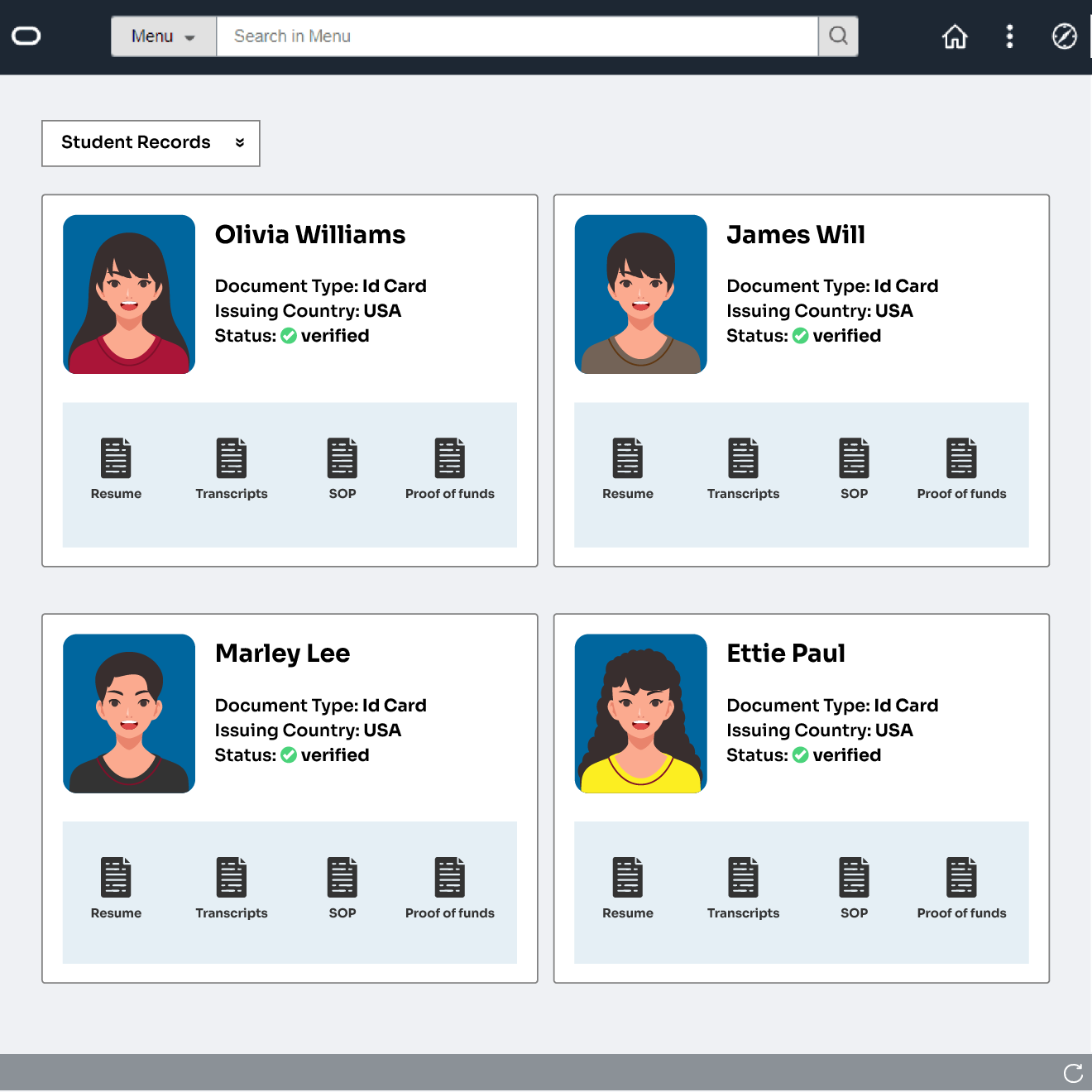
Unified Student Profiles

Unified Student Records

Unified Student Records

Keep all student and admissions data updated across systems instantly.

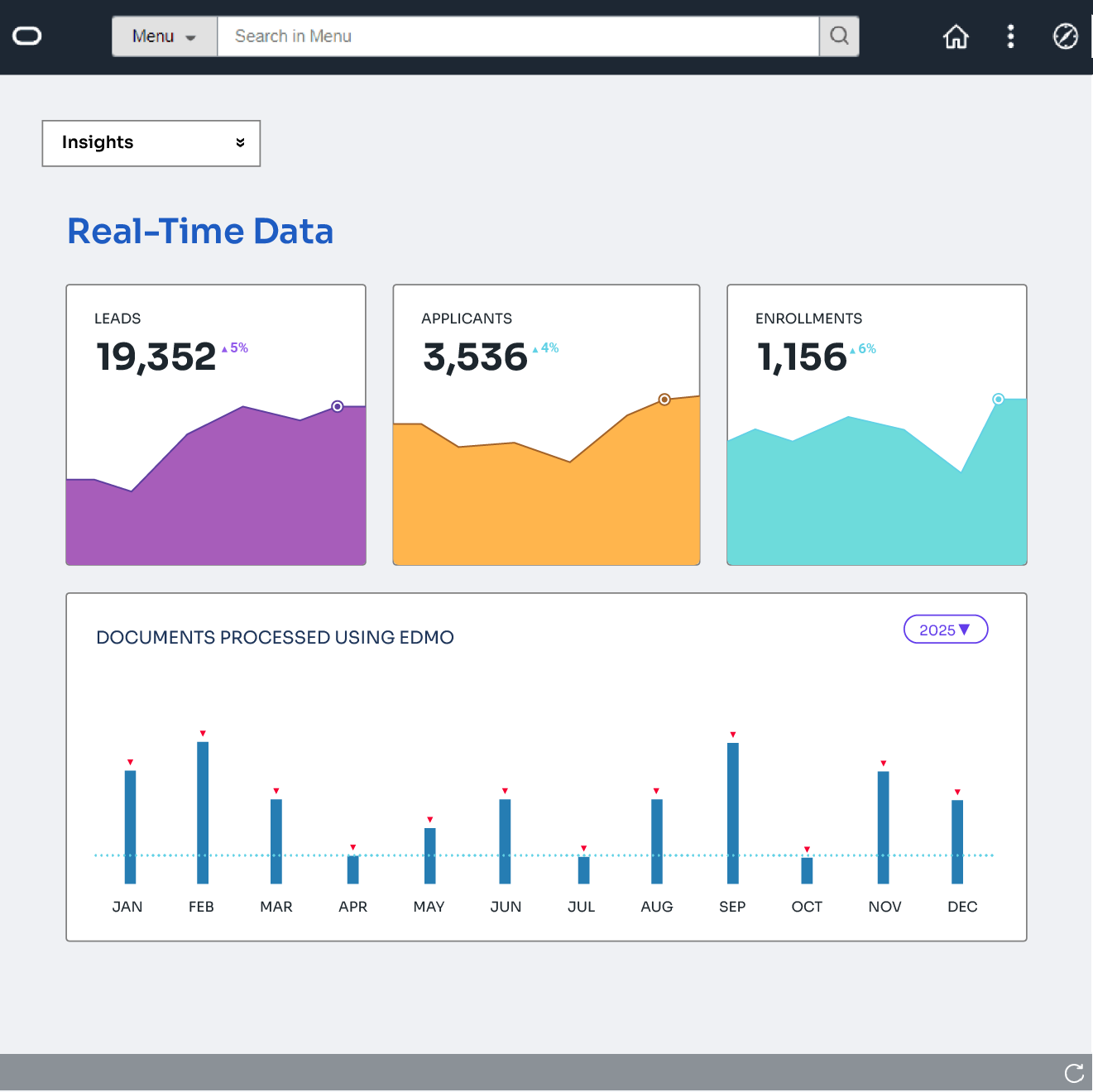
Stronger Conversion Insights

Faster Automated Workflows

Faster Automated Workflows

Automate admissions tasks to reduce delays and streamline every enrollment step.

Reduced Manual Workload

Accurate, Real-Time Data Sync

Accurate, Real-Time Data Sync

Keep records consistent and updated instantly across PeopleSoft and all connected systems.

See How it Works

Connect PeopleSoft with System Intelligence to automate processes and maintain clean, unified student data.

01

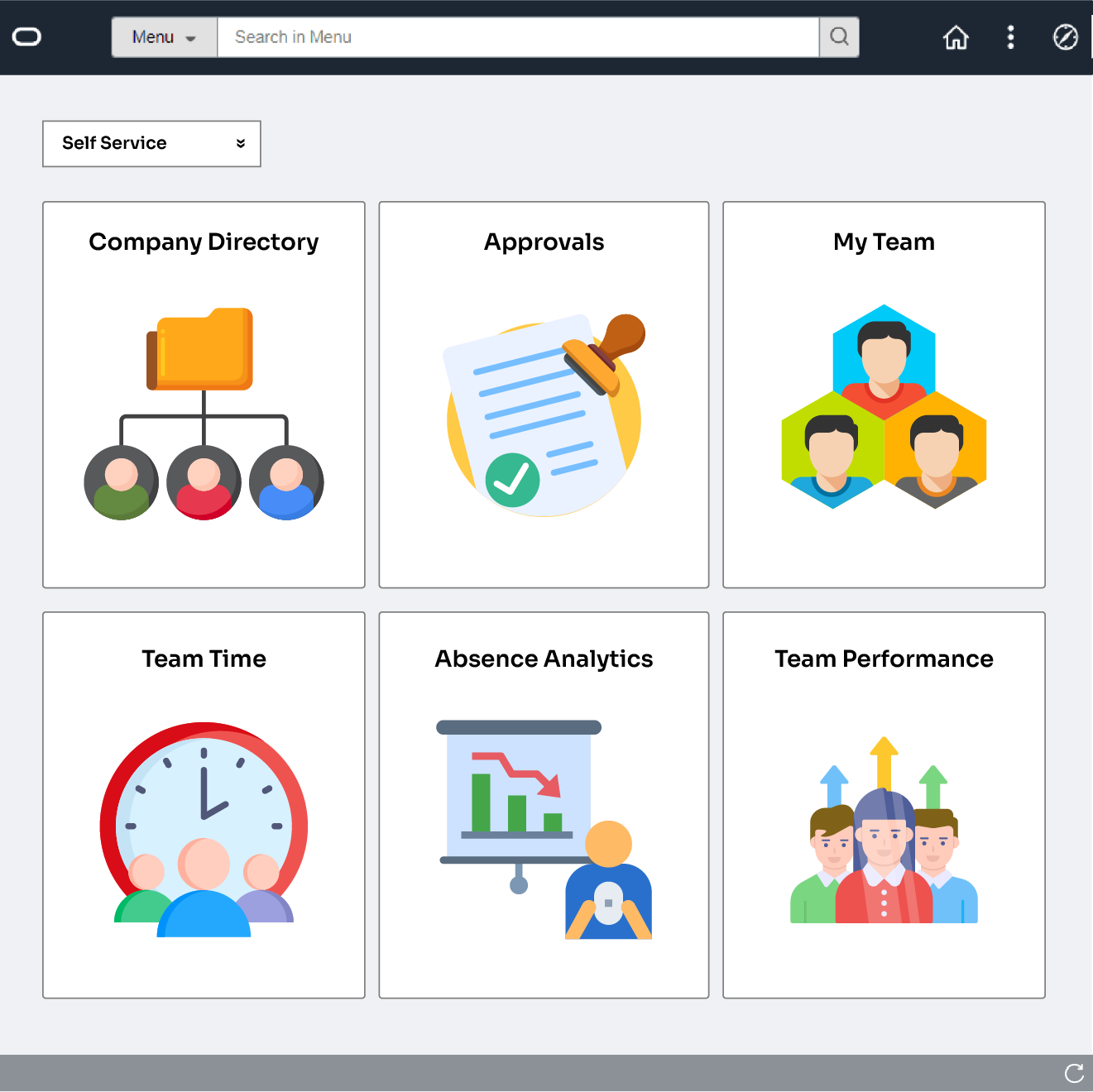
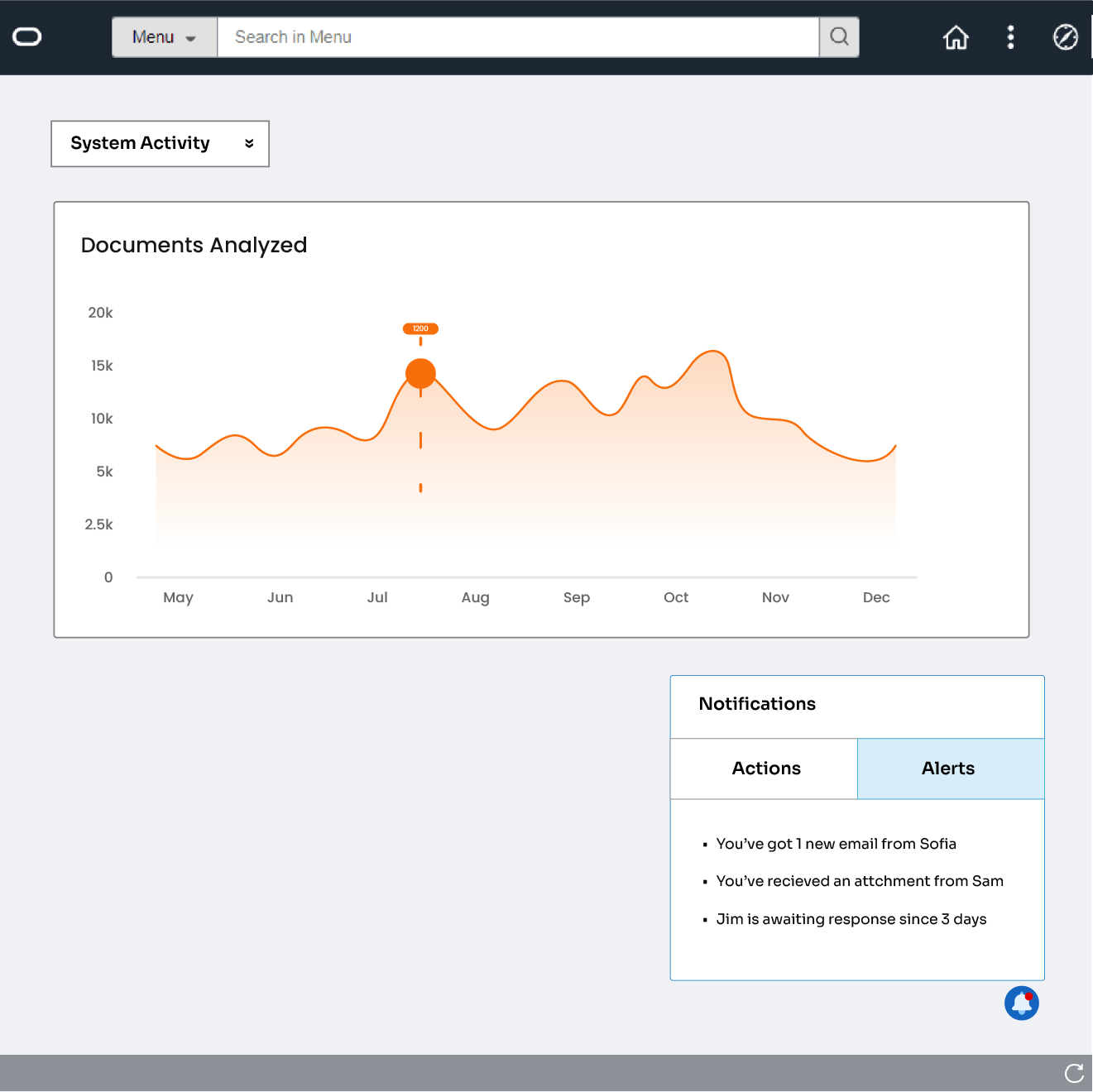
Go to the PeopleSoft Oracle Dashboard

Access PeopleSoft to view and manage student application data.

Connect Your Salesforce Account
Intiate Transcript Credit Evaluation
02

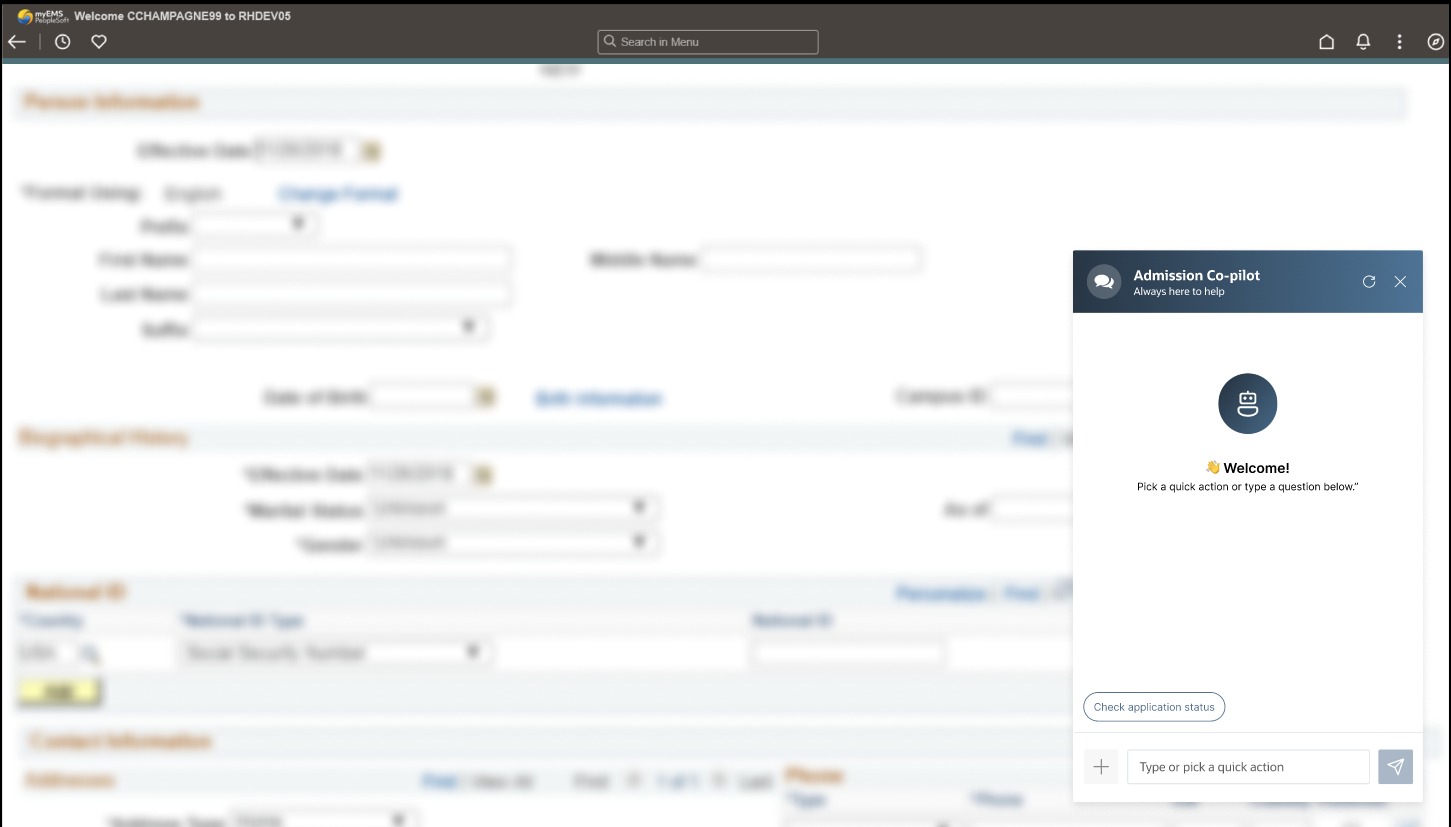
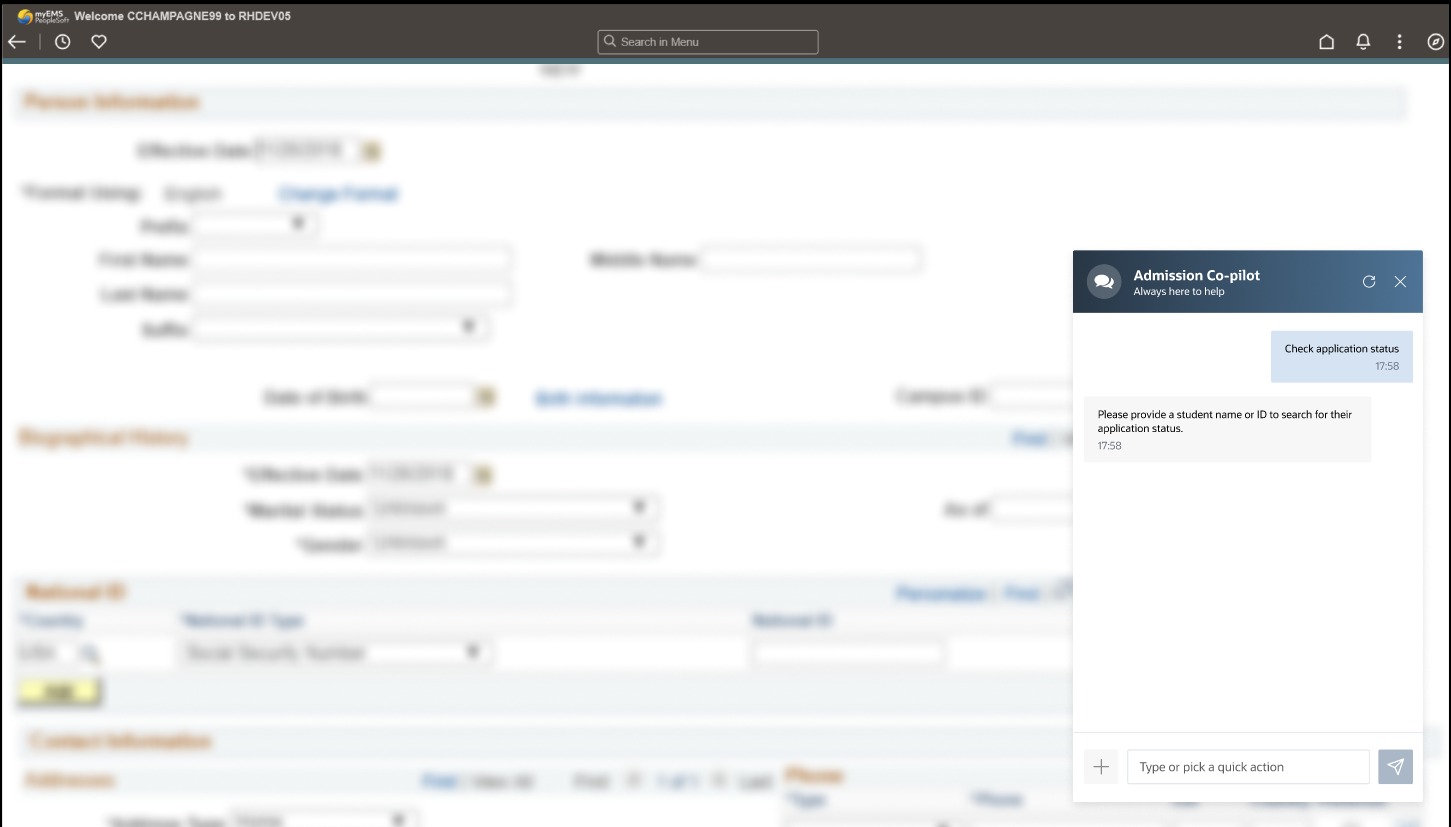
Click on the Admissions Copilot Icon

Launch Admissions Copilot for instant, in-context support.

03

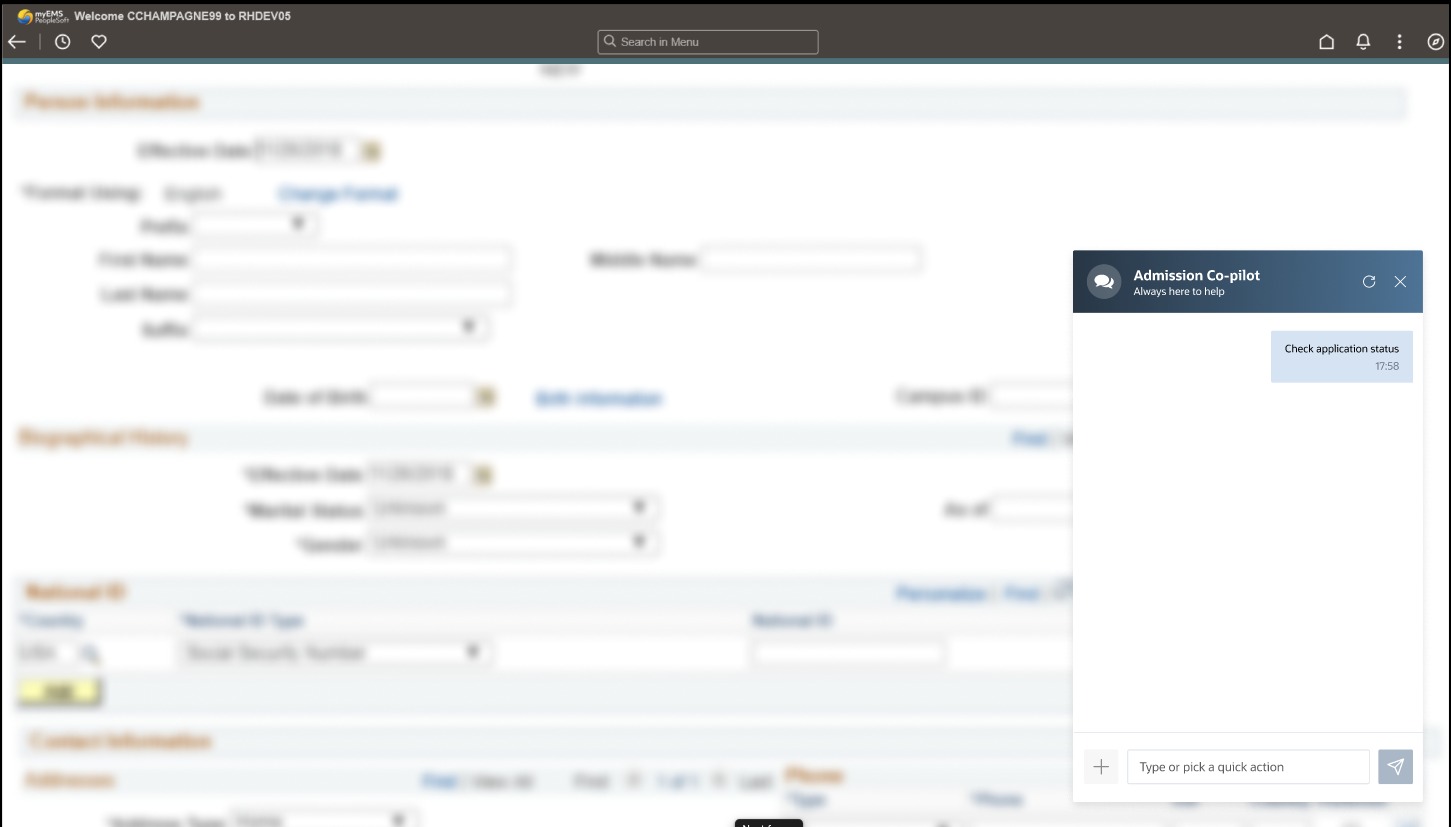
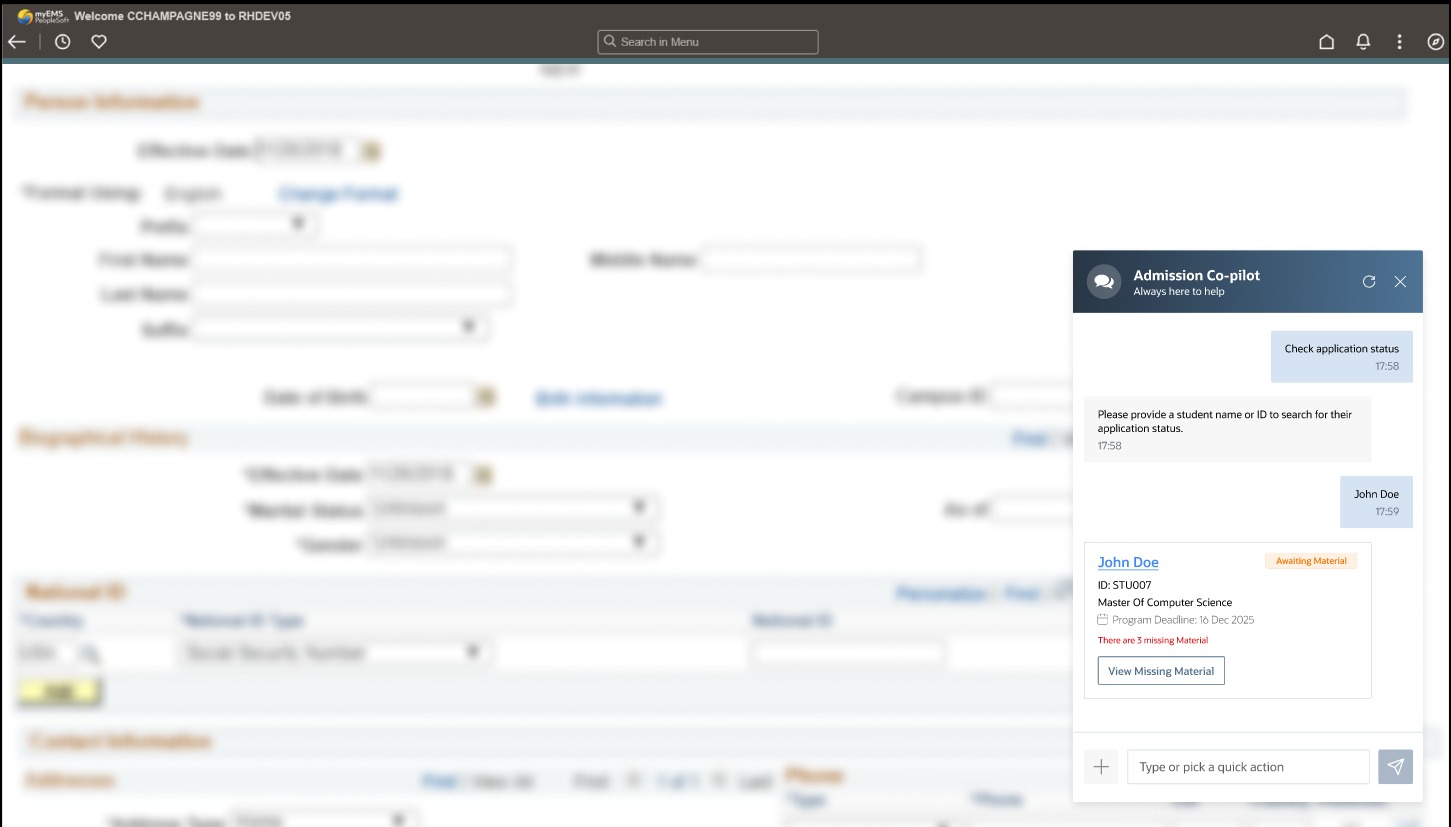
Check Student Application Status

Review where each application stands in the admissions process.

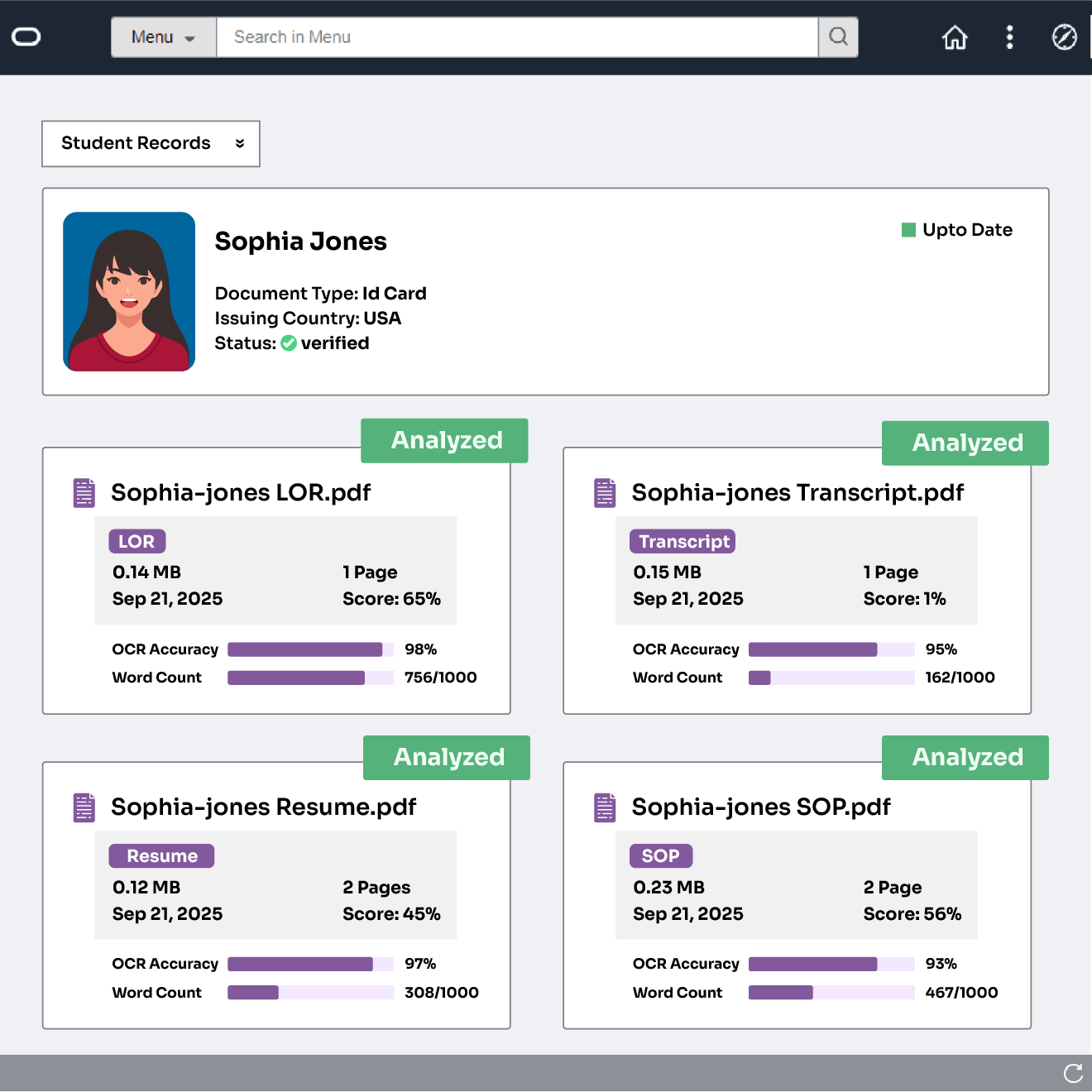
View Analysis
Send for Faculty Review
04

View Missing Docs & Next Steps

Quickly see pending documents and recommended actions.


Integration Capabilities

Unify data, automate workflows, and streamline operations

Unified Student Profiles

Real-Time Data Alignment

Real-Time Data Alignment

Keep student records, applications, and enrollment details updated across PeopleSoft and connected systems instantly.

Stronger Conversion Insights

End-to-End Audit Visibility

End-to-End Audit Visibility

Keep a complete record of activities for compliance and operational clarity.

Reduced Manual Workload

Integrated Notifications & Alerts

Integrated Notifications & Alerts

Receive timely alerts on application updates or system changes.

Overlay GIF

Trusted by Institutions Worldwide

Hear how universities are streamlining admissions with our AI solutions

Explore other CRMs

Integrate EDMO’s SI with leading CRMs to maximize efficiency and insights

AI-Extract

Salesforce

Optimizes admissions workflows on Salesforce.

Upload-Transcripts

SLATE

Streamlines admissions workflows & operations.

Review-Results

Ellucian

Provides real-time data visibility across admissions.

Review-Results

Element451

Enhances student engagement with data-driven insights.

AI-Extract

Workday

Automates tasks and tracks student lifecycle metrics.

AI-Extract

Canvas

Integrates learning data to support student success

Confident-Matching

Blackboard

Connects admissions data for seamless operations.

Frequently Asked Questions

How does EDMO’s PeopleSoft integration support admissions and student lifecycle workflows?

EDMO’s PeopleSoft integration streamlines the entire student lifecycle by syncing applications and enrollment updates in real time. Admissions teams get cleaner data, automated tasks, and faster processing, reducing manual effort and delays. The integration supports inquiry management, application evaluation, decision updates, and post-admit workflows, ensuring students move smoothly through each stage while staff maintain complete visibility into every action and data exchange.

What types of data can EDMO sync between PeopleSoft and other systems?

EDMO can sync a wide range of student and admissions data, including biographical details, application records, academic history, checklist items, submitted documents, decisions, enrollment statuses, and communication logs. It also supports syncing updates triggered from CRMs, portals, or SIS workflows. This ensures every system stays aligned, prevents duplicate data entry, and gives institutions a single accurate view of each applicant and student across the entire lifecycle.

How does EDMO automate and orchestrate PeopleSoft workflows?

EDMO automates routine PeopleSoft actions such as updating application statuses, triggering checklist items, and syncing documents. It orchestrates workflows by defining rules for when data should move, how records should update, and what actions should follow. This reduces manual processing, eliminates errors, and ensures consistent, timely movement of students through admissions, records management, and enrollment operations.

Does EDMO support custom PeopleSoft fields and tables?

Yes. EDMO fully supports PeopleSoft custom fields, custom tables, and institution-specific data structures. Teams can map any field, standard or custom to ensure accurate syncing across connected systems. This flexibility allows institutions to preserve their existing configurations, workflows, and business logic while still benefiting from modern automation and cleaner data flow across CRM, SIS, and document platforms.

What benefits can institutions expect from EDMO + PeopleSoft integration?

Institutions gain faster admissions processing, cleaner and more consistent data, reduced manual work, and improved workflow automation. Teams experience fewer errors, better visibility into student records, and real-time syncing across systems. The integration eliminates data silos, supports more informed decision-making, and enhances the student experience with timely updates and smoother transitions from application to enrollment and ongoing academic management.

What is the typical implementation process for the EDMO–PeopleSoft integration?

Implementation generally includes establishing secure connections, mapping data fields, configuring workflows, and enabling sync rules. After setup, teams run validation tests, review sample data flows, and refine configurations to match institutional processes. EDMO’s team provides guidance throughout deployment, ensuring the integration aligns with PeopleSoft structures, security requirements, and admissions workflows. Full rollout typically includes monitoring, optimization, and staff training for smooth adoption.

What factors should institutions evaluate when selecting an integration tool for PeopleSoft?

Institutions should consider security compliance, real-time sync capabilities, support for custom fields, scalability, workflow automation features, monitoring tools, and ease of configuration. Compatibility with existing CRMs, portals, and document systems is critical. A strong integration tool must reduce manual work, maintain data accuracy, and adapt to the institution’s unique admissions and enrollment needs.

Is EDMO compatible with both on-premise and cloud PeopleSoft environments?

Yes. EDMO is designed to work with both on-premise and cloud-hosted PeopleSoft installations. It supports secure API-based connections, custom data mappings, and workflow automation regardless of deployment type. Institutions can integrate PeopleSoft with CRMs, portals, or other systems without restructuring their SIS setup. This flexibility allows schools to modernize workflows and unify data even if their PeopleSoft environment hasn’t migrated fully to the cloud.

Revamp your Enrollment Process

EDMO integrates with any CRM, streamlining your admissions process instantly

Talk to Connected University's Student Copilot