

Table Of Contents
Introduction
Driving enrollment growth is a top priority for educational institutions, but achieving sustainable results requires the right strategy and technology. Understanding which tools are most effective for enrollment growth consulting can help schools and universities optimize their recruitment processes, improve applicant engagement, and make data-driven decisions. From CRM platforms and marketing automation to AI-powered analytics, modern enrollment tools provide the insights and automation necessary to attract and retain the right students.
Essential Features of Modern Enrollment Software
Modern enrollment software is designed to streamline the application and admission process for both prospective students and institutional staff. When evaluating such platforms, educational institutions should focus on features that enhance efficiency, engagement, and data-driven decision-making.
Student Portal and Application Management
A comprehensive student portal serves as a central hub for applicants, providing a user-friendly experience throughout the application journey. Key features include:
- Creating and managing application profiles
- Submitting applications and supporting documents
- Tracking application status in real-time
- Communicating directly with admissions staff
- Receiving personalized recommendations and guidance
For institutions, application management tools automate the collection, organization, and review of applications, reducing manual workload and ensuring no application is overlooked. Important capabilities include:
- Customizable application forms for different programs or student types
- Document management systems for transcripts, recommendation letters, and other materials
- Automated application status tracking
- Workflow tools for routing applications to appropriate reviewers
- Decision management systems to streamline acceptances
Communication and Marketing Automation
Modern enrollment software enables targeted, multi-channel communication to guide prospective students through the enrollment process. Features include:
- Personalized email campaigns based on student interests and behavior
- SMS messaging for urgent updates and reminders
- Social media integration for broader engagement
- Adaptive web content tailored to each prospect’s stage in the funnel
Automation tools allow institutions to create workflows triggered by student actions for example, sending reminders to students who start but do not complete their applications. Segmentation tools and engagement analytics help teams refine strategies for maximum impact.
CRM Capabilities and Relationship Management
Enrollment software typically includes CRM functionality designed for educational institutions, helping teams maintain strong relationships with prospects. Key CRM features:
- Comprehensive contact management with detailed prospect profiles
- Interaction tracking across all channels
- Relationship scoring to identify the most engaged prospects
- Task management for prioritizing outreach
- Notes and communication logs for consistent messaging
These tools ensure personalized engagement and prevent any prospect from being overlooked during the enrollment journey.
Analytics and Reporting
Data-driven insights are critical for optimizing enrollment strategies. Modern platforms provide analytics to:
- Monitor enrollment trends by demographics, programs, and regions
- Track conversion rates at each stage of the funnel
- Measure the effectiveness of recruitment channels and campaigns
- Evaluate staff and team performance
- Predict enrollment outcomes with forecasting models
According to recent data, 31% of institutions use CRM systems and AI-enabled analytics platforms to support strategic decision-making. Customizable dashboards allow stakeholders to focus on the metrics most relevant to their roles, enabling informed, data-driven decisions that improve enrollment outcomes.
AI and Automation Capabilities
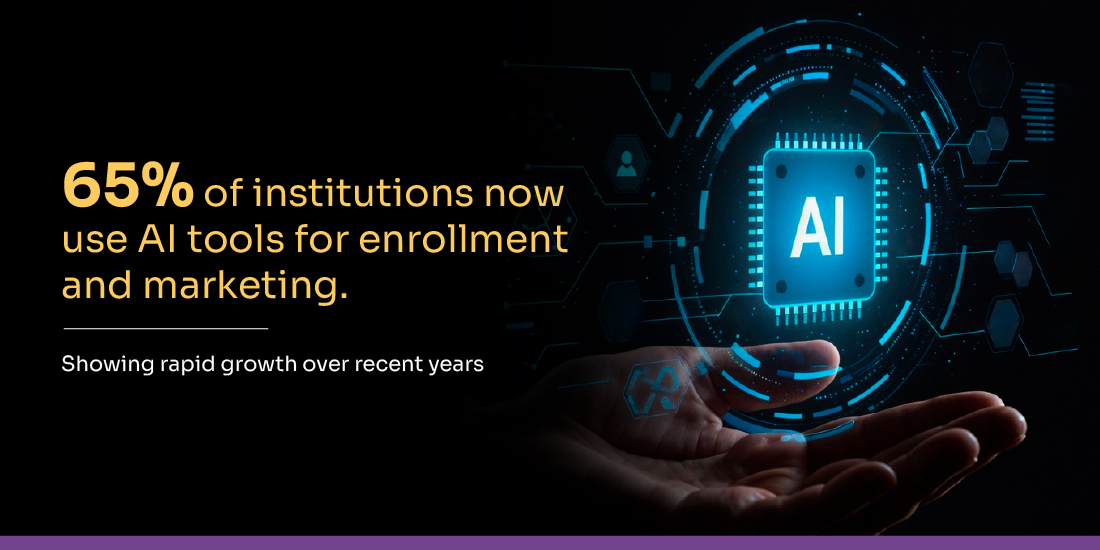
Artificial intelligence (AI) is becoming a key part of enrollment software, helping institutions improve efficiency and provide personalized experiences for students. A recent industry report shows that 65% of institutions now use AI tools in their enrollment and marketing processes, reflecting significant growth from previous years.
Key AI-powered features include:
- 24/7 chatbots to answer common student queries
- Predictive models identifying students needing extra support
- Automated document processing to extract key information from transcripts
- Personalization engines for tailored content and recommendations
- Sentiment analysis of student communications
Integration Capabilities
Enrollment software must connect seamlessly with other institutional systems to create a cohesive student experience. Essential integrations include:
- Student Information Systems (SIS): For smooth data transfer after enrollment
- Learning Management Systems (LMS): For academic planning and course selection
- Financial Aid Platforms: For scholarship and aid processing
- Payment Systems: For application fees and deposits
- Marketing Automation Tools: For broad campaign management
- Analytics Platforms: For advanced data analysis
Modern solutions often include APIs and pre-built integrations with popular tools, ensuring a connected ecosystem that supports the full student journey.
Top 10 Student Enrollment Management Software Solutions
Selecting the right student enrollment management system is essential for streamlining admissions, improving communication, and enhancing the overall applicant experience.
BotPenguin
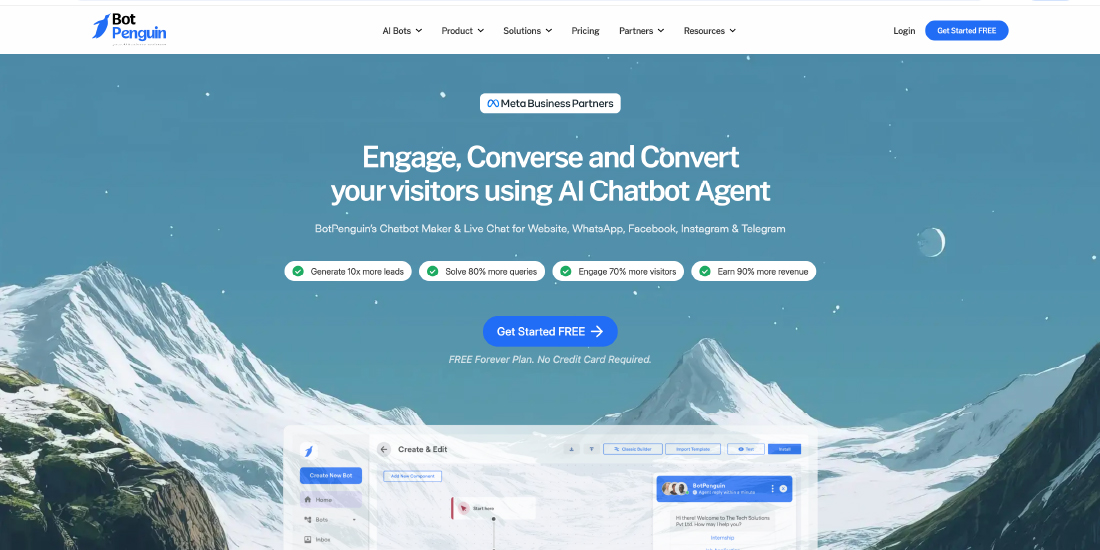
BotPenguin is a no-code chatbot platform designed to help schools and colleges automate admissions-related interactions across multiple digital channels. It enables institutions to handle FAQs, admission inquiries, form submissions, and fee-related questions without technical expertise.
Key Features
- Automated admission FAQs and form handling
- Multi-platform support (WhatsApp, Facebook, Instagram, websites)
- ChatGPT-powered personalized responses
- Custom chatbot training using institutional data
- Built-in analytics for student interactions
- 60+ native integrations (CRM, scheduling, tools)
- Live chat and voice support
Pricing
- Baby Plan: Free (up to 100 conversations)
- Little Plan: $14/month (up to 3,000 conversations)
- King Plan: $53/month (up to 12,000 conversations)
- Emperor Plan: Custom pricing
Pros
- No coding required
- Affordable entry-level pricing
- Supports multiple communication channels
- Extensive integrations
- Easy setup with customizable templates
Cons
- Limited usage in the free plan
- Advanced features require higher-tier plans
Ellucian Banner
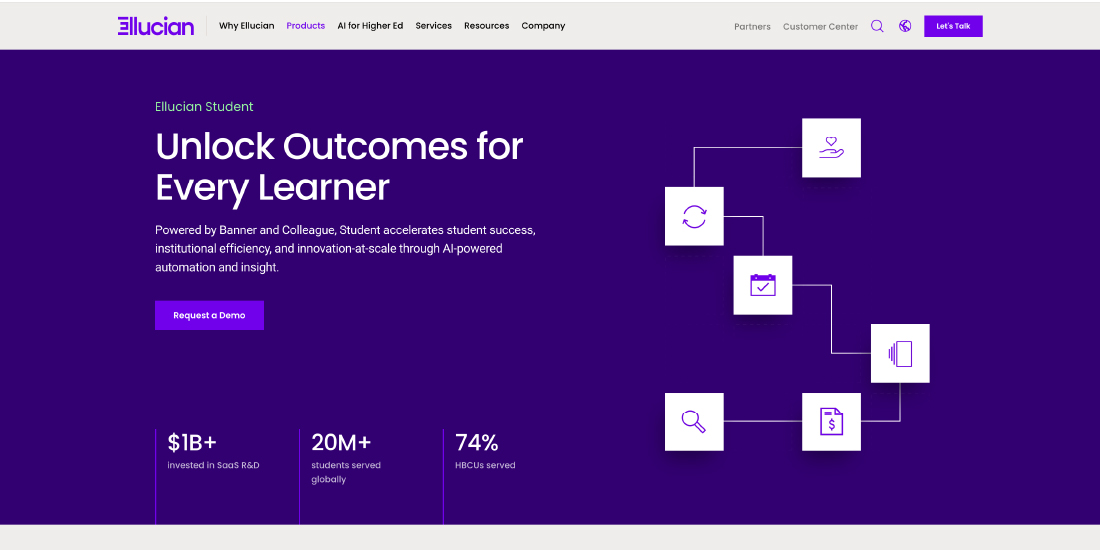
Ellucian Banner is a comprehensive enrollment and student information system built primarily for higher education institutions. It supports enrollment, registration, financial aid, and academic administration within a highly customizable framework.
Key Features
- Enrollment and registration management
- Financial aid administration
- Course creation and management
- Learning analytics and assessments
- Mobile app support
Pros
- Well-suited for universities and colleges
- Strong reporting and analytics
- High customization and branding options
Cons
- Not suitable for K–12 institutions
- Requires significant training
- Performance issues with very large datasets
Pricing: Available on request
Blackbaud Enrollment Management
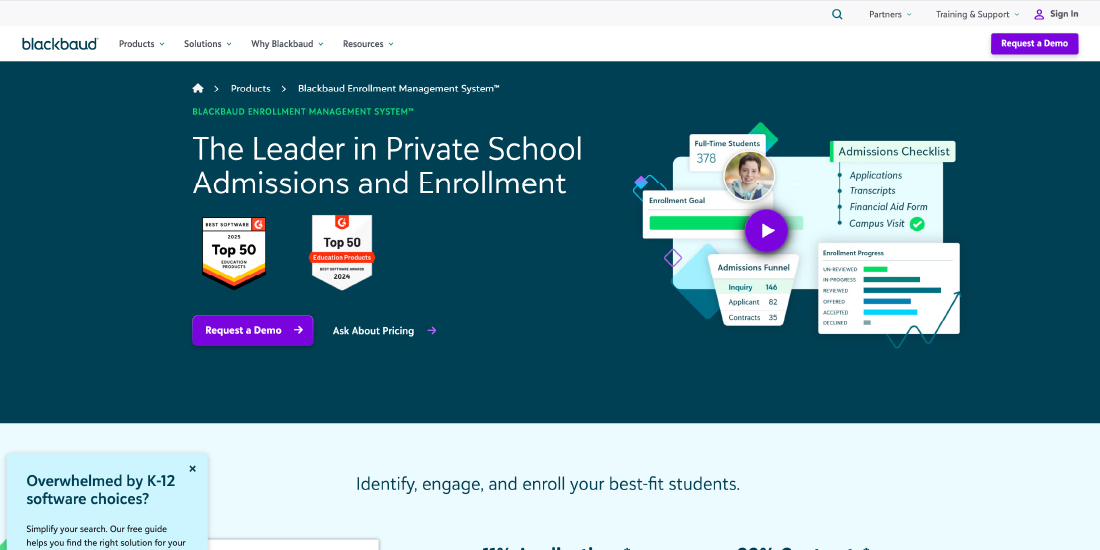
Blackbaud offers a connected admissions and enrollment experience with tools designed to simplify applications, track applicant progress, and support decision-making.
Key Features
- Admissions portal with application tracking
- Enrollment milestones and reminders
- Self-scheduling for tours and interviews
- Mobile-friendly application forms
- Personalized communication and notifications
Pros
- User-friendly for students and administrators
- Strong fundraising and finance integration
- Supports multiple educational needs
Cons
- Limited advanced reporting
- Setup and onboarding can be complex
- Limited offline functionality
Pricing: Available on request
SchoolAdmin (by Finalsite)
SchoolAdmin, now part of Finalsite, is built for private K–12 institutions, integrating admissions, enrollment, and billing into one unified platform.
Key Features
- Dynamic, conversion-focused application forms
- Embedded website forms
- Application scoring and review tools
- Automated admissions workflows
- Fee reminders and payment schedules
Pros
- Paperless admissions
- Personalized enrollment experience
- Faster fee collection
Cons
- No dedicated mobile app
- Limited flexibility in some features
- Slow rollout of new features
Pricing: Quote-based
FACTS
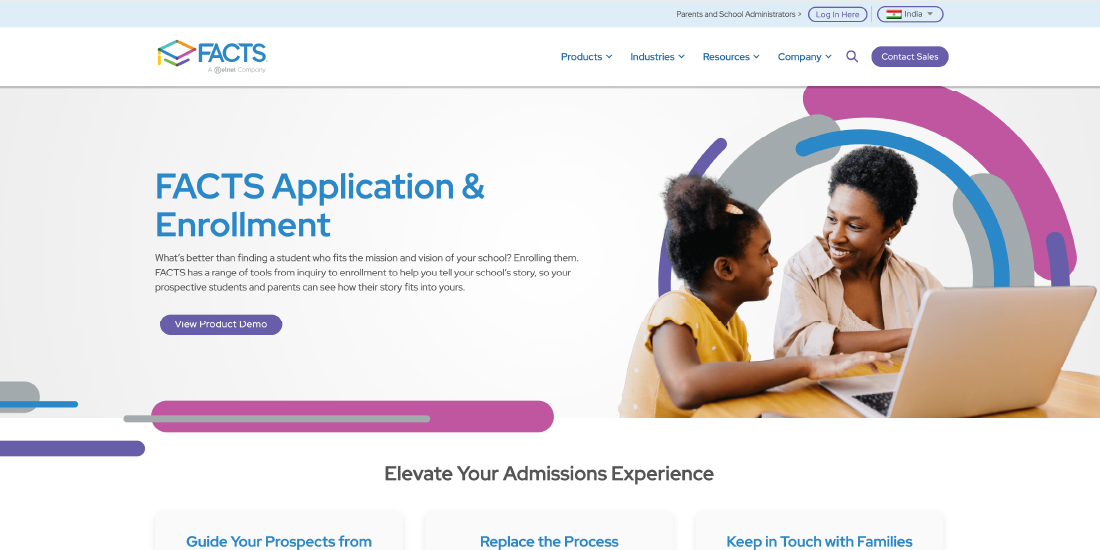
FACTS is a comprehensive student enrollment and school management platform focused on improving communication and simplifying administrative tasks, especially in K–12 environments.
Key Features
- Attendance and behavior tracking
- Tuition and fee management
- Assignment submissions and grading
- Student performance monitoring
- Advanced communication tools
Pros
- Strong administrative support tools
- Reliable customer service
- Integrated tuition management
Cons
- Limited support beyond K–12
- Occasional performance and sync issues
Pricing: Quote-based
Slate by Technolutions
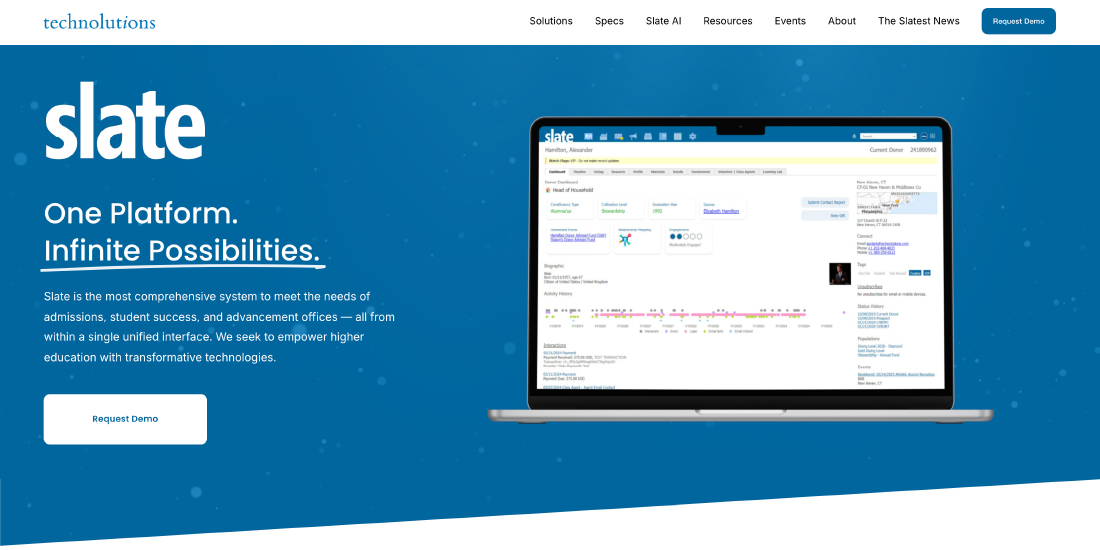
Slate is a higher education–focused enrollment platform offering robust admissions, communications, and automation capabilities. When integrated with Edmo, institutions can further enhance applicant engagement, streamline workflows, and deliver a more personalized enrollment experience through unified data and smarter communication.
Key Features
- Automated marketing and drip campaigns
- Custom applicant portals
- Multiple application frameworks
- Task and workflow automation
- Third-party application integrations
Pros
- Strong applicant engagement tools
- Customizable admissions workflows
- Effective marketing automation
Cons
- Outdated admin interface
- No free version
- Limited integrations
Pricing: Custom pricing
Infinite Campus
Infinite Campus is a widely used K–12 enrollment and student management platform offering robust administrative and communication tools.
Key Features
- Online registration
- Attendance and grade tracking
- Parent and student portals
- Transcript and reporting tools
- Course and assessment management
Pros
- Established and reliable platform
- Strong reporting and analytics
- Comprehensive student data management
Cons
- Primarily K–12 focused
- Limited customization options
- Occasional technical issues
Pricing: Available on request
PowerSchool Enrollment
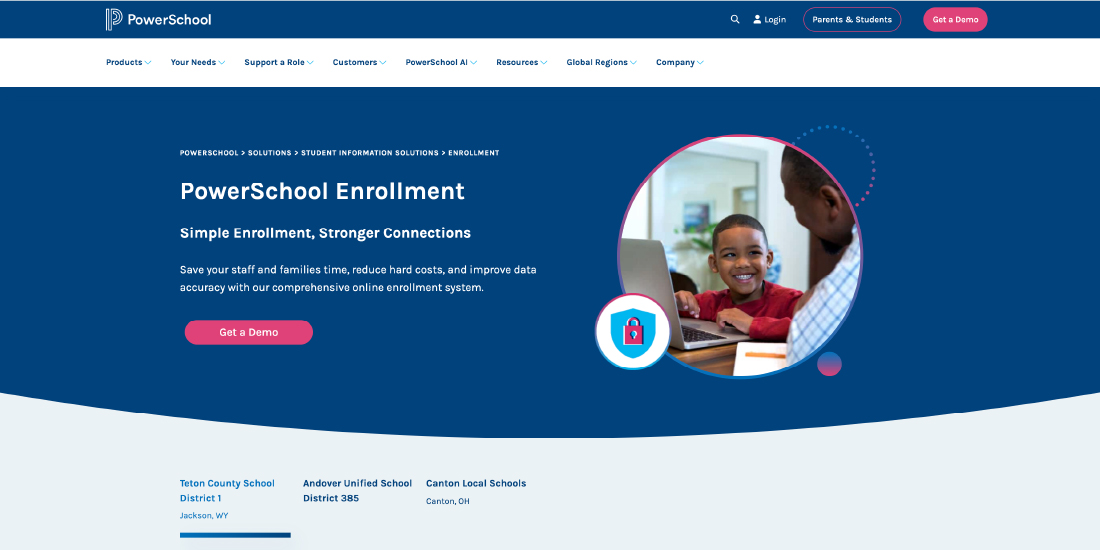
PowerSchool Enrollment supports both K–12 and higher education institutions, focusing on automated workflows and integrated student data management.
Key Features
- Online applications
- Automated enrollment workflows
- Detailed reporting and analytics
- Chatbot support for applicants
- Integration with PowerSchool SIS and LMS
Pros
- Highly integrated ecosystem
- Strong analytics and reporting
- Scalable for different institution sizes
Cons
- Requires training for advanced features
- Performance issues reported by some users
Pricing: Custom pricing
Edusys Online Admission
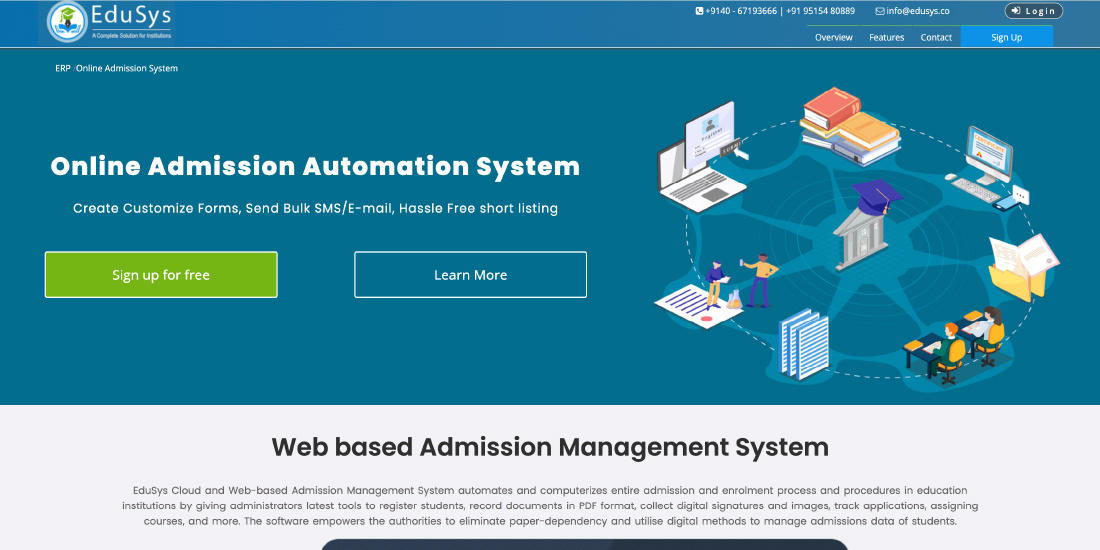
Edusys is a cloud-based school ERP platform focused on fast and efficient student enrollment and document management.
Key Features
- Online admissions and registration
- Student information and document management
- Attendance, academics, and examinations
- Payroll and administrative tools
- Multilingual and customizable interface
Pros
- All-in-one school management solution
- Scalable and cloud-based
- Strong document handling
Cons
- Steep learning curve
- Limited advanced reporting
- Paid add-ons for integrations
Pricing: Flexible, institution-based
Gradelink
Gradelink is known for its simplicity, strong customer support, and essential enrollment and student management features.
Key Features
- Grade and attendance tracking
- Parent-teacher communication
- Course and assignment management
- Scheduling and reporting tools
- Google Classroom integration
Pros
- Easy-to-use interface
- Strong support and training resources
- Reliable reporting features
Cons
- Limited third-party integrations
- Basic customization options
- Occasional performance issues
Pricing: Quote-based (free demo available)

How to Select and Implement the Right Enrollment Software for Your Institution
Choosing the right enrollment software is a strategic decision that can significantly impact your institution’s efficiency, student experience, and overall enrollment outcomes.
Assess Your Institution’s Needs
Before reviewing specific software options, conduct a thorough assessment to understand your enrollment challenges and goals:
- Identify Pain Points: Determine challenges in your current enrollment process, such as manual data entry, communication gaps, or difficulty tracking applicants.
- Define Objectives: Set clear goals for the new software, like increasing application completion, improving yield, or reducing processing time.
- Engage Key Stakeholders: Collect feedback from admissions staff, IT teams, marketing staff, and other users who will use the system. Schools using analytics have seen up to a 30% increase in student engagement and recruitment success.
- Consider Institutional Context: Factor in your institution’s size, budget, technical infrastructure, and existing systems.
- Prioritize Requirements: Differentiate between must-have features and optional capabilities to focus on solutions that meet your essential needs.
This needs assessment forms the foundation for evaluating software solutions that best address your institution’s enrollment challenges.
Key Criteria for Evaluating Enrollment Software
When comparing software options, consider these critical factors:
- Feature Set: Ensure the platform offers functionalities that address your top priorities and pain points.
- Ease of Use: Look for intuitive interfaces for both staff and prospective students to increase adoption and efficiency.
- Implementation Timeline: Evaluate how long the system will take to deploy and whether it aligns with your academic calendar.
- Training and Support: Consider vendor-provided resources, responsiveness, and ongoing assistance.
- Security and Compliance: Confirm the solution meets data privacy standards and regulatory requirements for student information.
- Scalability: Ensure the system can grow with your institution and adapt to evolving enrollment strategies.
- Total Cost of Ownership: Factor in not just the purchase price but also implementation, ongoing fees, and internal maintenance resources.
- Integration Capabilities: Check how well the software connects with your SIS, LMS, financial aid systems, and other existing tools.
Prioritize these criteria based on your institution’s specific needs to create a structured comparison framework for selecting the right solution.
Best Practices for Implementation
Effective implementation is essential to maximize the benefits of your enrollment software. Follow these best practices:
- Develop a Detailed Implementation Plan: Include data migration, system configuration, testing, staff training, and rollout schedules with clear responsibilities.
- Ensure Accurate Data Migration: Clean and organize existing data before transfer and verify accuracy afterward.
- Provide Comprehensive Training: Offer both initial and ongoing training for all staff users to ensure smooth adoption.
- Adopt a Phased Rollout: Introduce software functionality gradually instead of launching all features simultaneously.
- Define Success Metrics: Measure implementation success with metrics like user adoption, process efficiency improvements, and enrollment outcomes.
- Implement Change Management Strategies: Address human factors by communicating clearly, involving key influencers, and supporting staff through the transition.
- Plan for Continuous Improvement: Regularly review system performance, gather feedback, and implement refinements over time.
A structured implementation helps all departments adopt the enrollment software effectively. AI and automation are transforming enrollment, with 81% of higher-education leaders saying chatbots and AI assistants will greatly impact marketing and enrollment in the next two years.
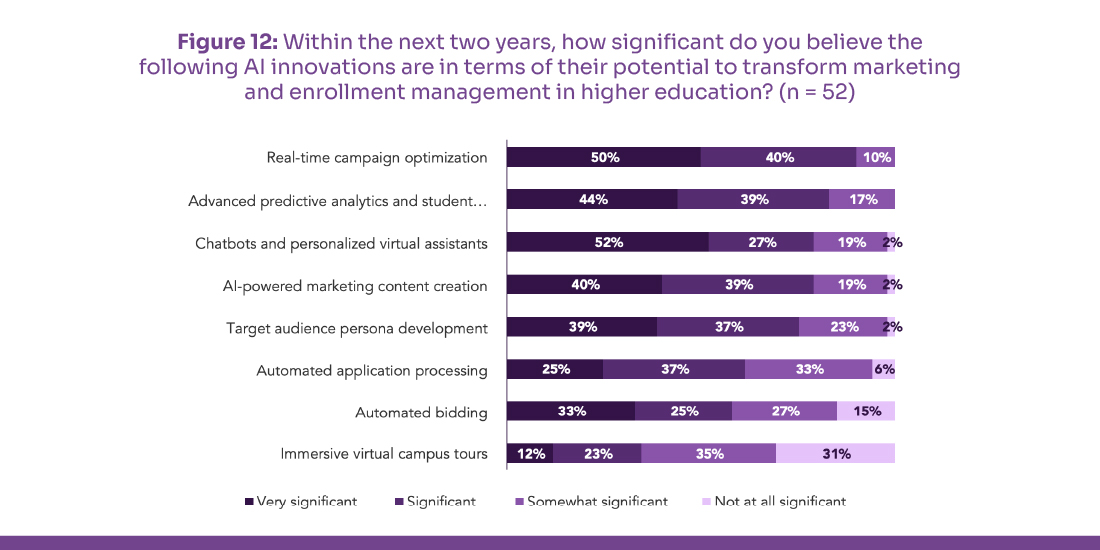
Source: EducationDynamics
Conclusion
For institutions aiming to boost student numbers, understanding enrollment growth – which tools are most effective for enrollment growth consulting? is crucial. Tools like CRM systems, AI-powered analytics, marketing automation, and student engagement platforms help streamline admissions, improve applicant experiences, and provide actionable insights. Leveraging these solutions enables schools and universities to make informed decisions, optimize recruitment strategies, and achieve sustainable enrollment growth over time.
Frequently Asked Questions
Question 1. What Are the Types of Enrollment?
Question 2. How does admissions and enrollment management software improve efficiency?
Question 3. What is the purpose of strategic enrollment management?
Question 4. Which tools are most effective for enrollment growth consulting?
Question 5. How do enrollment management systems support long-term enrollment growth?
Written By


You May Also Like
 AI in Education

 AI in Education
 AI in Education
No comments yet. Be the first to comment!
Leave a Comment