


Table Of Contents
Introduction
Higher education is rapidly evolving as colleges and universities adopt digital platforms and AI-driven solutions to enhance teaching, learning, and campus operations. A recent survey of 445 faculty members and administrators from over 330 institutions across the U.S. and Canada revealed that 93% plan to increase their use of AI for work purposes in the next two years, highlighting the growing role of technology in higher education.
In this blog, we explore the top technology tools for higher education institutes that are transforming classrooms, improving student engagement, and streamlining administrative processes. These tools are helping institutions stay future-ready while providing more personalized, efficient, and impactful learning experiences.
Top 24 Tools Revolutionizing Higher Education: The New Era of EdTech
Below is a clearer, more engaging, and informative overview of each tool. These descriptions have been improved to show how technology tools for higher education are becoming more relevant, impactful, and essential in today’s learning environment.
EDMO(Education in Motion)
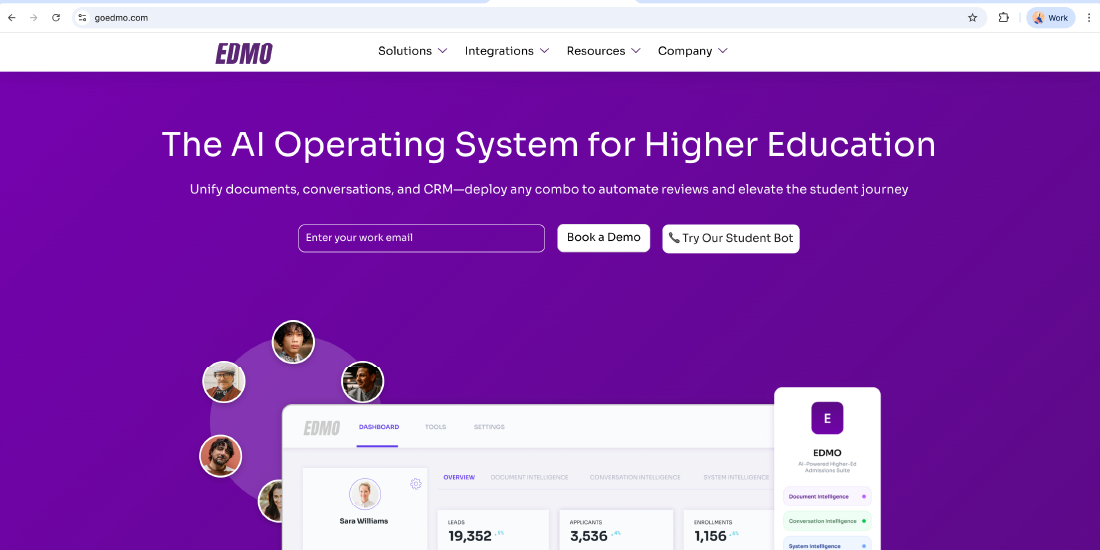
Edmo is an all-in-one AI platform that helps higher education institutes manage everything in one place. It brings together documents, student conversations, and CRM tools, making it easier to automate tasks like application reviews and student support. With Edmo, colleges can reduce manual work, respond faster, and create a smoother, more personalised student experience.
Kahoot
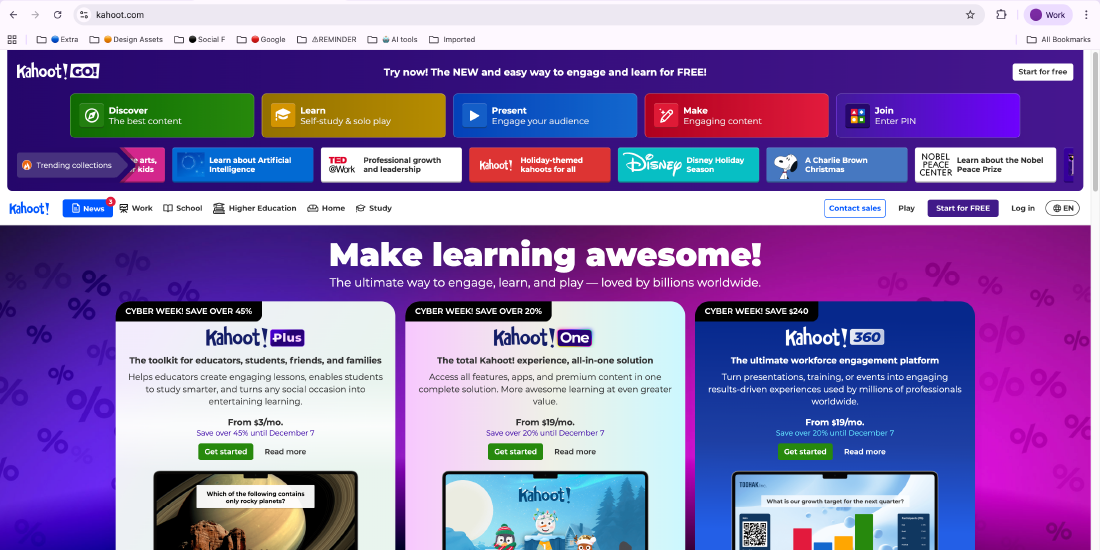
Kahoot brings energy and interactivity into higher-education classrooms through game-based quizzes and polls. Its competitive design boosts motivation, strengthens participation, and enables instructors to assess comprehension instantly. This makes Kahoot especially useful for formative assessments, icebreakers, and engaging hybrid learning environments.
Canva
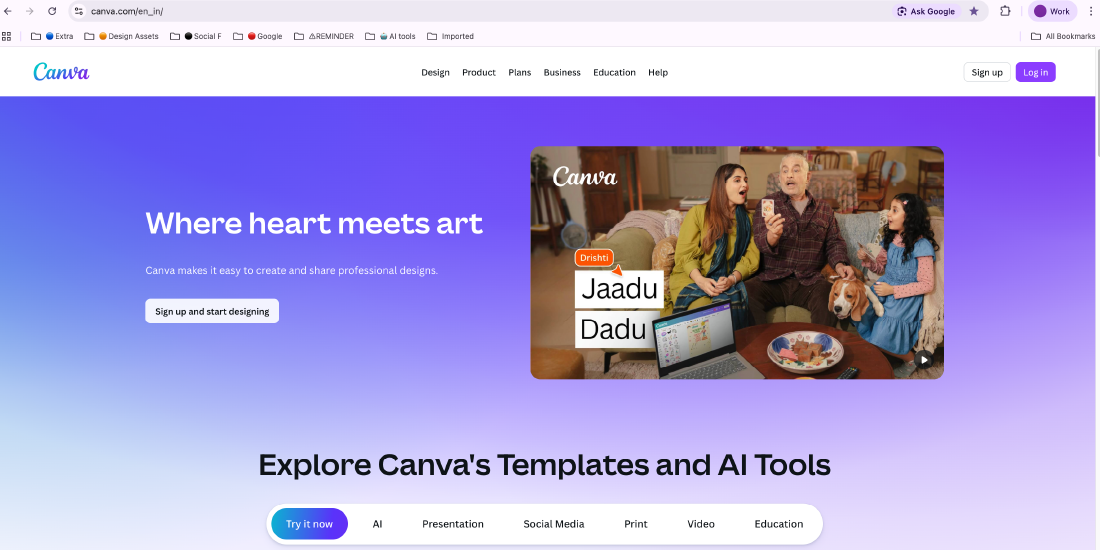
Canva enables educators and students to create visually compelling academic content with ease. With thousands of templates and a simple drag-and-drop interface, users can design presentations, posters, infographics, and reports within minutes. Its AI-powered Magic Studio further enhances creativity, streamlining visual content development for teaching, projects, and institutional branding.
Nearpod
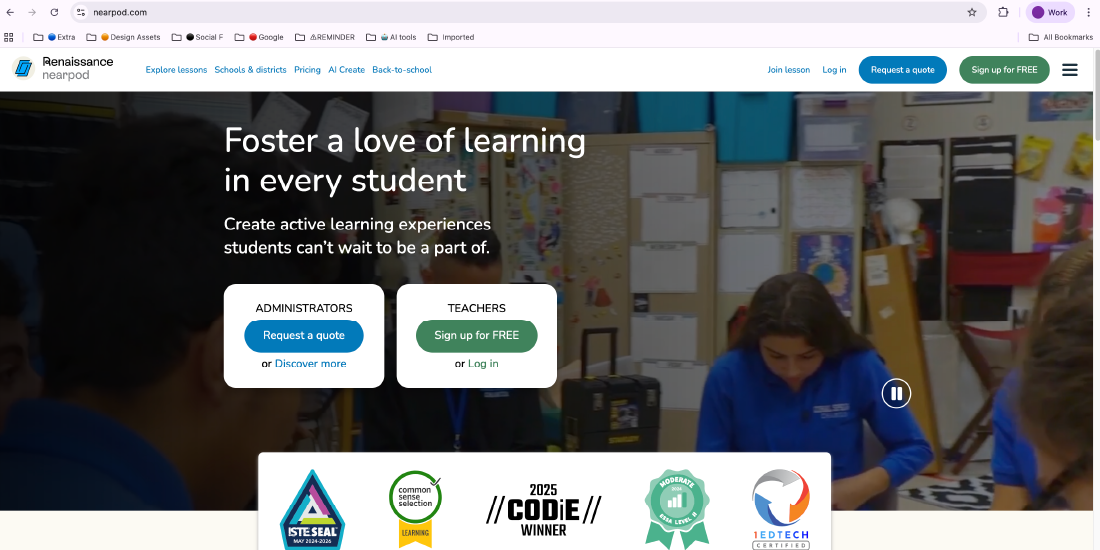
Nearpod transforms traditional lessons into interactive learning experiences by integrating quizzes, polls, simulations, and multimedia directly into presentations. Real-time progress tracking allows educators to personalize learning and immediately address misconceptions. This makes Nearpod ideal for online, blended, and active-learning classrooms.
Padlet
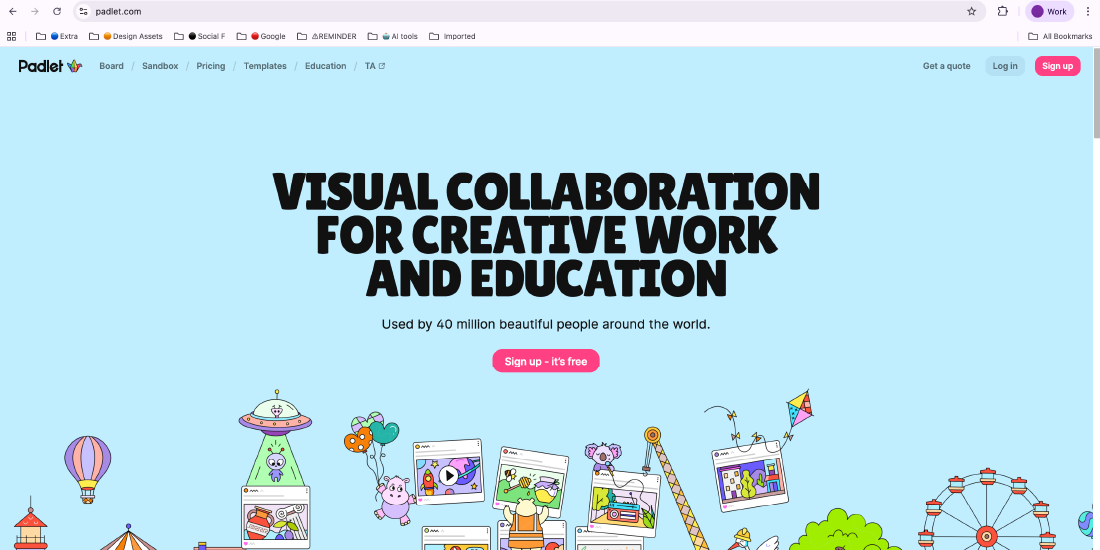
Padlet acts as a virtual collaboration board where students and faculty can share text, images, videos, and links in a single, organized space. It’s highly effective for brainstorming sessions, group projects, reflective discussions, and digital portfolios. Its intuitive layout encourages creative expression and fosters deeper student collaboration.
Pear Deck
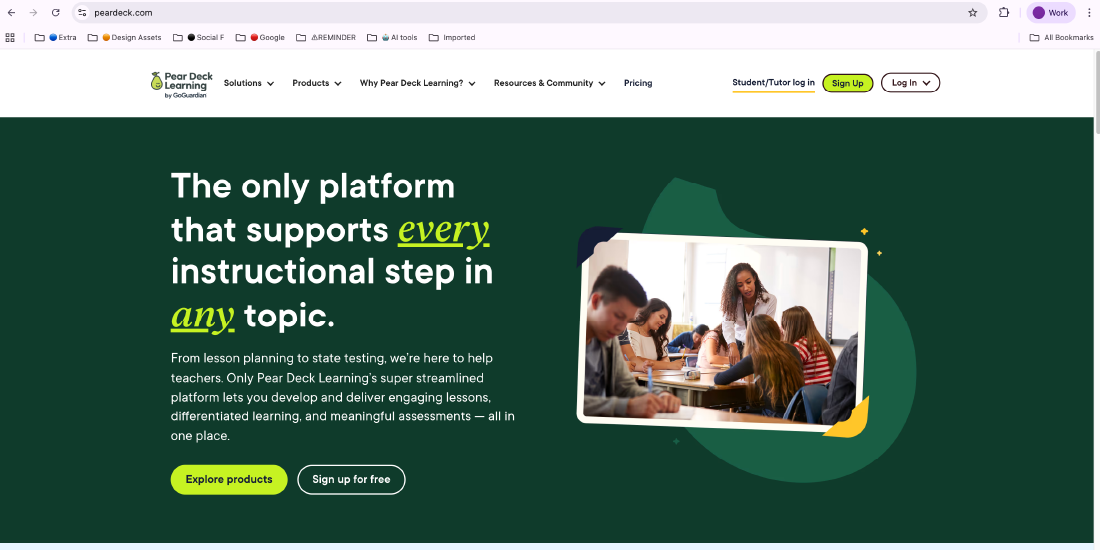
Pear Deck enhances lesson engagement by turning static Google Slides presentations into interactive learning sessions. Instructors can embed polls, questions, and activities directly into their slides, allowing students to respond in real time. This provides educators with immediate insights into understanding, promotes active participation, and makes lectures more collaborative and immersive.
EDpuzzle
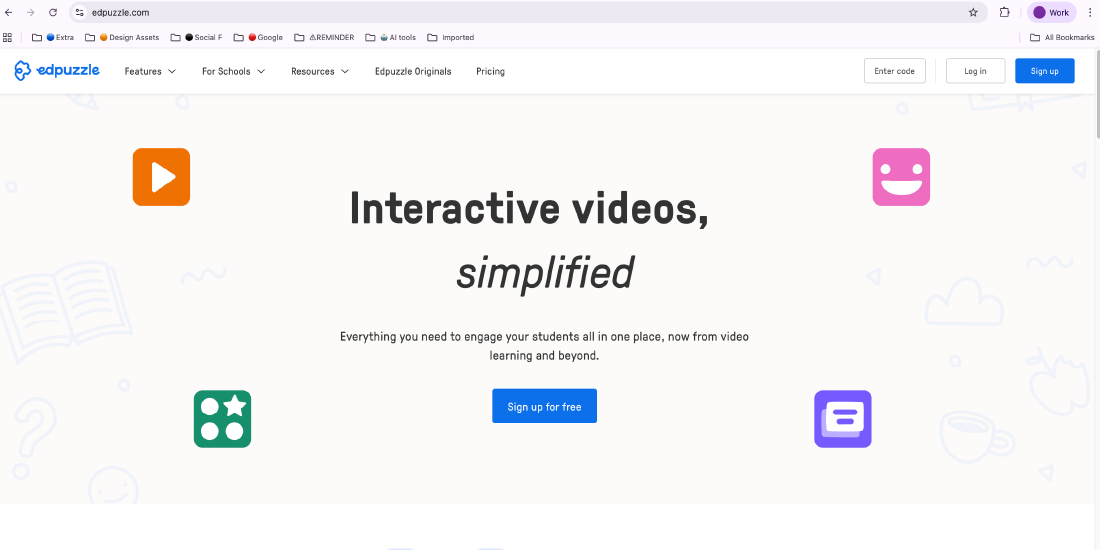
EDpuzzle transforms video content into interactive learning tools by allowing educators to embed quizzes, notes, and checkpoints into videos from YouTube, Khan Academy, and other sources. This helps track student engagement and understanding. It is especially effective in flipped classroom models, where students learn foundational concepts before class, allowing in-person sessions to focus on deeper discussion and application.
Microsoft Education
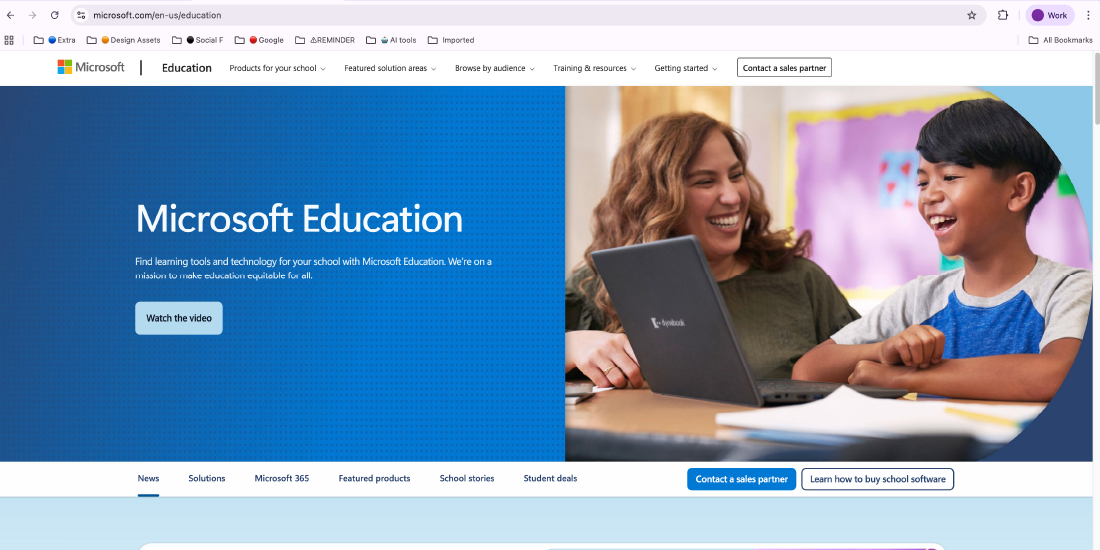
Microsoft Education offers a powerful ecosystem of tools—including Teams, OneNote, OneDrive, Word, Excel, and PowerPoint—that support collaboration, course management, and academic productivity. With Microsoft Azure, institutions can also utilize cloud computing, data analytics, and AI capabilities to enhance research, improve administration, and scale learning experiences across departments.
Poll Everywhere
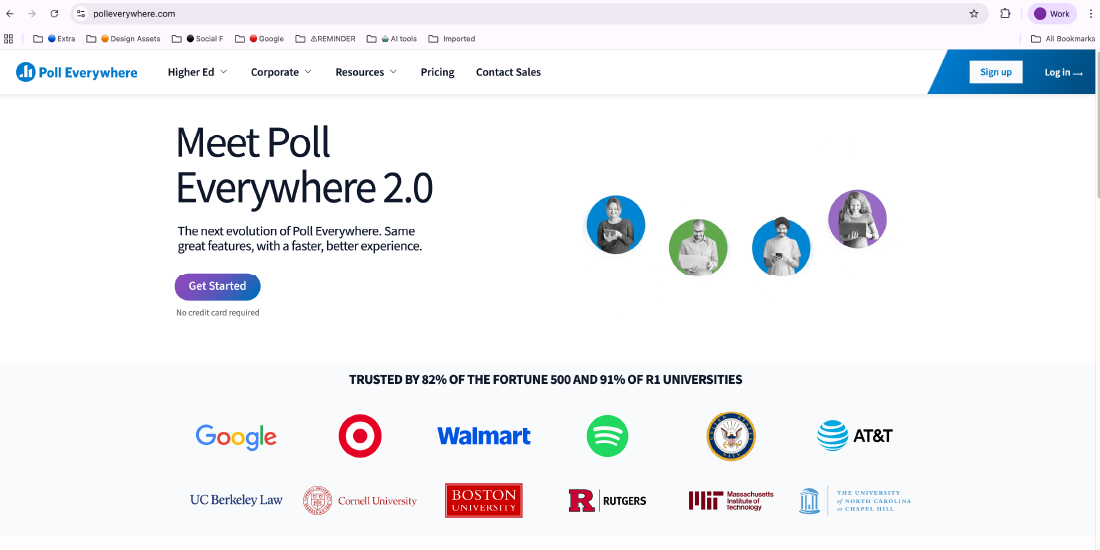
Poll Everywhere enhances live teaching by enabling instructors to host real-time polls, quizzes, word clouds, and Q&A sessions. Students respond using their smartphones or laptops, making it ideal for large lecture halls, hybrid learning environments, and webinars. The tool helps educators gather immediate feedback and adjust instruction based on student input.
Book Creator
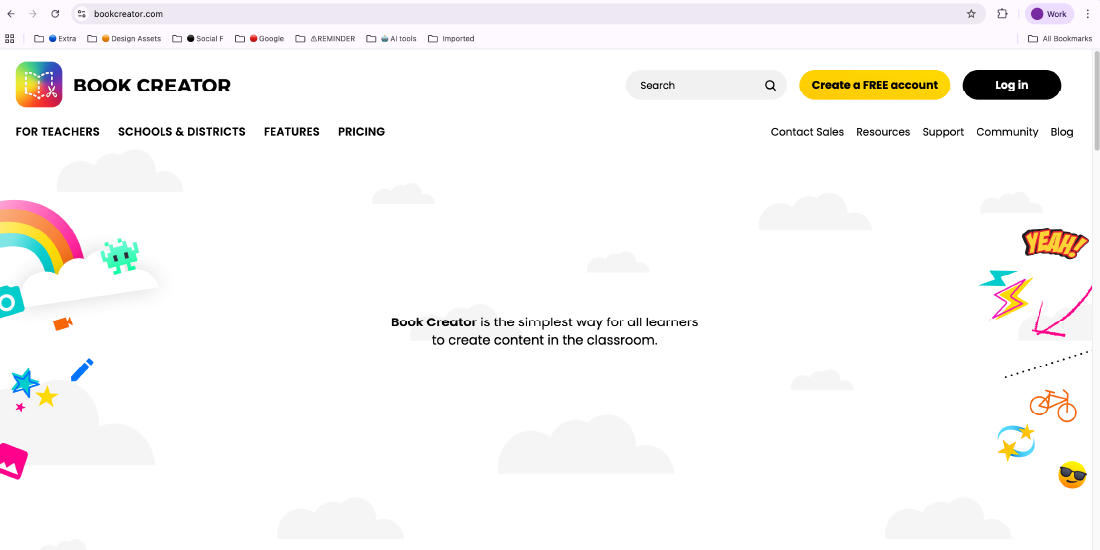
Book Creator allows educators and students to build interactive digital books using text, images, audio, video, and drawings. It supports project-based learning, personalized assignments, and reflective storytelling. The tool strengthens digital literacy, creativity, and communication skills while making content creation more engaging and accessible.
Google Classroom
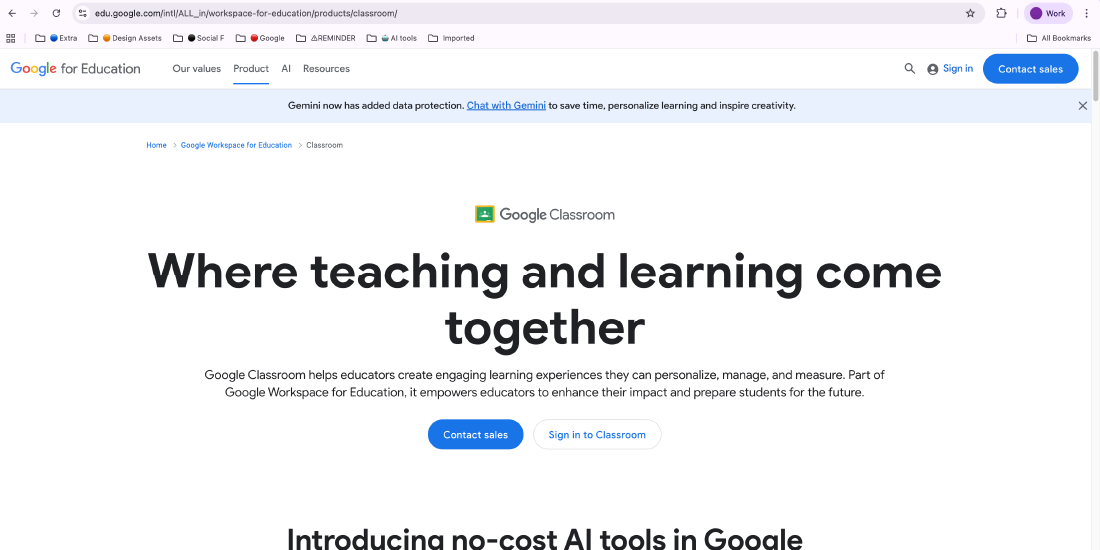
Google Classroom streamlines course management by centralizing assignments, grading, announcements, and class communication. Its seamless integration with Google Docs, Slides, Drive, and other Google tools makes collaboration effortless. Whether supporting online, hybrid, or traditional classrooms, Google Classroom improves organization and enhances learning workflows for both educators and students.
Grammarly
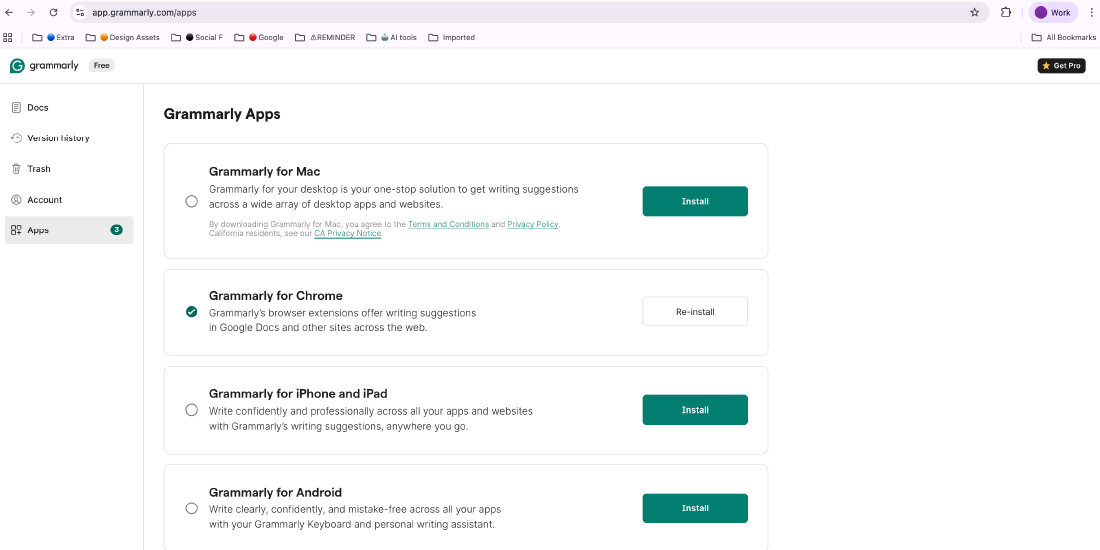
Grammarly elevates academic and professional writing by providing real-time suggestions for grammar, punctuation, clarity, and tone. It helps students refine essays, research papers, and emails while strengthening their overall writing and editing skills. The tool’s detailed explanations also support long-term language improvement.
Quizlet
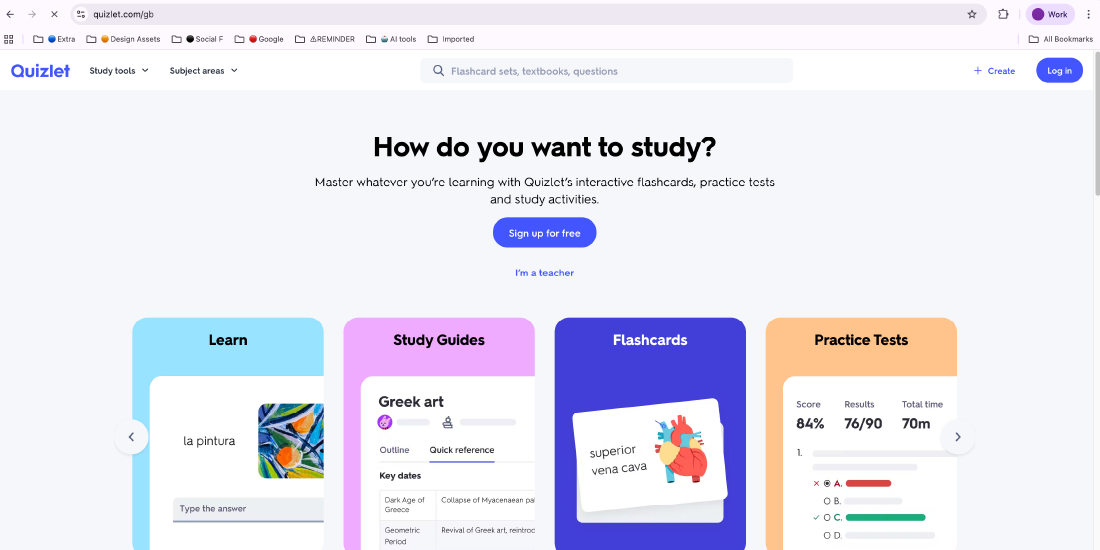
Quizlet enhances self-paced learning through digital flashcards, quizzes, and interactive study activities. Its game-based modes make memorization more engaging, while collaborative features allow students to share study sets and prepare for exams together. It is highly effective for reinforcing key concepts and improving retention.
ClassDojo
ClassDojo supports communication and community-building within academic environments. In higher education, it is particularly useful for cohort-based programs, first-year experiences, and seminar groups. Its tools for progress tracking, engagement, and feedback help strengthen faculty–student connections and promote a supportive learning atmosphere.
Google Docs
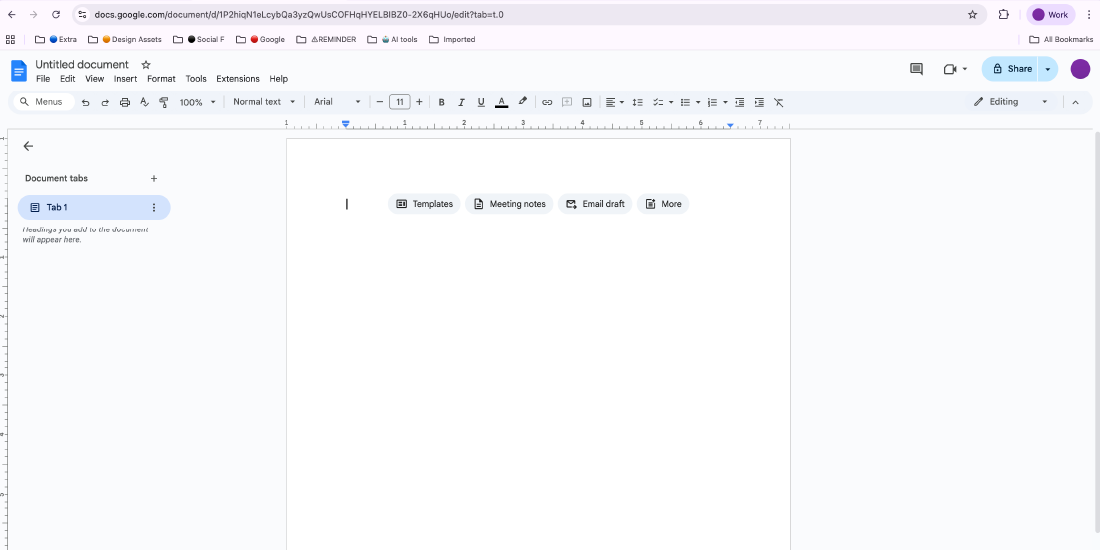
Google Docs enables seamless real-time collaboration for writing projects, research papers, and peer reviews. Its cloud-based accessibility ensures students and faculty can work together from anywhere, while built-in commenting and revision tools support continuous feedback. Its integration with LMS platforms makes document sharing and group work efficient and organized.
Headspace

Headspace offers guided meditations, breathing exercises, and mindfulness programs that support student well-being. By helping learners manage stress, improve focus, and maintain emotional balance, it serves as a valuable mental health resource for campuses looking to enhance holistic student support.
Khan Academy
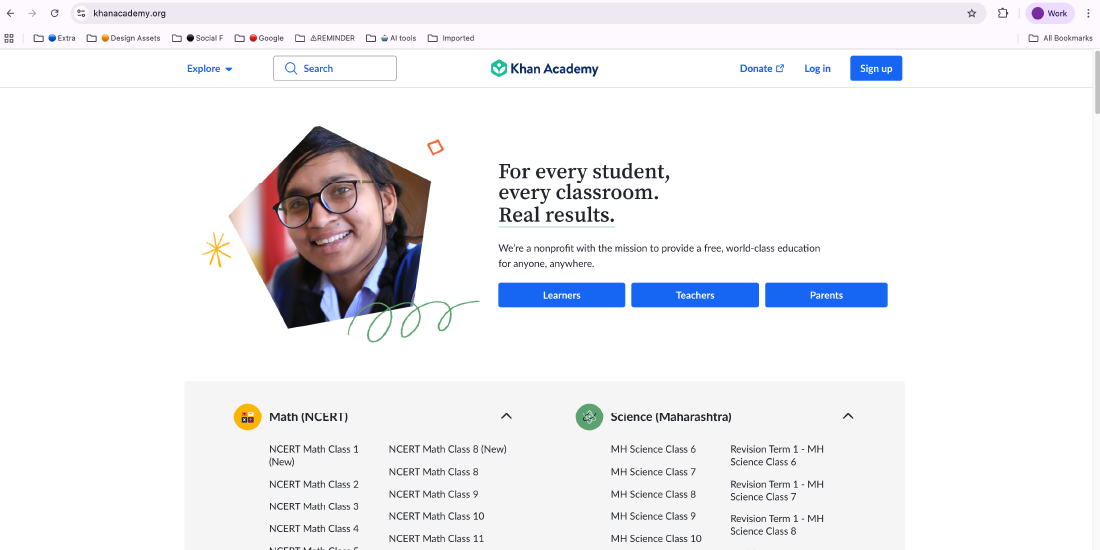
Khan Academy provides free, high-quality educational content across subjects like math, science, humanities, and test preparation. Its structured lessons, practice exercises, and mastery-based progression support foundational learning, concept reinforcement, and self-paced study—making it a valuable tool for both remediation and independent skill-building outside the classroom.
Screencastify
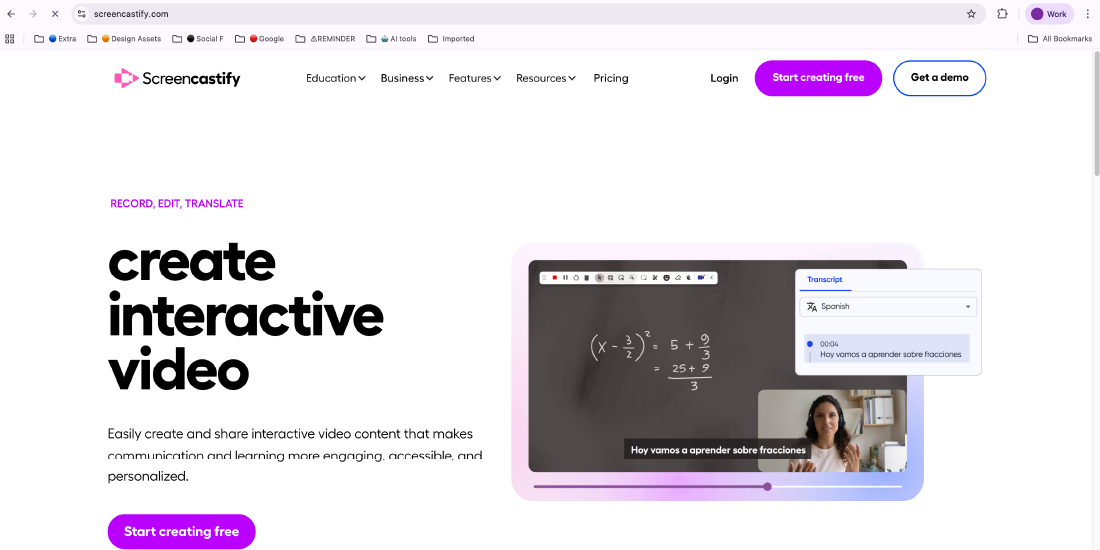
Screencastify is a user-friendly screen recording tool that allows educators and students to create instructional videos, walkthroughs, and presentations. It is especially useful for flipped classrooms and asynchronous learning environments, enabling learners to revisit lessons anytime and helping teachers deliver content more flexibly and effectively.
Socrative
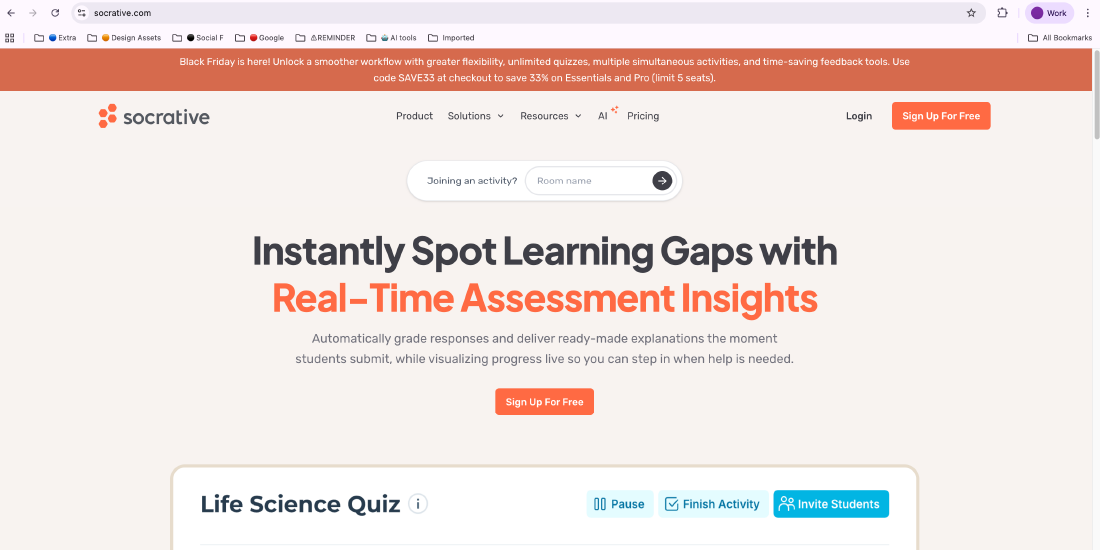
Socrative is an interactive assessment platform that lets instructors run quick quizzes, polls, exit tickets, and real-time checks for understanding. Its instant feedback and data insights empower educators to adjust teaching strategies on the spot, making learning more dynamic, adaptive, and responsive to student needs.
Storybird
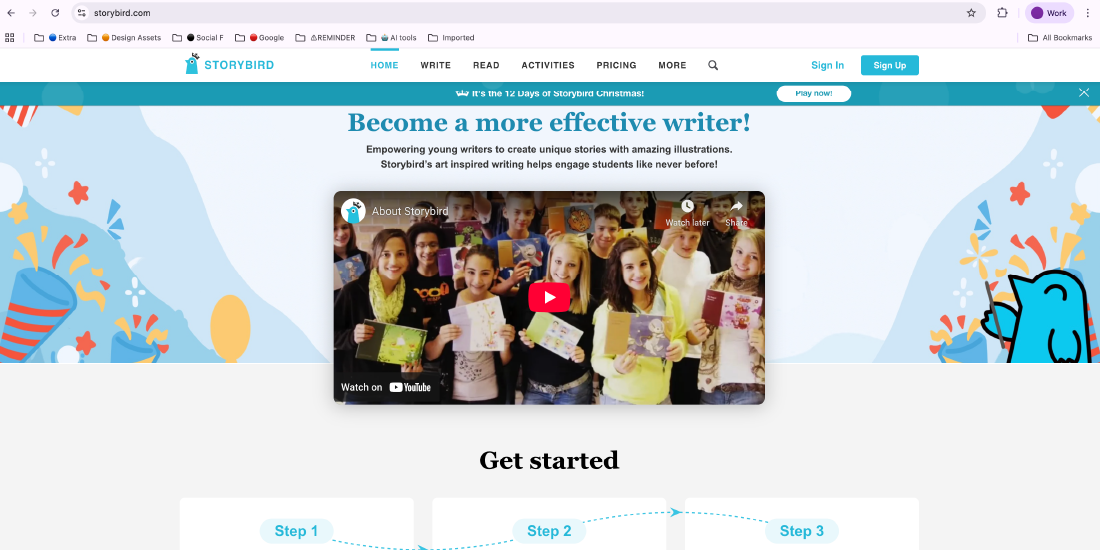
Storybird promotes creativity and language development by offering visually engaging art and templates that inspire storytelling. It is an excellent tool for writing courses, group projects, and literacy activities, helping students enhance narrative skills, improve writing structure, and collaborate on imaginative content.
Wakelet
Wakelet is a digital curation platform that allows users to collect, organize, and present web links, videos, articles, images, and personal notes in visually appealing collections. It is ideal for digital portfolios, research assignments, resource libraries, and collaborative learning projects, providing students and educators with an easy way to structure and share information.
Zoom
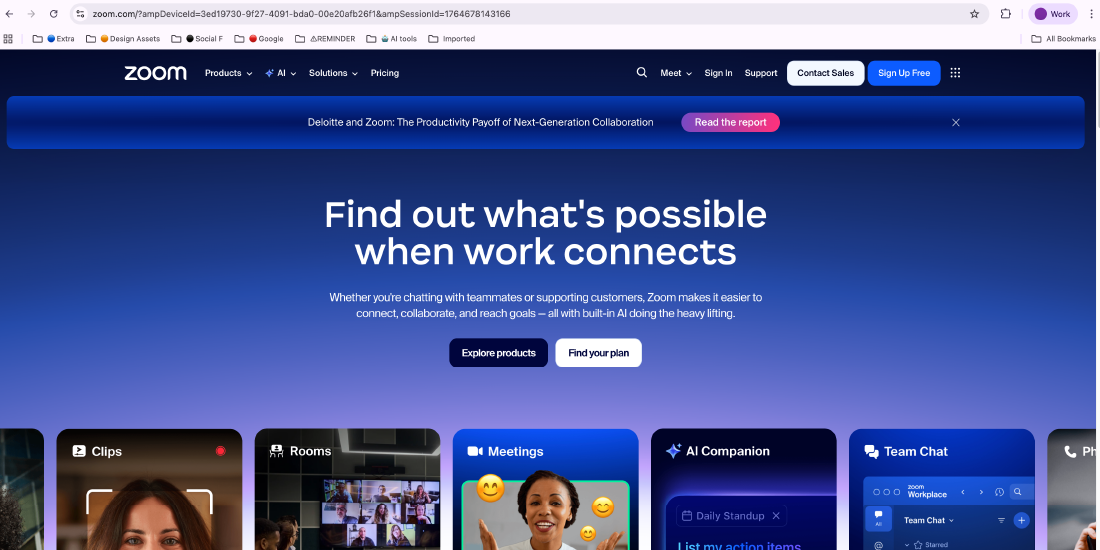
Zoom continues to be a central platform for virtual learning, hybrid classrooms, and online academic meetings. With features such as breakout rooms for group discussions, screen sharing for presentations, and collaborative whiteboards, it enhances interaction and supports engaging, real-time learning experiences across all academic levels.
Adobe Captivate
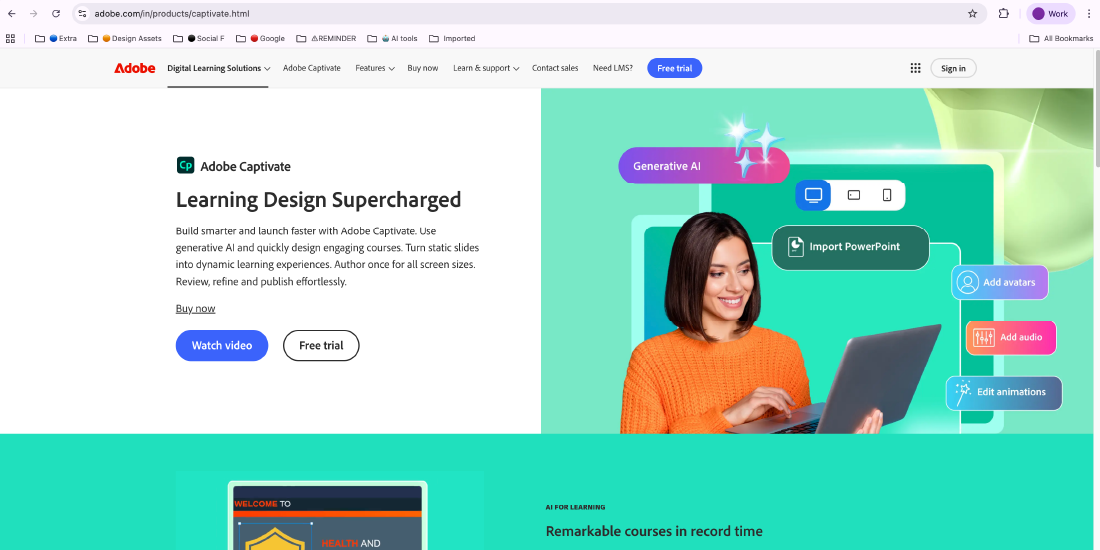
Adobe Captivate is a powerful authoring tool that enables educators and instructional designers to create interactive e-learning modules, simulations, and multimedia-based lessons. It supports responsive design, scenario-building, and assessment creation, making it ideal for developing advanced training programs and dynamic online courses accessible across devices.
Blooket
Blooket transforms traditional learning into game-based experiences through interactive quizzes and competitive challenges. Its engaging gameplay formats encourage active participation, reinforce key concepts, and boost classroom motivation, making it a valuable tool for increasing student involvement and retention.
Building the Right Environment for Effective Technology Use
Creating a successful digital learning ecosystem goes beyond simply introducing new tools. Higher education institutions must foster the right environment that supports faculty, strengthens infrastructure, and continuously improves technology use.
Supporting and Training Faculty
To effectively leverage technology in teaching, institutions must prioritise faculty development. This includes offering regular training on digital tools, innovative teaching strategies, and effective pedagogical practices. When educators feel confident with technology, they are more likely to adopt methods that enhance student learning. According to a 2024 report by Cengage Group, although AI use among higher‑education faculty rose from 24% in 2023 to 45% in 2024, only about 45% of instructors had received institutional support or training to use these tools effectively.
Strengthening Infrastructure and Ensuring Accessibility
A strong technological infrastructure is crucial for effective digital learning. Higher education institutions must provide reliable internet connectivity, secure cloud-based systems, and robust data storage to support modern learning platforms and tools. Equally important is ensuring that digital environments are accessible to all students, including those with disabilities. A 2024 report found that while 82% of higher-education institutions have formal digital accessibility policies, nearly 68% have faced legal or regulatory challenges due to insufficient accessibility measures, highlighting the ongoing need for inclusive technology practices.
Leveraging AI Chatbots for Student Support
AI chatbots can support both teaching and administration by offering 24/7 assistance to students and faculty. They can answer common questions, guide students through courses, and provide personalized learning tips, reducing faculty workload and boosting engagement. For example, Macquarie University in Australia introduced an AI chatbot called Virtual Peer, which improved student performance and engagement by providing round-the-clock academic and administrative support. Tools like EDMO Student Copilot take this further by helping students manage assignments, track deadlines, and access learning resources seamlessly..
Continuous Evaluation and Improvement
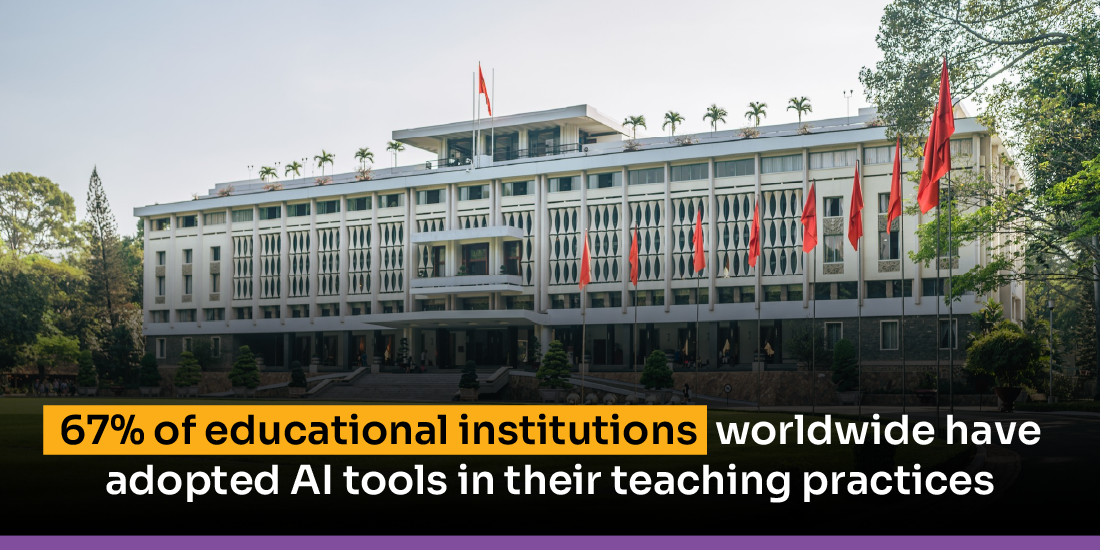
Integrating technology in education is an ongoing effort, not a one-time task. Higher education institutions should continually assess their digital initiatives using data and feedback. Monitoring key metrics such as student engagement, satisfaction, and academic performance helps identify what’s effective and what needs improvement. By actively incorporating input from both faculty and students, institutions can make informed adjustments that enhance the overall learning experience. Global data indicates that as of 2025, approximately 67% of schools and higher-education institutions worldwide have implemented some form of AI or digital tools in their teaching practices.
Key Challenges Institutions Face When Integrating New Technologies
As colleges and universities implement digital platforms and AI-driven solutions, they often encounter challenges that can slow or limit effective adoption. Understanding these obstacles helps institutions plan more strategically, support faculty and students more effectively, and make wiser technology investments.
Overcoming Resistance to Change
The adoption of new technologies can sometimes face hesitation from faculty and staff. Concerns often include increased workload, limited training, or moving away from familiar teaching practices. To overcome this resistance, institutions should clearly communicate the benefits of technology, provide hands-on support, and give faculty opportunities to see firsthand how digital tools can enhance student learning and streamline daily tasks.
Addressing the Digital Divide and Equity Gaps
Not all students have consistent access to devices, software, or reliable internet, which can limit participation in online learning and impact academic success. Institutions can bridge these gaps by providing loaner laptops or tablets, offering technology grants, expanding campus connectivity, and implementing digital literacy programs. According to a recent OECD report, roughly 25% of students across member countries do not always have adequate access to digital devices or the internet when needed, highlighting the need for equitable technology support.
Managing Costs and Budget Limitations
Implementing new technologies in higher education often requires significant financial investment, which can be particularly challenging for smaller institutions with limited budgets. The Higher Ed Innovation Index 2025 shows that while most colleges understand the need for digital transformation, 44% say implementation is their biggest challenge, and 40% struggle with infrastructure and facility costs. To manage budgets wisely, institutions can focus on essential tools, consider low-cost or open-source options, apply for grants, and plan long-term investments that support their academic goals.
Ensuring Data Privacy and Security
As higher education institutions adopt more digital tools, protecting sensitive student and faculty information becomes increasingly important. Colleges and universities must implement strong cybersecurity measures, comply with data protection laws, and regularly update security systems. A 2025 survey of UK educational institutions found that nearly 91% of higher-education institutions experienced at least one cybersecurity breach in the past year, highlighting the critical need for robust data security practices.
Recommendations for Overcoming Technology Adoption Challenges
Successfully integrating technology in higher education requires a strategic approach, robust support systems, and ongoing evaluation. The following recommendations can help institutions address common obstacles and make the most of tools for higher education:
Develop a Clear Vision and Strategy
Begin with a clear strategy that aligns technology initiatives with the institution’s overall goals. Involve representatives from faculty, instructional design, administration, IT, and accessibility teams to ensure a range of perspectives are considered. Focus on practical, actionable plans that prioritize initiatives likely to have the greatest impact. According to a 2025 global review, 49% of higher-education institutions are accelerating technology investments, reflecting a strong commitment to digital transformation.
Foster a Culture of Innovation and Collaboration
Encourage open communication and knowledge-sharing among faculty, staff, and students to build a supportive environment for new ideas. Workshops, group activities, and idea-sharing sessions help promote experimentation and make it easier to adopt new teaching methods. A Gallup survey shows strong support for digital tools, with 81% of teachers, 88% of principals, and 92% of administrators agreeing that technology adds value to education.
Provide Comprehensive Training and Ongoing Support
Faculty need structured support to use new technologies effectively. Professional development, hands-on training, and peer mentoring help instructors adopt digital tools confidently. Institutions should work closely with faculty to make technology a practical part of course design. An international survey found that by fall 2024, 43–48% of school districts had offered at least one training session on AI or digital tools to teachers, up from 23% the previous year.
Prioritize Accessibility and Equity
All students must have equal access to learning tools and resources. Evaluate technology solutions carefully to ensure they deliver broad value and positive impact on learning outcomes. Courses and digital content should meet WCAG accessibility standards and incorporate Universal Design for Learning (UDL) principles to improve inclusivity. Regular assessment ensures tools remain effective and accessible to all students.
Emphasize Data Privacy and Security
Colleges and universities must prioritize strong data protection and clearly communicate policies to faculty, staff, and students. Security should not be an afterthought, especially as more student data is collected through digital tools. Regular system updates and clear guidelines help maintain trust and comply with regulations. A survey of over 330 higher-education institutions found that 59% of professionals were concerned about data security and privacy when using AI or digital tools, up from 50% the previous year.
Evaluate and Adapt Continuously
Technology adoption is an ongoing process. Regular evaluation of tools, teaching methods, and student feedback allows institutions to refine strategies and respond to evolving educational needs. Continuous assessment ensures technology initiatives remain effective and relevant.
Seek External Partnerships and Funding Opportunities
Collaborating with technology providers, educational organizations, and industry partners can give institutions access to valuable resources, expert guidance, and additional funding. These partnerships help accelerate technology adoption, introduce innovative solutions, and support broader institutional goals. With the rising cost of digital transformation, many institutions are expanding their budgets around 40% of universities plan to increase their AI and digital spending by more than 20% in the upcoming fiscal year.
Conclusion
As digital transformation continues to reshape learning, the right tools for higher education have become essential for creating flexible, engaging, and future-ready academic environments. From AI-powered platforms to cloud-based systems and accessibility solutions, each tool plays a critical role in improving teaching, strengthening student support, and streamlining institutional operations.
However, successful implementation requires more than simply adopting new technology. Institutions must invest in training, prioritize accessibility, protect data, and continually assess the impact of their digital strategies.
Frequently Asked Questions
Question 1. How do EdTech tools improve student engagement?
Question 2. How secure are EdTech tools for student data?
Question 3. What is the best attendance tracking software for higher education?
Question 4. How can technology improve education?
Question 5. How can institutions overcome challenges in adopting new technology?
Question 6. Are AI tools replacing teachers in higher education?
Question 7. How do digital tools support accessibility in education?
Written By



No comments yet. Be the first to comment!
Leave a Comment