

Table Of Contents
Introduction
In today’s fast-paced environment, organizations are seeking smarter ways to manage relationships, streamline administrative tasks, and improve overall efficiency. By integrating AI directly into Salesforce, teams can automate routine tasks, predict user needs, and gain actionable insights all within the same platform used for customer management and operations. From intelligent chatbots to predictive analytics, Salesforce AI empowers professionals to focus on strategic initiatives rather than repetitive work.
In this blog, we’ll explore the key AI tools available in Salesforce, how they can be applied across different processes, and strategies for successful integration to maximize their impact.
What Is Salesforce AI and How Does It Work?
Salesforce AI is a collection of artificial intelligence capabilities built directly into the Salesforce CRM platform. Powered by Einstein AI and the advanced Einstein Copilot, these tools help organizations automate everyday tasks, analyze large volumes of data, and deliver actionable insights across Sales, Service, Marketing, and other Salesforce clouds.
Unlike separate AI tools that need complicated setup, Salesforce AI is built right into the CRM. This lets users get real-time insights and recommendations within their existing workflows, making AI-powered decisions quicker and easier.
Salesforce AI is designed to:
- Increase productivity by automating routine activities such as email drafting, data entry, and task updates
- Enable smarter decisions through predictive lead scoring, opportunity forecasting, and customer sentiment analysis
- Improve customer experiences with intelligent chatbots, personalized recommendations, and quicker case resolutions
AI Tools for Salesforce in 2026
AI tools for Salesforce are transforming how organizations manage customer data, automate workflows, support users, and accelerate development. From predictive analytics and AI agents to developer copilots and testing automation, these tools help teams work smarter and scale faster. Below is a curated list of the best AI tools for Salesforce in 2026.
EDMO
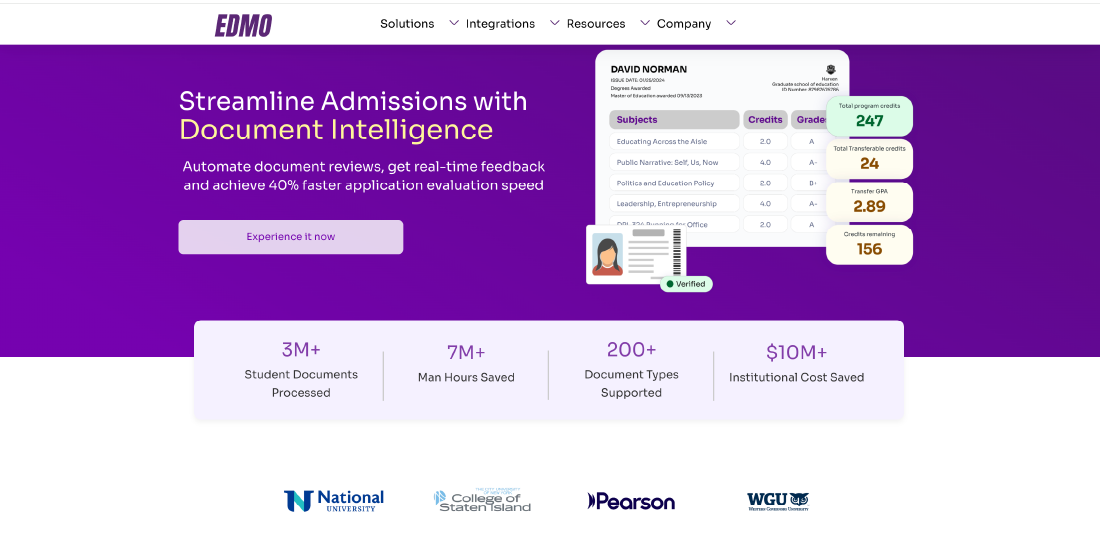
EDMO is an AI-powered solution toolkit that integrates with Salesforce to streamline operations and enhance data management. It helps organizations handle data securely, improve analytics and reporting, and automate key processes such as workflow management, customer support, and administrative tasks.
Key Features:
- Predictive scoring and enrollment forecasting
- AI-driven insights from CRM and engagement data
- Early identification of high-probability conversions
- Strategic planning and performance optimization
Pros:
- Improves decision-making with data-driven predictions
- Helps teams focus on high-impact opportunities
- Reduces manual analysis and guesswork
Cons:
- Best suited for analytics and forecasting use cases
- Requires clean, well-integrated CRM data
Pricing:
Custom pricing based on data volume and use case.
eesel AI
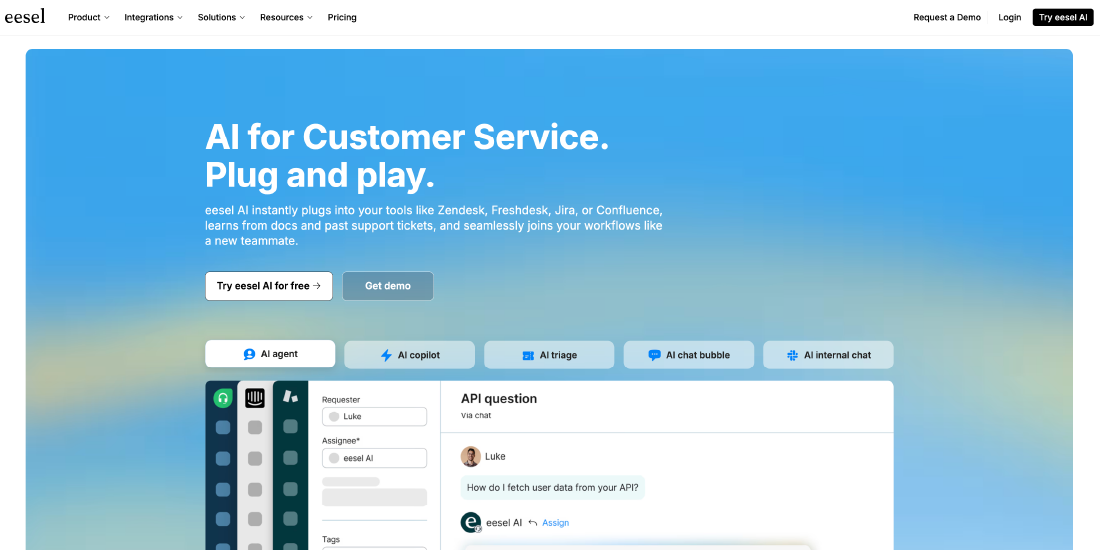
eesel AI is an operational AI platform that automates frontline customer support and acts as a centralized knowledge brain. It integrates with Salesforce help desks and internal documentation to deliver instant, accurate responses.
Key Features:
- AI agents for customer and internal support
- Simulation mode to test performance on past tickets
- Knowledge base integration (Docs, Confluence, Slack)
- AI Copilot for human agents
Pros:
- Fast, no-code setup
- Risk-free simulation before deployment
- Works seamlessly with existing workflows
- Transparent, predictable pricing
Cons:
- Not designed for software development
- Advanced API actions may require technical expertise
Pricing:
- Team: $299/month
- Business: $799/month
- Custom: Contact sales
Einstein for Developers
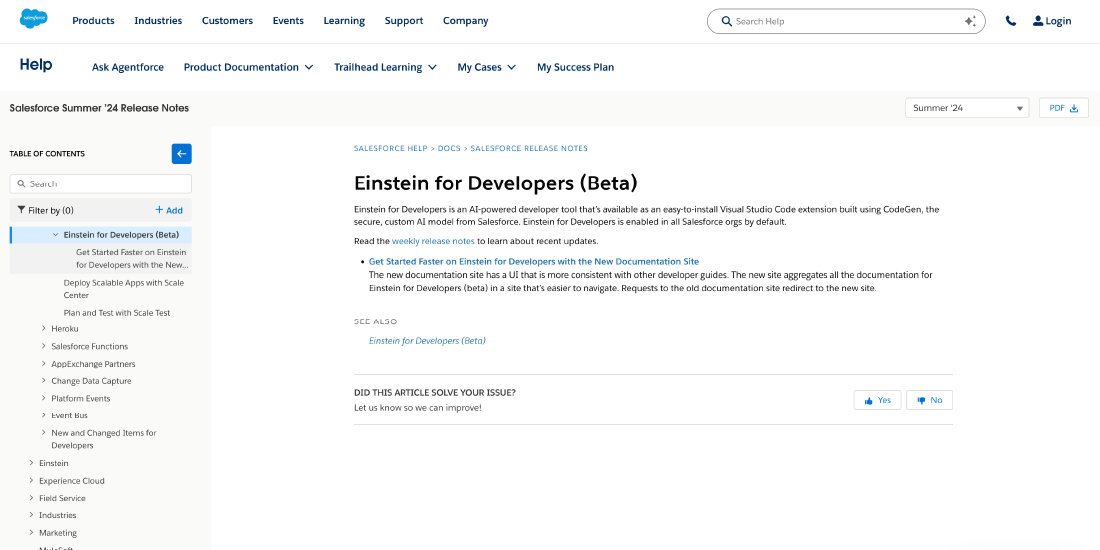
Einstein for Developers is Salesforce’s native AI tool that helps developers write Apex and Salesforce-specific code faster. It operates within Salesforce’s secure environment.
Key Features:
- Code generation from natural language
- Apex autocomplete and suggestions
- Automated test case creation
- Built on Salesforce’s CodeGen model
Pros:
- Deep integration with Salesforce ecosystem
- Strong focus on security and data privacy
- Helpful for Salesforce-specific development
Cons:
- Less accurate than some third-party tools
- Limited to Salesforce development only
- Pricing lacks transparency
Pricing:
Bundled with Salesforce licenses; pricing available via sales inquiry.
GitHub Copilot
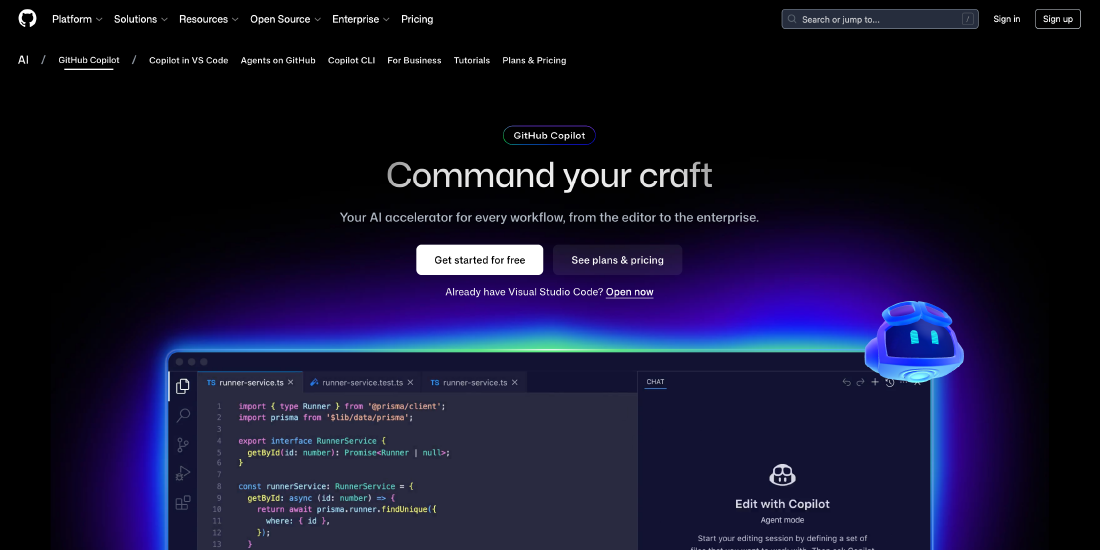
GitHub Copilot is a widely used AI coding assistant that supports multiple programming languages, including Apex. It integrates with popular IDEs like VS Code.
Key Features:
- Real-time code suggestions
- Multi-language support
- Boilerplate and function generation
- IDE integration
Pros:
- Boosts developer productivity
- Works across different tech stacks
- Easy to adopt
Cons:
- Not Salesforce-specific
- Can generate incorrect Apex or LWC syntax
- No awareness of org metadata
Pricing:
- Free: Limited usage
- Pro: $10/user/month
- Pro+: $39/user/month
Cursor
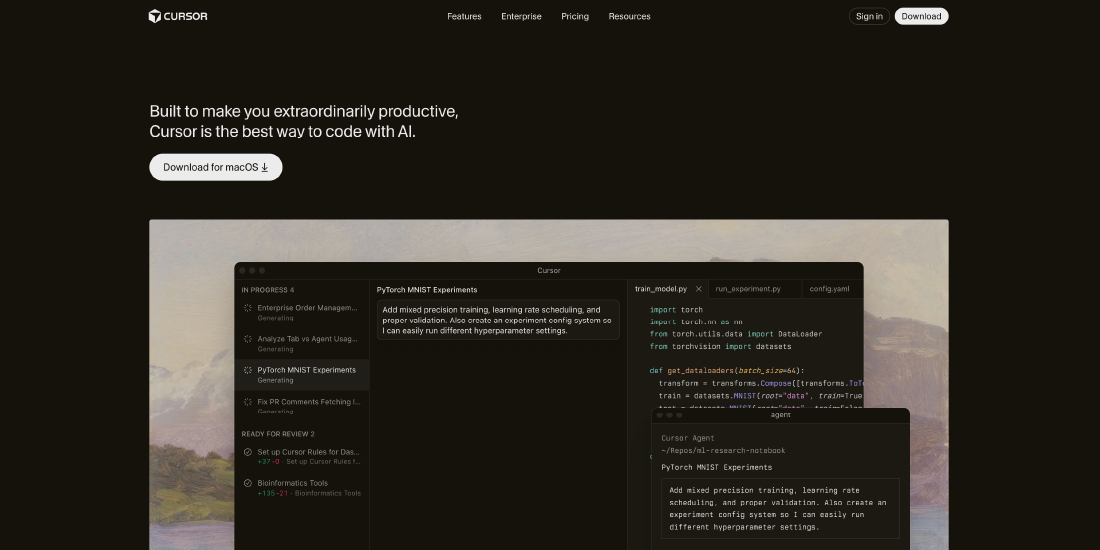
Cursor is an AI-first code editor that understands the full context of your project. Unlike plugins, AI is built directly into the editor.
Key Features:
- Full codebase context awareness
- AI-powered refactoring
- Support for OpenAI, Anthropic, and Google models
- Advanced agent workflows
Pros:
- Highly accurate suggestions
- Excellent for complex Salesforce projects
- Powerful refactoring capabilities
Cons:
- Requires switching editors
- Advanced features locked behind paid plans
Pricing:
- Hobby: Free
- Pro: $20/month
- Pro+: $60/month
- Ultra: $200/month
ChatGPT & Claude
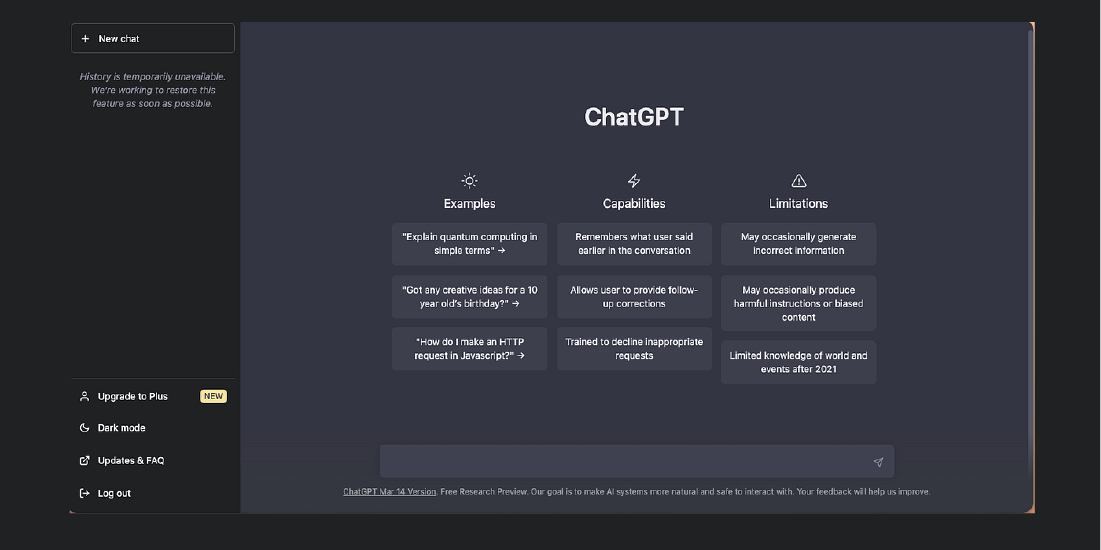
ChatGPT and Claude are general-purpose AI assistants widely used by Salesforce professionals for problem-solving, logic design, and documentation.
Key Features:
- Code explanation and logic walkthroughs
- SOQL query assistance
- Formula field and validation rule creation
- Documentation support
Pros:
- Excellent for ideation and troubleshooting
- Easy to use with minimal setup
- Strong free tiers
Cons:
- Can hallucinate Salesforce-specific syntax
- No awareness of org context or limits
- Requires manual copy-paste into IDEs
Pricing:
- ChatGPT: Free; Plus at $20/month
- Claude: Free; Pro at $20/month
Copado Robotic Testing
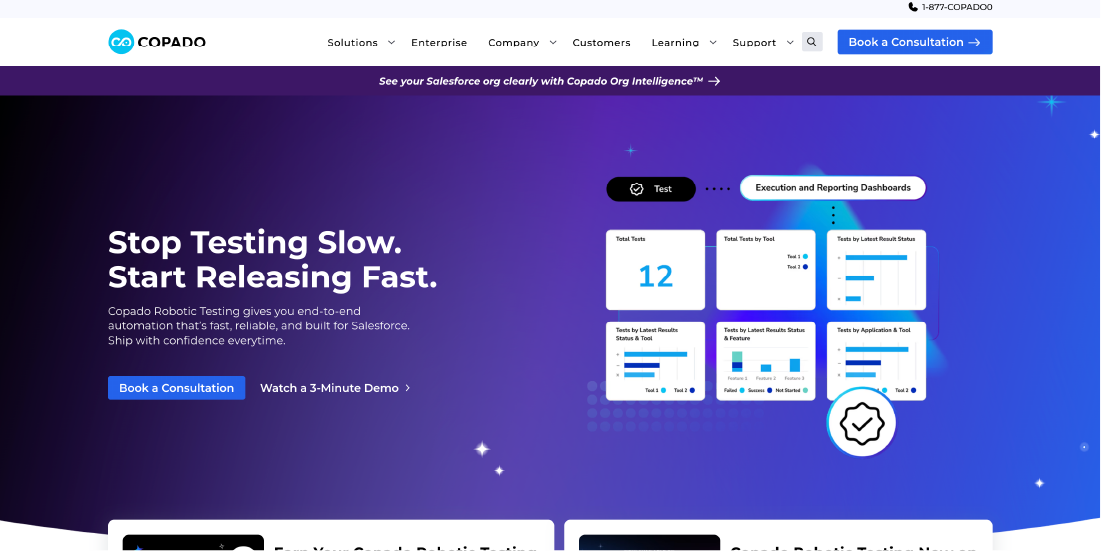
Copado Robotic Testing uses AI to automate Salesforce testing and QA processes. Its CopadoGPT feature converts user stories into executable test scripts.
Key Features:
- AI-generated test scripts
- Self-healing tests
- Automated regression testing
- Salesforce DevOps integration
Pros:
- Significant time savings in QA
- Improves release confidence
- Enterprise-grade DevOps alignment
Cons:
- High cost for small teams
- Focused only on testing and DevOps
Pricing:
Custom enterprise pricing
How to Integrate AI Tools into Your Salesforce Operations
Integrating AI tools into Salesforce operations requires a structured and strategic approach. By incorporating AI within the Salesforce platform, organizations can strengthen customer relationship management, automate routine tasks, and uncover actionable insights that support better decision-making. To ensure a successful integration, follow these key steps:
Define business needs and objectives
Begin by assessing your organization’s specific challenges and what you want to achieve with AI whether it’s streamlining workflows, improving customer support, or enhancing data analytics. A 2025 Salesforce study found that 63% of users wished they had access to 24/7 AI assistance for various processes, while 83% of professionals want AI tools to support their roles. Identifying clear areas where AI can fill gaps in service and efficiency is the first step to successful implementation.
Choose the right AI tool for your organization
Carefully evaluate available AI solutions and select the one that best fits your organization’s needs. The ideal tool should integrate smoothly with Salesforce and support your specific workflows and use cases. AI adoption is growing rapidly, with nearly two-thirds of organizations now using AI-enhanced tools for CRM, analytics, and operational tasks.
Confirm compatibility with your Salesforce environment
Before implementation, verify that the AI tool is compatible with your existing Salesforce configuration, data models, and security settings to prevent integration issues.
Leverage expert support during implementation
Work closely with the AI provider’s support team or experienced Salesforce consultants to ensure smooth deployment and resolve technical challenges efficiently.
Train teams for effective adoption
Provide hands-on training to help users understand the tool’s features and capabilities. Proper training ensures higher adoption rates and enables teams to use AI effectively in their daily workflows.
Track performance and optimize usage
Regularly monitoring the AI tool’s performance is essential to ensure it delivers real value. Focus on key Salesforce metrics such as productivity, student engagement, and response times, and use these insights to refine processes and enhance outcomes. Over 85% of higher‑ed administrators expect increased use of predictive analytics for student success in the next two years.
Overcoming Common Integration Challenges
Integrating AI tools into Salesforce can bring many benefits, but it can also be challenging. To make the process smooth and get the most value from AI, institutions should follow these key strategies:
Evaluate the AI tool’s capabilities and limitations
Before integration, carefully assess what the AI tool can and cannot do. Understanding its strengths and weaknesses helps set realistic expectations and avoid potential implementation issues.
Set clear objectives and expected outcomes
Define specific goals for what you want the AI tool to achieve. Clear objectives provide direction for the integration process and help measure success against key performance metrics.
Involve Salesforce administrators and IT teams
Engage your internal technical teams early in the integration process. Their knowledge of your Salesforce environment ensures compatibility, smooth data flow, and proper configuration.
Maintain regular communication with the AI vendor
Stay in close contact with the AI tool provider for support, updates, and troubleshooting. Regular communication helps address challenges quickly and keeps your integration aligned with best practices.
Provide comprehensive training to staff
To maximize the benefits of an AI tool, it is essential to ensure that your team fully understands how to use it. Comprehensive training not only increases adoption but also reduces errors and enables staff to leverage the tool’s full capabilities. Surveys indicate that over 50% of institutions consider insufficient staff training a major barrier to successful AI implementation, with many administrators reporting they feel less prepared for AI adoption compared to their peers.
Criteria for Selecting AI Tools for Salesforce
Selecting the right AI tool for Salesforce is critical to ensure it delivers value without disrupting existing workflows. When evaluating options, institutions should consider the following key criteria:
Seamless Salesforce Integration
A successful AI tool must integrate smoothly with Salesforce. This means it should easily access and manage Salesforce data, operate within the Salesforce interface, and complement existing functionalities. Seamless integration allows users to leverage AI capabilities without constantly switching between platforms or disrupting workflows, ensuring efficiency and user adoption.
Functionality and Use Cases
The functionality of the AI tool and its specific use cases are primary considerations. Use cases refer to practical ways the tool can add value, such as improving customer service, enhancing lead management, or generating predictive insights for decision-making.
Vendor Reputation and Long-Term Strategy
It’s essential to assess the vendor’s experience, reputation, and commitment to ongoing development. Reliable vendors are more likely to provide long-term support and ensure continuous innovation.
Training and Support
Providing effective training and ongoing support is crucial to fully harness the benefits of any AI tool. Organizations should assess the vendor’s educational resources, tutorials, customer support, and community forums. According to OECD data, only 38% of professionals worldwide have received formal AI training, underscoring that comprehensive training and support are key to successful adoption and effective use of AI solutions.
Conclusion
AI tools in Salesforce are transforming the way organizations manage data, teams, and operations. By automating routine tasks, providing predictive insights, and enhancing engagement, these tools enable professionals to work smarter and more efficiently.
When integrated thoughtfully with clear objectives, trained teams, and ongoing monitoring, Salesforce AI can improve decision-making, save time, and create a better experience for both employees and clients. Adopting AI is no longer just an option; it’s a strategic approach to stay competitive and achieve meaningful results.
Frequently Asked Questions
Question 1. Can I integrate third-party AI tools with Salesforce?
Question 2. What’s the future of Salesforce AI?
Question 3. Are there specific tools that are better for ensuring data security and compliance when deciding which AI tool is best for Salesforce?
Question 4. Is there a dedicated AI tool for Salesforce that supports admissions teams?
Question 5. Can Salesforce be integrated with AI tools to improve admissions processes?
Question 6. What is the best AI for Salesforce coding?
Written By



No comments yet. Be the first to comment!
Leave a Comment