
Table Of Contents
Introduction
The Document Management Systems (DMS) market is rapidly growing, valued at USD 1,090.45 million in 2025 and projected to reach USD 1,434.01 million by 2034, with a CAGR of 3.09%. This growth reflects the increasing need for organizations, including educational institutions, to securely store, manage, and access their documents.
A DMS helps schools, colleges, and universities streamline workflows, improve collaboration, enhance security, and reduce errors, making it an essential tool in today’s digital and data-driven environment.

Source: Industryresearch
What Is a Document Management System (DMS)?
A Document Management System (DMS) is software used to create, store, manage, and track digital documents, as well as scanned copies of paper files. It helps organizations move away from physical paperwork, which is why a DMS is often called an electronic filing cabinet.
By making it easy to capture, digitize, organize, and tag documents, a DMS saves time and reduces manual effort. It also improves security, enables easy collaboration, and supports compliance with regulatory requirements.
Why Every Educational Institution Needs a Document Management System
Educational institutions handle large volumes of documents such as student records, academic files, and financial reports. A Document Management System (DMS) simplifies document handling and ensures smoother academic and administrative operations.
Centralized and Organized Document Storage
Educational institutions manage various records, including student profiles, grades, certificates, exam papers, HR files, and financial documents. A DMS provides a centralized digital repository where all documents are stored, indexed, and easily searchable.
Enhanced Security and Compliance
Educational institutions handle sensitive data like student records, financial documents, and research files. A DMS ensures robust security with access controls, encryption, audit trails, and user authentication, limiting access to authorized staff only. Nearly 59% of higher-ed IT leaders report that old systems lack proper storage and security, increasing risks for data protection and compliance.

Improved Administrative Efficiency
Manual handling of admissions, attendance, grading, fee tracking, and approvals is time-consuming and error-prone. A DMS automates repetitive tasks, supports digital form submissions, integrates workflows like approvals and notifications, and accelerates administrative operations.
Faster Search & Retrieval Across Departments
With advanced search capabilities (keyword search, document tagging), staff can locate needed files instantly. This is especially important when multiple departments such as finance, admissions, academics, and HR need access to specific documents concurrently.
Supports Collaboration Across Departments
Managing an institution involves multiple departments like admissions, finance, faculty, and IT. A modern DMS allows real-time document sharing, version tracking, and collaboration, reducing duplication and reliance on emails. About 49% of campuses are boosting tech investments to enhance collaboration and streamline processes.
Key Features of a Document Management System
Although document management needs vary by organization, there are several core features that every effective Document Management System (DMS) should include:
Strong security and access controls
A good DMS lets organizations set custom access permissions, deciding who can view, edit, or share documents. This protects sensitive information while enabling secure collaboration across teams and external partners.In fact, 42% of enterprises implement a DMS primarily for compliance and security due to rising data risks.
Support for multiple file types
An efficient DMS should be capable of storing and managing a wide range of file formats. Limited file support can force businesses to use multiple systems, leading to inefficiencies and data duplication.
Advanced search and retrieval capabilities
Quick access to documents is a key purpose of any DMS. Powerful search functionality such as keyword search, filters, and metadata-based search ensures users can easily locate important files when needed.
Document history and audit trails
Tracking changes to documents is essential for accountability and compliance. A DMS should maintain a complete audit trail that records edits, timestamps, and user activity. This feature is particularly important for organizations that must meet internal policies or regulatory requirements.
User-friendly interface
Ease of use plays a crucial role in adoption. A DMS should be intuitive and easy to navigate so employees can use it efficiently without extensive training. Complex systems often face low adoption, reducing their overall value to the organization.
10 Popular Document Management Systems
Here’s a list of 10 widely used Document Management Systems (DMS), along with their key features, pros, and pricing.
EDMO Document Intelligence
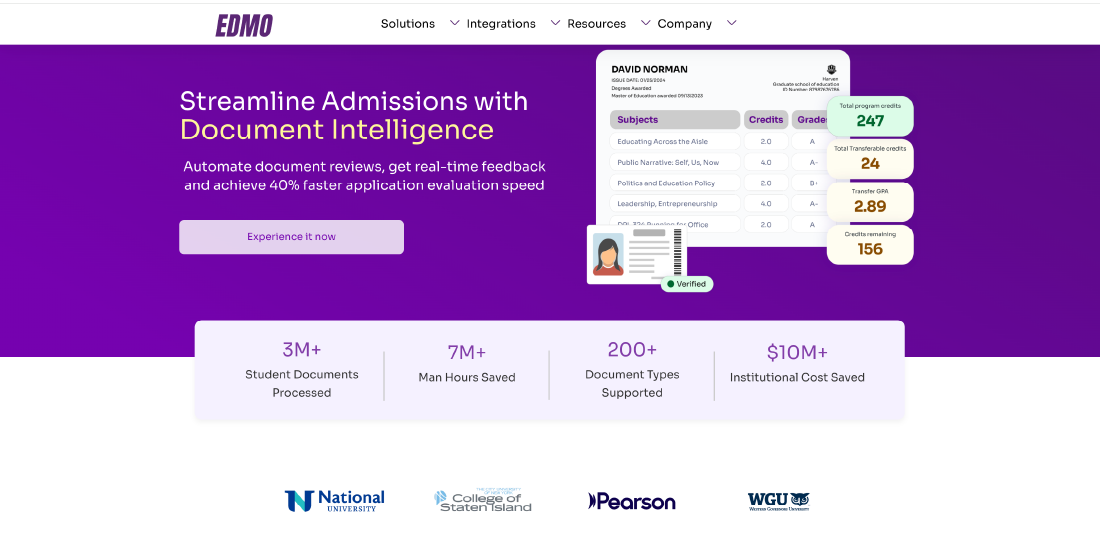
EDMO Document Intelligence is an AI-powered platform that automates document-heavy workflows in higher education, especially for admissions and enrollment. It uses AI to quickly read, extract, and evaluate application materials, reducing manual review time.
Key Features:
- AI-driven document extraction and classification
- Automated workflows and analytics
- Real‑time analytics and insights for admissions teams
Best for: Higher education institutions handling high volumes of applications.
Pricing: Custom quote based on usage and volume
Box
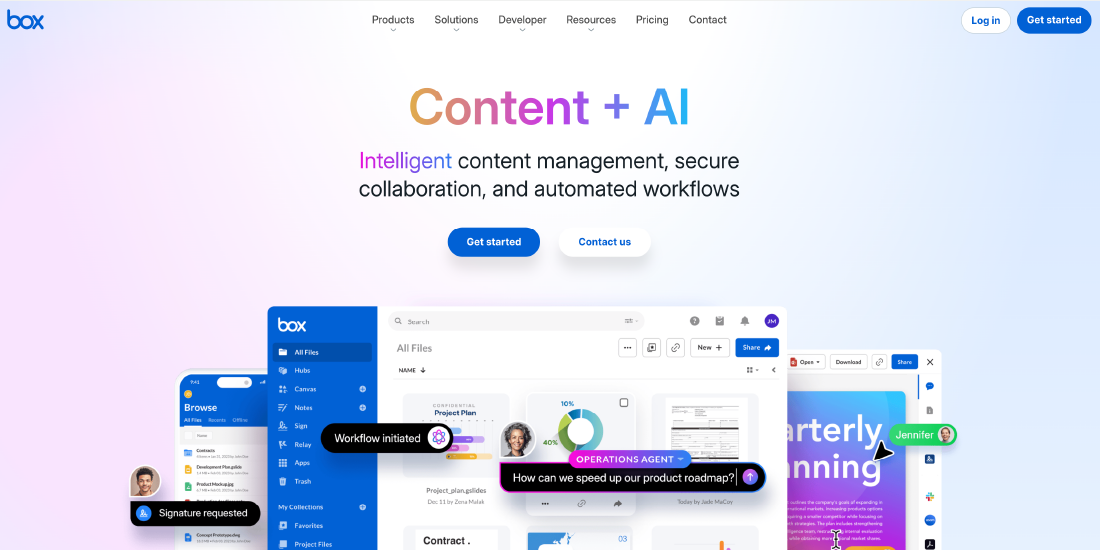
Box is a cloud-native document management and collaboration platform founded in 2005. It serves over 97,000 companies, including more than half of Fortune 500 firms, making it a trusted choice for enterprises.
Key Features:
- Unlimited storage with desktop and mobile apps
- Collaboration tools, eSignature, and zero-trust security
- Integration with 1,500+ applications
Best for: Organizations of all sizes across industries.
Price: Free for single users (10GB); business plans start at $15/user/month
DocuWare

Founded in 1988, DocuWare is a leading document management and workflow automation solution. It supports companies worldwide in industries like healthcare, manufacturing, retail, and government.
Key Features:
- Collaboration, compliance tracking, and eSignature
- Document archiving, indexing, version control
- Integration with 500+ apps
Best for: Organizations of any size and industry needing workflow automation.
Price: Free trial; custom pricing
Dropbox Business
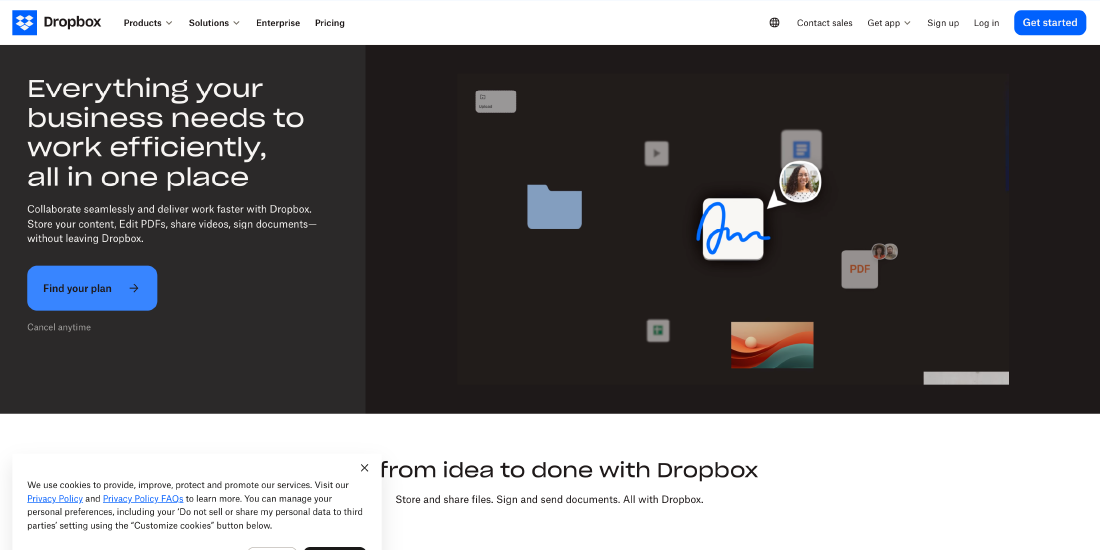
Dropbox Business is a cloud-based platform designed to simplify file storage, sharing, and team collaboration. The platform is ideal for teams looking to improve workflow efficiency while maintaining security and version control.
Key Features:
- Cross-platform (Windows, Mac, iOS, Android)
- Collaboration tools, eSignature, version control
- Document archiving, indexing, offline access
Best for: Teams needing seamless file sharing and collaboration.
Price: Business plan $15/user/month; Business Plus $24/user/month
Egnyte
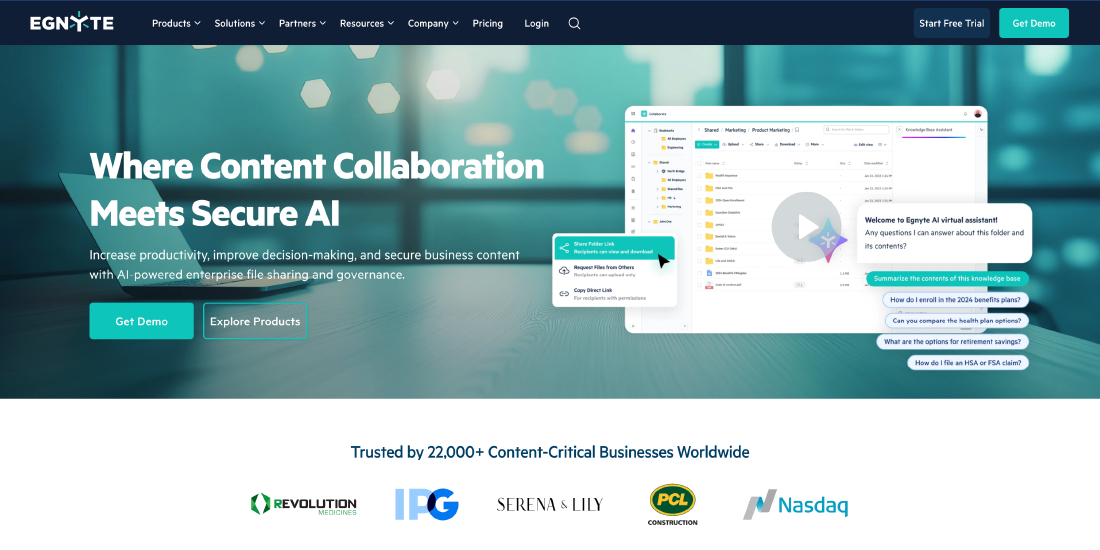
Egnyte, founded in 2007, is a cloud-based content management system focused on security, compliance, and governance. It serves organizations that handle sensitive or regulated data, such as finance, healthcare, and government.
Key Features:
- AI-powered insights and automated content classification
- Cloud File Server, desktop/web/mobile access
- Built-in eSignature and pre-configured security controls
Best for: Highly regulated industries.
Price: Business $20/user/month; Enterprise Lite $38/user/month
Google Workspace
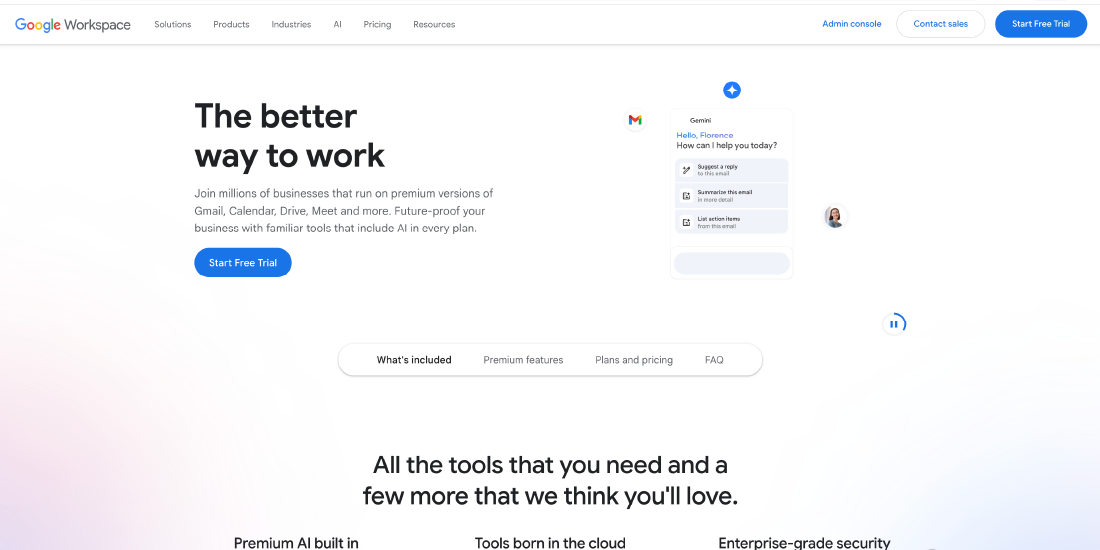
Google Workspace is a cloud-based productivity and document management suite accessible to anyone with a Google account. With tools like Google Drive, Docs, Sheets, and Slides, it simplifies workflow, enhances productivity, and centralizes document management.
Key Features:
- Large storage capacity, file syncing, and sharing
- Integration with Google products and external apps
Best for: Teams collaborating in real-time projects.
Price: Free 15GB for individuals; Business Standard $12/user/month (2TB storage)
Laserfiche
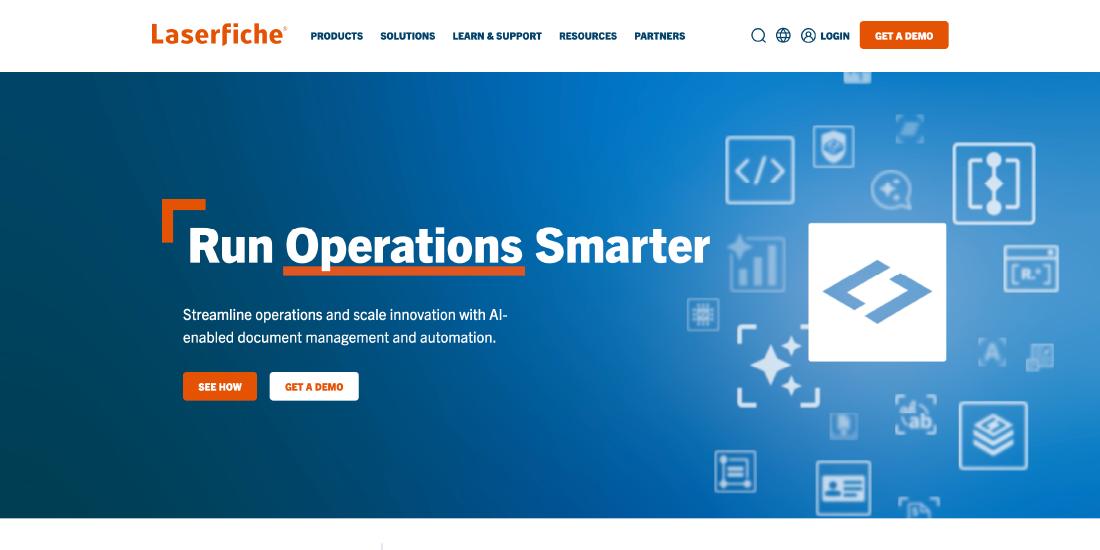
Laserfiche provides intelligent document management and business process automation to streamline operations. The platform allows organizations to digitize paperwork, automate workflows, and gain insights through analytics, reducing manual effort and errors.
Key Features:
- Collaboration tools, eSignature, version control
- Document archiving, indexing, retention, offline access
- Workflow automation and analytics
Best for: Businesses of all sizes, including education, healthcare, and manufacturing.
Price: Cloud Starter $50/user/month
M-Files

M-Files is an intelligent information management system that unifies content across existing systems without requiring data migration. It uses metadata-driven organization to simplify search, retrieval, and workflow automation.
Key Features:
- OCR, version control, offline access
- Automated workflow, collaboration, eSignature
- Document assembly, archiving, indexing, retention
Best for: Small to mid-sized businesses and tailored industry solutions.
Price: Free trial; pricing varies based on features and users
OnlyOffice Workspace
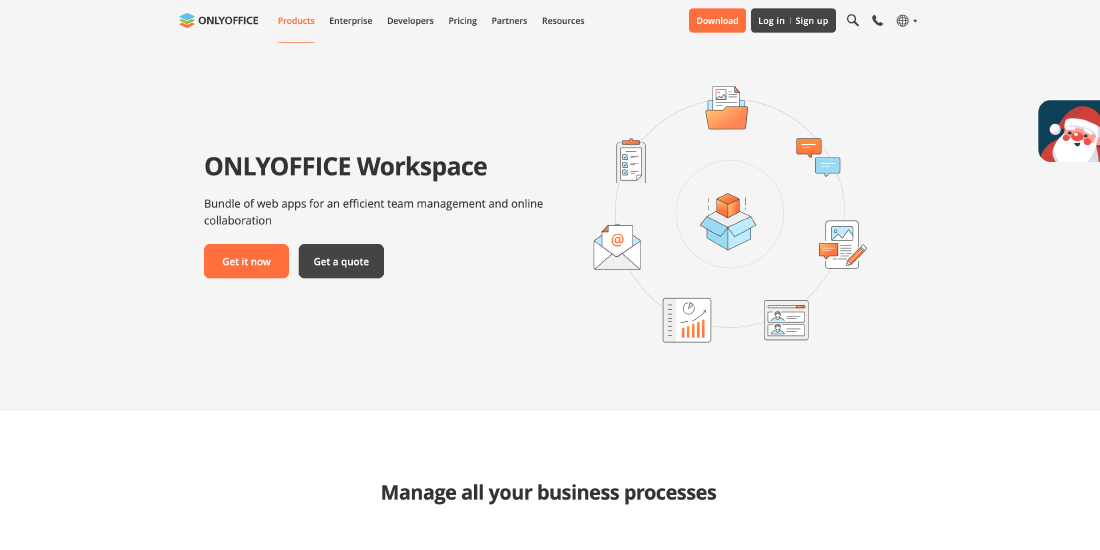
OnlyOffice Workspace is a comprehensive suite of web-based applications for document management, collaboration, and project management. It is widely used by educational institutions, SMEs, and government organizations.
Key Features:
- Collaboration tools, eSignature, version control, OCR
- Project management, team chats, file sharing
- Desktop and web access
Best for: Educational institutions, SMEs, government organizations.
Price: Enterprise lifetime license $2,200/server
Revver
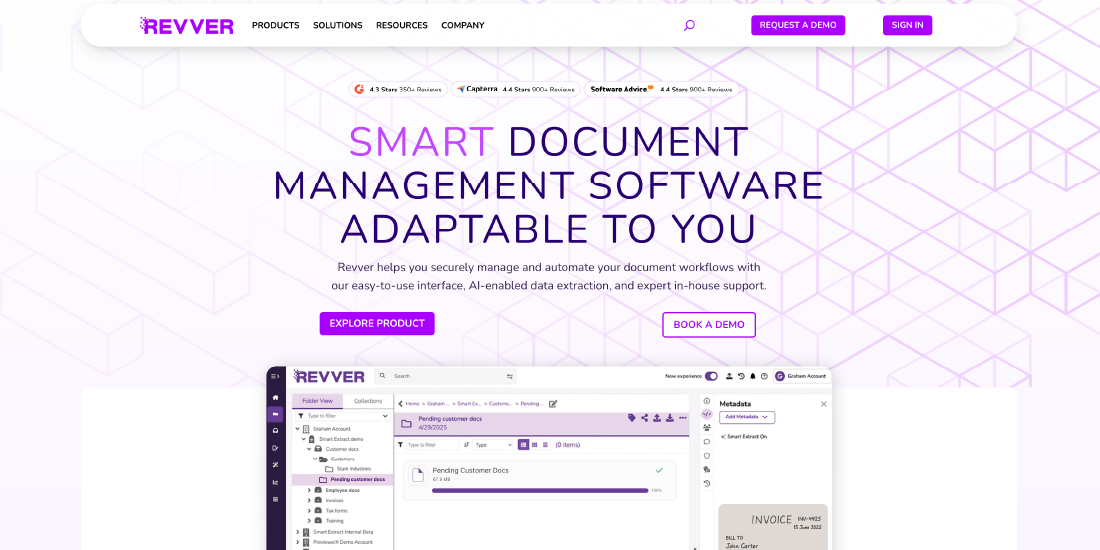
Revver combines eFileCabinet and Rubex to provide an end-to-end document management solution for businesses. It supports both cloud and on-premise deployments and automates document-heavy workflows.
Key Features:
- Cloud and on-premise options, OCR, eSignature
- Workflow management, secure file sharing, email importing
- Version control, file recovery, document archiving
Best for: Businesses of all sizes, including accounting, healthcare, and government.
Price: Custom quote from vendor
Conclusion
A Document Management System (DMS) is no longer optional for educational institutions; it is essential for managing the growing volume of student records, academic files, financial documents, and administrative paperwork. By centralizing storage, enhancing security, enabling collaboration, and streamlining workflows, a DMS improves efficiency, reduces errors, and ensures compliance.
Frequently Asked Questions
Question 1. Are document management systems secure?
Question 2. Is it difficult to migrate to a document management system?
Question 3. Can a document management system support remote or hybrid work?
Question 4. What types of documents can a DMS manage?
Question 5. How does a document management system improve productivity?
Written By


You May Also Like
 AI in Education

 AI in Education
 AI in Education


No comments yet. Be the first to comment!
Leave a Comment